
Description
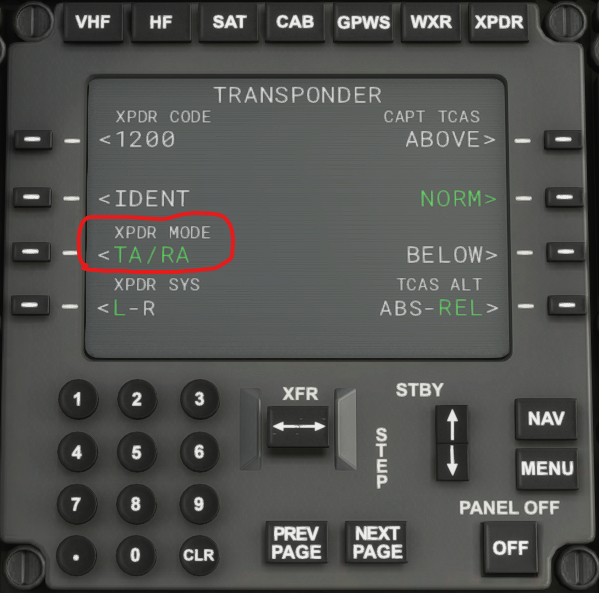
The TCAS Mode Selector knob in the Asobo B787-10 is non functional. The only way to change the mode is to have the co-pilot manage the radios. However, this method does not work when used online with VATSIM or IVAO or similar ATC services. The knob itself cannot be fixed since it is in the encrypted model behavior files. This package provides an alternate mechanism to set the TCAS mode using the NAV radio panel. The mod provides a toggle LSK (Line Select Key) when in the transponder page of the NAV radio (see screenshot). Each press of the LSK switches the TCAS mode.
INSTALLATION:
- Simply unzip into the Community folder of your MSFS 2020
NOTES:
- This mod can co-exist (as of March 2021) with other B787 mods like B787_XE or B78XHL
Boeing 787-10 TCAS Mode Selector Alternate
Enhance your Boeing 787-10 experience in Microsoft Flight Simulator with this mod that provides an alternate mechanism to set the TCAS mode. Say goodbye to the non-functional TCAS Mode Selector knob as you toggle through modes using the NAV radio panel. This easy-to-install package ensures compatibility with online ATC services like VATSIM and IVAO, offering a seamless flying experience. Compatible with other B787 mods, this add-on brings convenience and functionality to your virtual cockpit.


User Reviews
1 reviews
Version History
No version history available.
Related
EGPF - Glasgow Improvements
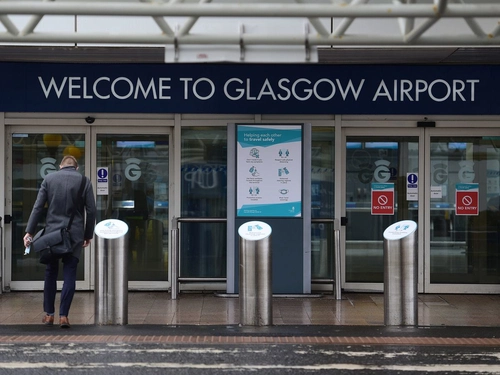
Enhance your Glasgow Airport experience with this add-on, which improves upon the default MSFS scenery by adding essential taxiway signs and ground elements like stand numbers. Perfect for those using VATSIM or IVAO, this scenery ensures easier navigation without adding any new 3D objects. Simply extract and copy the files to your "Communities" folder for easy installation.
by ghosh9691
EGPD - Aberdeen Dyce Airport
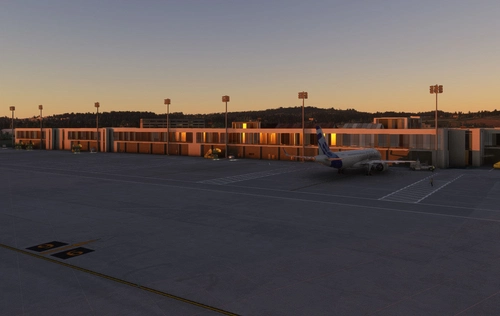
Enhance your virtual Aberdeen experience with this reworked version of Dyce Airport. Featuring handcrafted taxiways, accurate parking stands, ground textures, and apron lights. Compatible with Global Textures for optimal performance. Optional GSX Pro profile available for an interactive airport experience.
by ghosh9691

Global Airport Taxiway Markings
Enhance taxiway visuals at default MSFS airports with high-quality textured taxi lines by installing this add-on in your community folder.
by ghosh9691
LMML - Malta Airport Improvements
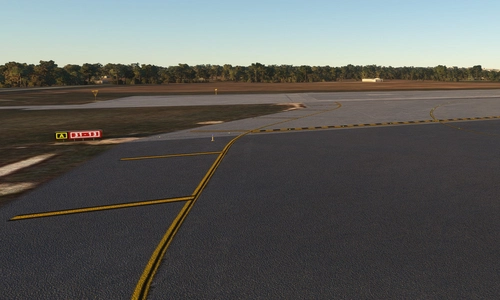
Enhance the LMML Luqa airport in Malta with this add-on, designed to improve your experience on VATSIM & IVAO. Enjoy accurate taxi lines, parking spots, and apron lighting, with ongoing updates to come. Please note that this release currently focuses on Apron 9, with limited coverage on other areas and VFR zones.
by ghosh9691
Log in to join the discussion
Log InComments(6)
about 2 years ago
about 2 years ago
over 3 years ago
Works flawlessly,
SU11 compatibility is available.
If you are considering using this FIX with Heavy Division's B78XH mod, please note that it only works with the stable version of B78XH, NOT DEV or EXP.
Maybe there will be a solution for that soon.
over 5 years ago
over 5 years ago
over 5 years ago
Glad to hear it working for you on VATSIM since this was one of the major reasons for not being able to use this airplane on the online ATC networks...