
Description
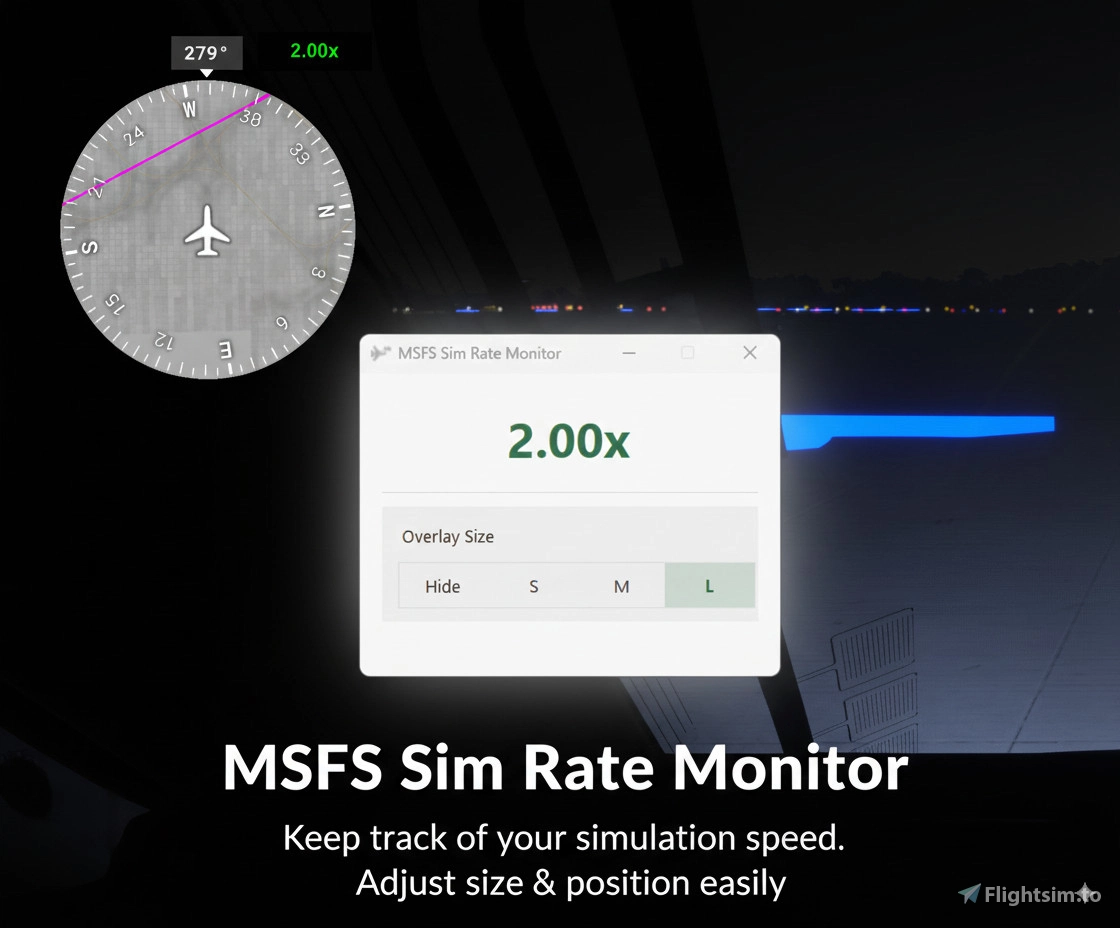
✨ MSFS Sim Rate Monitor
Microsoft Flight Simulator 2024 lets you speed up or slow down the simulation rate, but there is no eligent way to get the *current sim rate* in game.
So this tool is designed to help you to watch sim rate more comfortable.
Features
1. Always-on-top **overlay indicator** – drag it anywhere on your screen
2. Lightweight: only ~20MB RAM usage, almost no CPU load
3. Standalone app – no mods, no plugins
1. Download the ZIP from the release section.
2. Extract anywhere.
3. Run `MSFS-SimRate-Monitor.exe` before or after launching MSFS.
Created by **faker2048**
Licensed under **MIT License**
It is my open source porject, here you can check:
https://github.com/faker2048/MSFS-SimRateMonitor
If you encounter any bugs or issues, please let me know.
Sim Rate Monitor
The MSFS Sim Rate Monitor is a standalone application designed for Microsoft Flight Simulator 2024, providing users with real-time visibility of the current simulation rate. The tool features an always-on-top overlay indicator that can be easily repositioned on the screen. With a lightweight design that minimizes resource usage, it requires no additional mods, plugins.


User Reviews
3 reviews
Version History
No version history available.
Log in to join the discussion
Log InComments(10)
about 1 month ago
about 1 month ago
2 months ago
7 months ago
However, I would like to make a few suggestions:
- Button to increase and decrease speed
- Button to set the speed to 1x
- Option to start minimized, if possible to the system tray
8 months ago
9 months ago
11 months ago
11 months ago
about 1 year ago
Does it work in VR ?
about 1 year ago