
Description
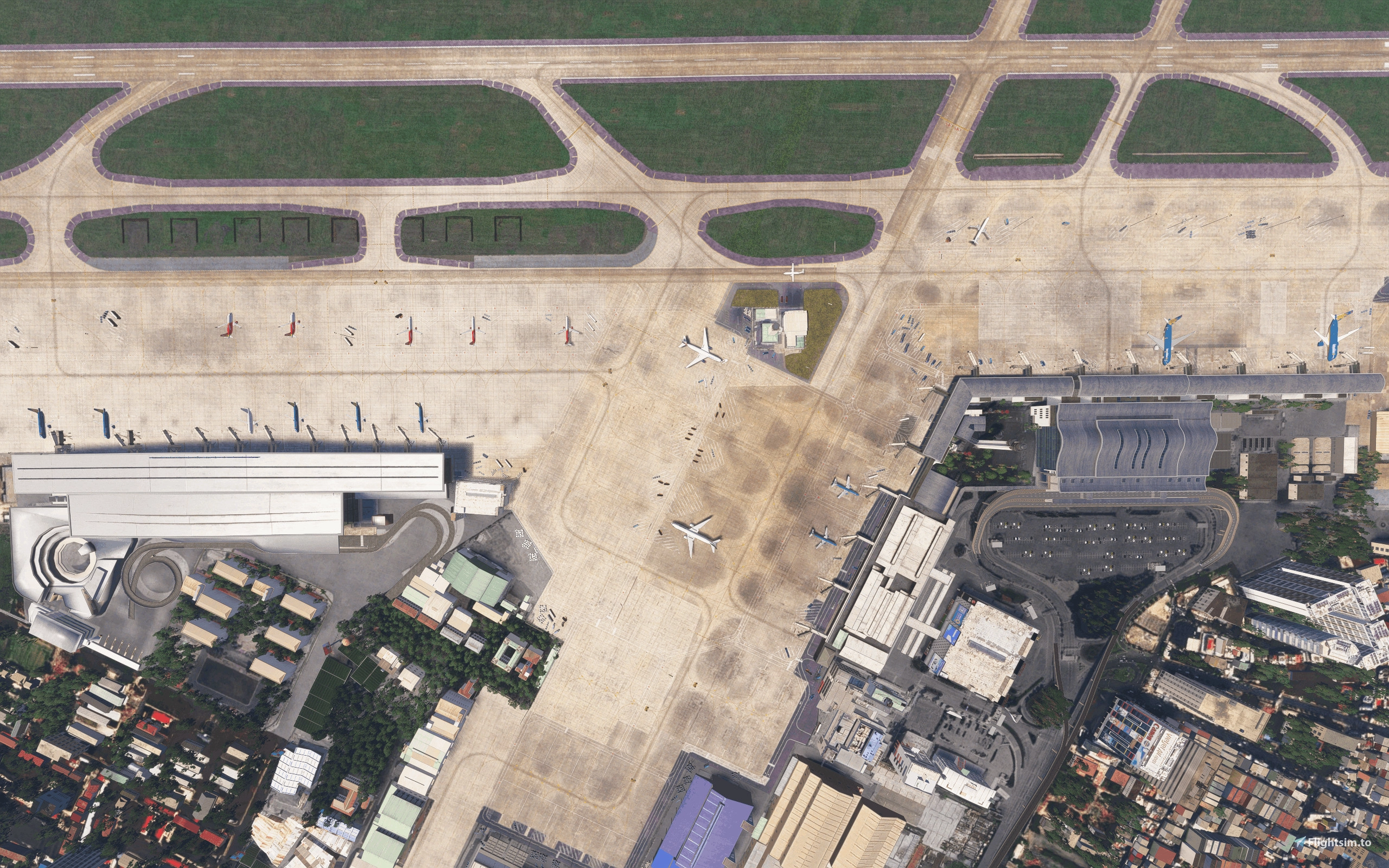
GSX PROFILE FOR VVTS TAN SON NHAT BY DOMINICDESIGNTEAM
*Select your version accordingly to the download options.
VERSION 2
Fully customized GSX Pro Profile for DominicDesignTeam VVTS Version 2:
Installation:
To install, simply extract the .zip file, then copy BOTH the .ini and python file into %appdata%\Roaming\Virtuali\GSX\MSFS. Right after spawned into any stand or gate using this profile, it is advised to use "reposition at this current position" option to ensure the aircraft is parked at the right position. Voila! Enjoy the wonderful VVTS!
Details:
+ Added stop positions for all parkings, and mutiple stop positions based on user's aircraft type for Terminal 1, Terminal 2, and Terminal 3.
+ Added pushback scenarios (information provided by Vatsim controller) and engine start callouts from ground workers.
+ Adjustment to VDGS, because of the existing models of VDGS system in the new version, only GSX VDGS screens are placed on top of the model for immersion.
+ Adjustment to GSX service vehicles placement compared to V1.
+ Update handling (SAGS, VIAGS) and catering (VACS) operators for all parkings.
VERSION 1 (CURRENTLY ON HOLD FOR ANY FIX OR UPDATE SINCE I DON'T HAVE FS20 ON MY PC ANYMORE)
Fully customized GSX Pro Profile for DominicDesignTeam and Yoshino's VVTS enhancement package (this is a must to have this profile function properly):
Yoshino's VVTS - Tan Son Nhat Intl Airport Enhancement Package (ONLY NEEDED FOR VERSION 1)
Installation:
To install, simply extract the .zip file, then copy BOTH the .ini and python file into %appdata%\Roaming\Virtuali\GSX\MSFS. Right after spawned into any stand or gate using this profile, it is advised to use "reposition at this current position" option to ensure the aircraft is parked at the right position. Voila! Enjoy the wonderful VVTS!
Details:
+ Proper stop positions for all parkings, and mutiple stop positions based on user's aircraft type for Terminal 1, Terminal 2. (same function will be added for Terminal 3 when stop position markings are added in the future for Yoshino's VVTS enhancement package)
+ Proper pushback scenarios (information provided by Vatsim controller) and added proper callouts from ground workers when aircrafts are cleared of roads or parking red lines.
+ More "realistic" VDGS (for Terminal 1 and Terminal 2) and GSX service vehicles placement.
+ Update handling (Vietnam Airlines, SAGS, VIAGS) and catering (VACS) operators for all parkings.
If you have any issue or suggestion, please don't be hesitate to leave a comment and I'll try to reply as soon as possible. Thank you for download!
GSX Profile - Vietnam - VVTS Tan Son Nhat Intl Airport (DominicDesignTeam)
This add-on provides a fully customized GSX Pro Profile specifically designed for the VVTS Tan Son Nhat International Airport, enhancing the experience for users of the Dominic Design Team and Yoshinos VVTS enhancement package. It features accurate stop positions for all parking areas, tailored pushback scenarios, and realistic service vehicle placements. Users are guided on installation and setup for optimal functionality within Microsoft Flight Simulator, ensuring an immersive airport experience.


User Reviews
2 reviews
Version History
Revert back to original group naming following the latest 3.9.1 update of GSX, please update both GSX and this profile for it to work best.
Featured in Collections(1)


Related
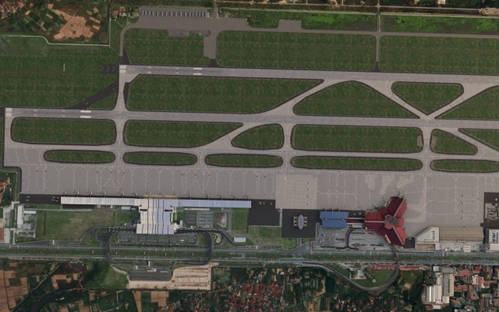
GSX Profile - Vietnam - VVNB Noi Bai Intl Airport (Dominic Design Team)
This add-on provides a fully customized GSX Pro profile for the VVNB Noi Bai International Airport, created by Dominic Design Team, and enhanced by Yoshino and ntnvs packages. It includes precise stop positions for parking based on aircraft type, realistic pushback scenarios, and calls from ground workers. Additionally, it enhances the visibility of GSX service vehicles and updates ground handling operations, contributing to the overall realism of the airport experience. Proper installation and usage instructions are included for optimal performance.
by Au0th3r
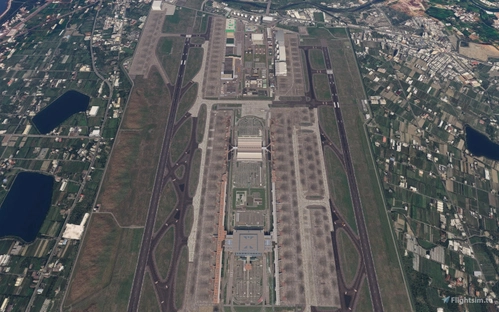
GSX Profile - Taiwan- RCTP Taiwan Taoyuan Intl Airport (ACO Design Studio)
This add-on provides a fully customized GSX Pro Profile for ACO Design Studios Taiwan Taoyuan International Airport (RCTP). It includes tailored profiles for all parking areas, proper stop positions, detailed pushback scenarios, and realistic ground worker callouts. The package enhances the airport experience with appropriate GSX service vehicle placements and accurate visual docking guidance systems, while updates reflect the major airlines operating at the airport.
by Au0th3r
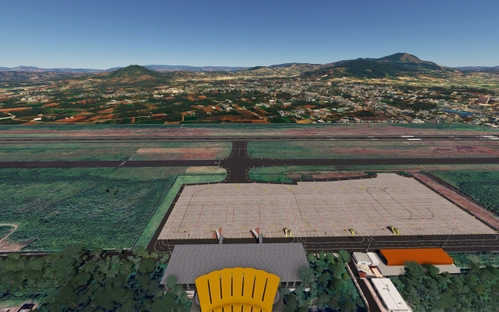
GSX Profile - Vietnam - VVDL Lien Khuong Intl Airport (gaukon9)
This add-on features a fully customized GSX Pro profile for Lien Khuong International Airport (VVDL), designed by gaukon9. It includes optimized stop positions, accurate pushback scenarios, and improved marshaller placements for enhanced realism. The profile also updates handling and catering services to reflect local operators, ensuring an authentic experience at this airport representing Dalat, Vietnam. Installation instructions are provided for easy setup.
by Au0th3r
Log in to join the discussion
Log InComments(22)
about 1 month ago
about 1 month ago
3 months ago
3 months ago
3 months ago
5 months ago
5 months ago
And in case u're asking for implementing new features of GSX, I was actually going to learn the new coding manual but since I landed a summer job, everything had to be pushed back unfortunately.
6 months ago
6 months ago
Cách 1 (Khuyên làm nhé): Bác bấm Win+R xong nhét prompt %appdata% vào cái box, nó sẽ tự chuyển bác tới file user appdata của bác r cứ kéo xuống tìm file Virtuali.
Cách 2 (Hơi khodam hơn tí): Bác vào ổ cài Win xong tìm cái folder User, xong chọn folder user của bác (nếu pc có nhiều user), BÂY H BÁC PHẢI MỞ OPTION SHOW HIDDEN ITEMS CỦA FILE EXPLORER MỚI THẤY ĐC CÁI FOLDER APPDATA, r vào Roaming xong tìm Virtuali th bác.
Rep hơi trễ chắc h bác cx tìm đc nó r :3
9 months ago
9 months ago
9 months ago
9 months ago
9 months ago
9 months ago
9 months ago
9 months ago
9 months ago
9 months ago
9 months ago