
Description
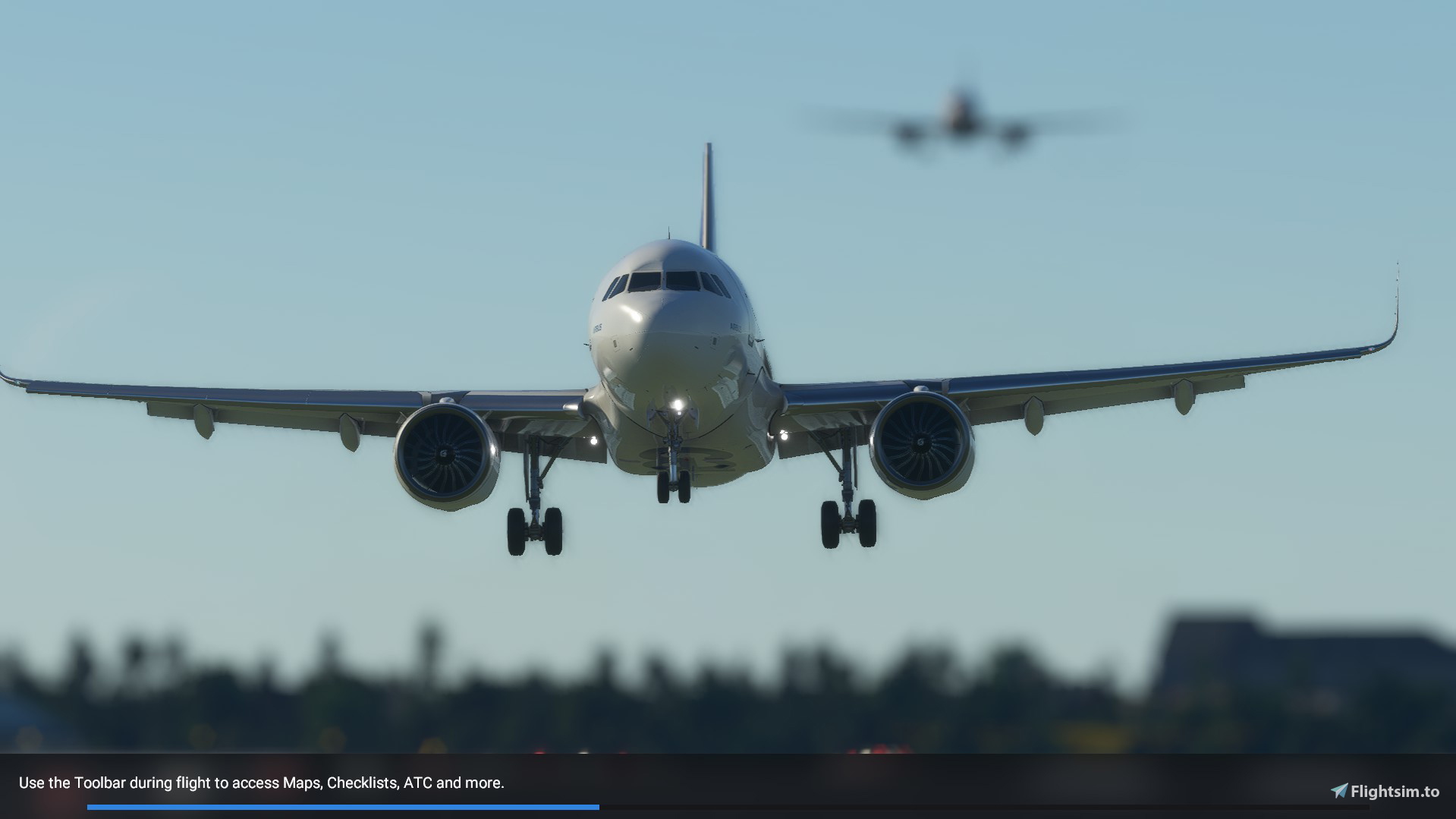
Are you bored already with the same loading screen over and over again? well... here is a mod that lets you choose your own loading screen.
All you have to do is load my mod and run it as you would do any other livery etc. If and when you are tired of the custom image I made then feel
free to replace it with your own and put it in the file structure as I have done so. Make sure too that it is the SAME name as I have done.
Extraction method:
- extract the file,
- move the file inside in the "community" directory.
I do plan to work more on it and have it so that it would change images randomly on loading.
NOTE: This does not do the main loading screen upon game start, this is the one from the main menu into the game. I chose not to change the main
one yet as it changes anyway with Asobo world/game updates.
Custom Loading Screen
Custom Loading Screen allows you to personalize your loading screen in Microsoft Flight Simulator. Simply install the mod to select your own image and easily replace it with another. More features are in the works, such as random image rotation. Note that this mod alters the loading screen from the main menu into the game, not the main startup screen.


User Reviews
8 reviews
Version History
No version history available.
Related
A330-300 Custom Camera Views
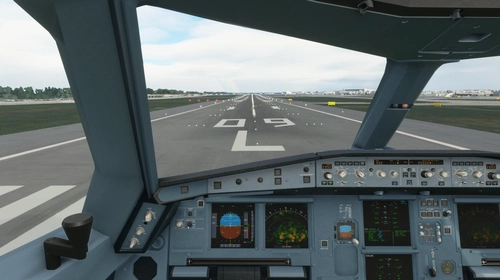
Customize your view with this A330-300 Custom Camera Views pack, featuring nine different camera angles including cockpit, wings, engines, and more. Follow the detailed installation instructions to set up these custom views in your Microsoft Flight Simulator.
by DarkXess
Spitfire Mk.IX TA805 "Spirit of Kent"
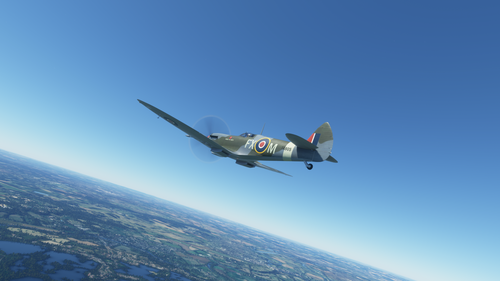
Replica of the "Spirit of Kent" TA805 livery for the iconic Spitfire Mk.IX. Featuring intricate details, this accurate rendition captures the essence of the historic paint job. Explore the rich history of this aircraft through its various paint schemes, including NHS, D-DAY, and Remembrance. Dont miss out on this meticulously crafted livery for your virtual Spitfire experience.
by DarkXess
Log in to join the discussion
Log InComments(27)
about 5 years ago
Loved using this, but can confirm it is now obsolete with SU5... If you create a folder in your Community folder as follows:
"Community\MOD-FOLDER-NAME-HERE\missions\Common\LOADING\FreeFlight"
(mod folder name isn't important but the bold folder path MUST exist or it won't work). You do need a relevant layout.json and manifest.json.
Then put any and as many splash screens in the FreeFlight folder. The Sim will pull files from there randomly as well as the new default ones in the Official folder, interchanging them between flight loading and ending. No exe files are required.
about 5 years ago
Hi, what do you mean with: "You do need a relevant layout.json and manifest.json."?
Now with 21:9 (3440 x 1440 resolution) screen on the left and right side there are 2 faded bands... Is it possible to remove them?
about 5 years ago
All mod folders need the manifest and layout.json files corresponding to their contents to work correctly. There should be info in the SDK but you can refer to any existing json files in the Community or Official folders to start with (they should be able to open with any notepad editor). There are tools available to automatically generate the layout.json file, for example.
As for the image resolution, I only use 1920x1080 so not sure in regards to yours - I would suggest checking the default ones (Microsoft Flight Simulator\Official\OneStore\fs-base\missions\Common\LOADING\FreeFlight). I believe they are 2840 or 3840x2160; make sure yours are the same aspect ratio.
about 5 years ago
It would be brilliant if you could update this to work with SU5
over 5 years ago
Could you tell me where the "main" loading screen is please? So I can change that too. Even though it updates when Asobo upgrade the sim.
over 5 years ago
Not sure if that one can be done mate, I haven't found it yet, it may be hard coded.
over 5 years ago
Ok thanks anyway! Sounds right, can't find it anywhere.
over 5 years ago
over 5 years ago
also i whish me a rotation of the picturs. All in all it is a verry nice modification ^^
over 5 years ago
over 5 years ago
over 5 years ago
over 5 years ago
over 5 years ago
And thank you for your kind words.
over 5 years ago
Hello - if you're interested, I have a small batch script I wrote to take 10 random images from a directory (eg, Screenshots folder) and place them into the community folder. It runs on system boot or manually. It's based on a different mod, but it works great. I'd be happy to share if you're interested.
over 5 years ago
over 5 years ago
over 5 years ago
over 5 years ago
over 5 years ago
It would also be helpful as I am preparing a script for it to randomly change images in seconds and also the facts in the loading bar to be different too, or at least by adding more.