
Description
HUES EIS1 V2 CRT Screens MOD For Fenix Simulations A319, A320 & A321 (MSFS 2020 Only)
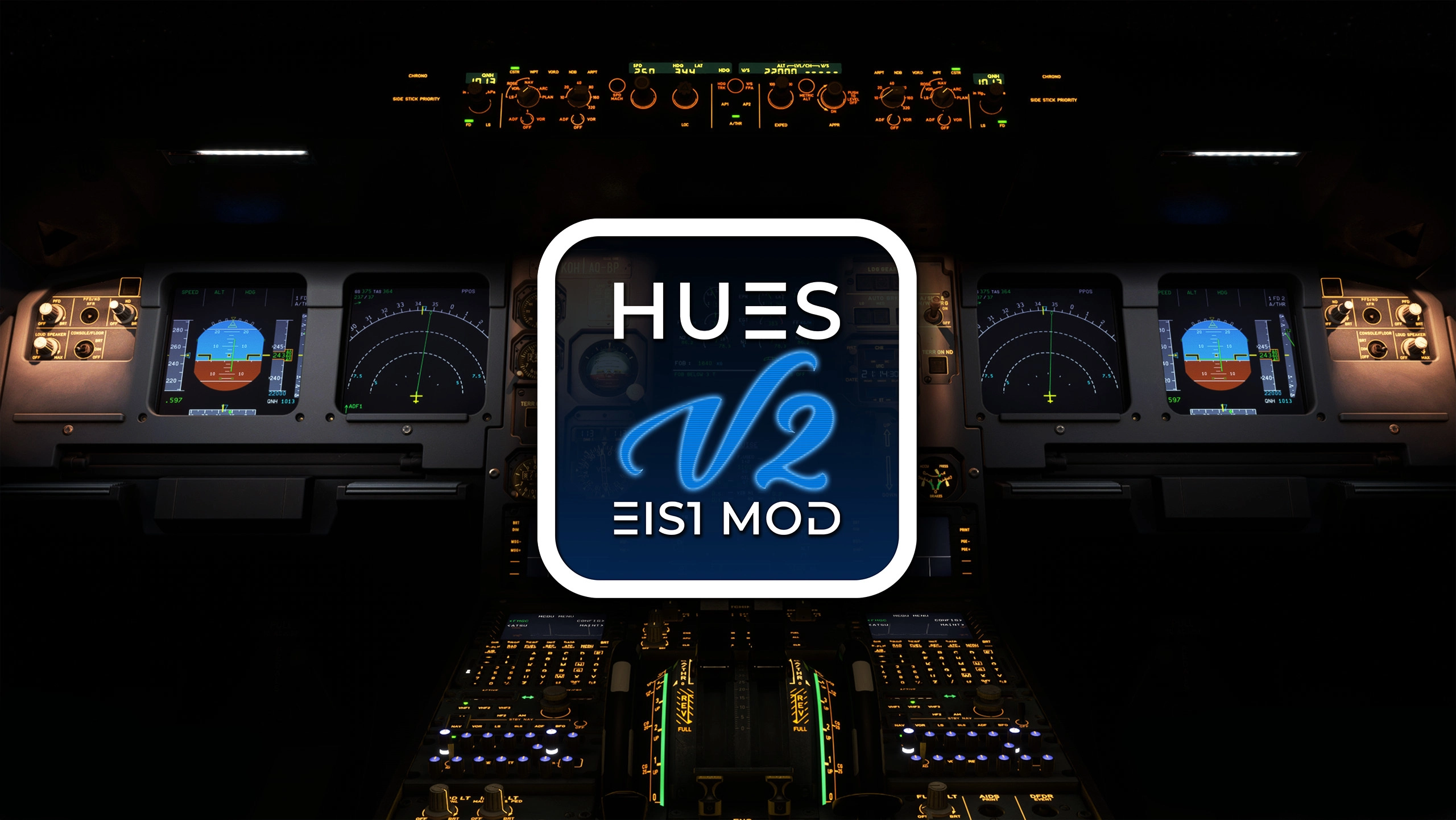
Experience the classic Airbus cockpit this add-on replaces the modern displays in the Fenix A32X series with CRT-style EIS1 (Electronic Instrument System) panels, as seen in early A320 family aircraft.
Whether you're flying retro liveries or simulating older fleets, this mod adds realism and nostalgic charm to your flight deck.
Features:
- Accurate EIS1 CRT display visuals including
- Custom 3D model
- Custom PBR Textures
- Compatible with all Fenix A32X variants (A319/A320/A321)
- Seamless integration with default cockpit systems
- Optimized for performance and clarity
NOTES:
- This mod aims to give the visuals of EIS1 CRT screens, it's not a system overhaul of the fenix. (only visuals)
- This mod might conflict with some hues liveries which already have EIS1 v2 installed natively.
- This mod might conflict with other mods or liveries which adds features to fenix cockpit textures or models.
INSTALLATION:
- Check the readme inside the pack!
- watch following video https://youtu.be/CzBrXNA3n38
BUG REPORTS / SUPPORT:
Contact us opening a ticket in our Official Discord
LEGAL DISCLAIMER:
The work published here is under the Copyright protection of Horizon Simulations Group Limited. Company Registration Number: 15714268. Registered Address: 86-90 Paul Street, London, United Kingdom, EC2A 4NE. Horizon Simulations Group Limited reserves the right on behalf of the brands Horizon Simulations and Hues by Horizon Simulations to the content published. You are therefore not allowed to separately publish, modify, alter, or otherwise change these files without the explicit permission from the owner and the Horizon Simulations Group Limited's Legal Representative.
Modifying, altering, changing, or publishing this content on any other website or any other medium without permission from the owner and the company's legal representative is a breach of the license terms that you have accepted when downloading the archive, and it is also in breach of the Copyright Protection laws put in place by His/Her Majesty's Government of the United Kingdom and Northern Ireland.
Any and all assets included in this archive are the intellectual property of Horizon Simulations Group Limited and its creators, and using them for commercial purposes is strictly prohibited, unless a proper license for commerical use is obtained. Failure to comply with the above will be in breach of individual and collective copyright and a breach of copyright law.
© Since: 2022 Horizon Simulation Group Limited. All rights reserved
HUES EIS1 V2 CRT Screens for the FenixSim
The HUES EIS1 V2 MOD is designed for Fenix Simulations A319, A320, and A321 in Microsoft Flight Simulator 2020. This add-on replaces the modern cockpit displays with authentic CRT-style EIS1 panels, reflecting the classic Airbus look of early A320 family aircraft. It features custom 3D models and PBR textures, ensuring accurate visuals and seamless integration with existing cockpit systems, while enhancing the realism for those wishing to simulate retro aircraft liveries.




User Reviews
10 reviews
Version History
No version history available.
Related

HUES zCore2
HUES zCore2 is an immersion-focused mod that adds detailed custom objects and cabin features to selected airliners in Microsoft Flight Simulator. Enhancements include interactive-style checklists, sunshades, food trays, drinks, and personal items inspired by real airline cabin environments. The mod supports Fenix A319, A320, A321, and iniBuilds A350 variants, and applies additions across all liveries. It aims to create a more authentic and lived-in aircraft atmosphere.
by Valexyo
British Airways G-XLEF | FBW A380 | 8K & 4K
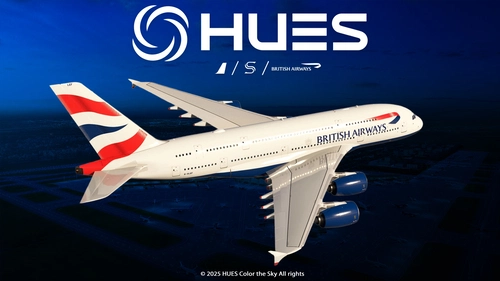
The British Airways G-XLEF add-on for the FBW A380 enhances the flight simulation experience with meticulously crafted textures and accurate stencils reflecting the airlines branding. It features custom base textures and realistic exterior weathering to enrich visual detail. Installation is straightforward, requiring a simple drag and drop into the community folder. The add-on is developed by Horizon Simulations Group, ensuring adherence to copyright and legal regulations.
by Hues
Horizon Simulations Boeing 787-9 Livery Package
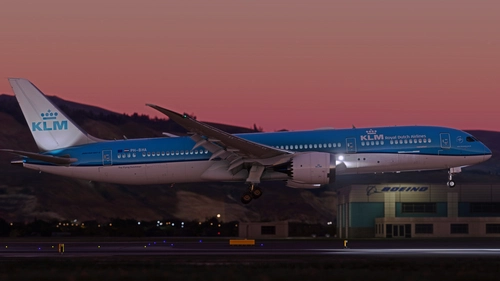
Explore a variety of liveries for the Horizon Simulations Boeing 787-9 with this official livery package. Choose from a wide range of airline liveries to customize your flight experience. Make sure to follow the installation instructions provided for a seamless setup. Respect the copyright and legal terms set by Horizon Simulations Group Limited for the content included in this package.
by Horizon_Sim
Lufthansa New Colors Pack | FBW A380 | 8K & 4K
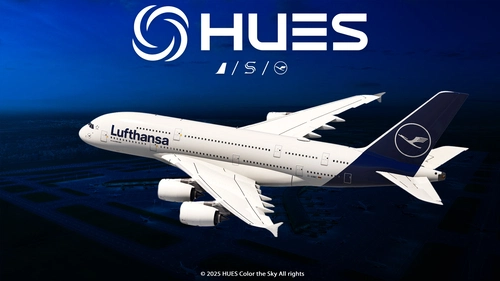
The Lufthansa New Colors Pack for the FlyByWire A380 offers a selection of 8K and 4K liveries featuring custom base textures, accurate stencils, and exterior weathering. This mini fleet pack includes liveries for D-AIMC and D-AIMK in standard colors. Easy installation is achieved by dragging and dropping into the community folder.
by Hues_by_Horizon
Log in to join the discussion
Log InComments(74)
about 10 hours ago
29 days ago
about 1 month ago
about 1 month ago
about 2 months ago
2 months ago
2 months ago
3 months ago
4 months ago
4 months ago
yes but I don't understand the read me I don't know where what belongs, etc
5 months ago
5 months ago
5 months ago
I know, but I can't open the video
4 months ago
5 months ago
5 months ago
5 months ago
5 months ago
6 months ago