
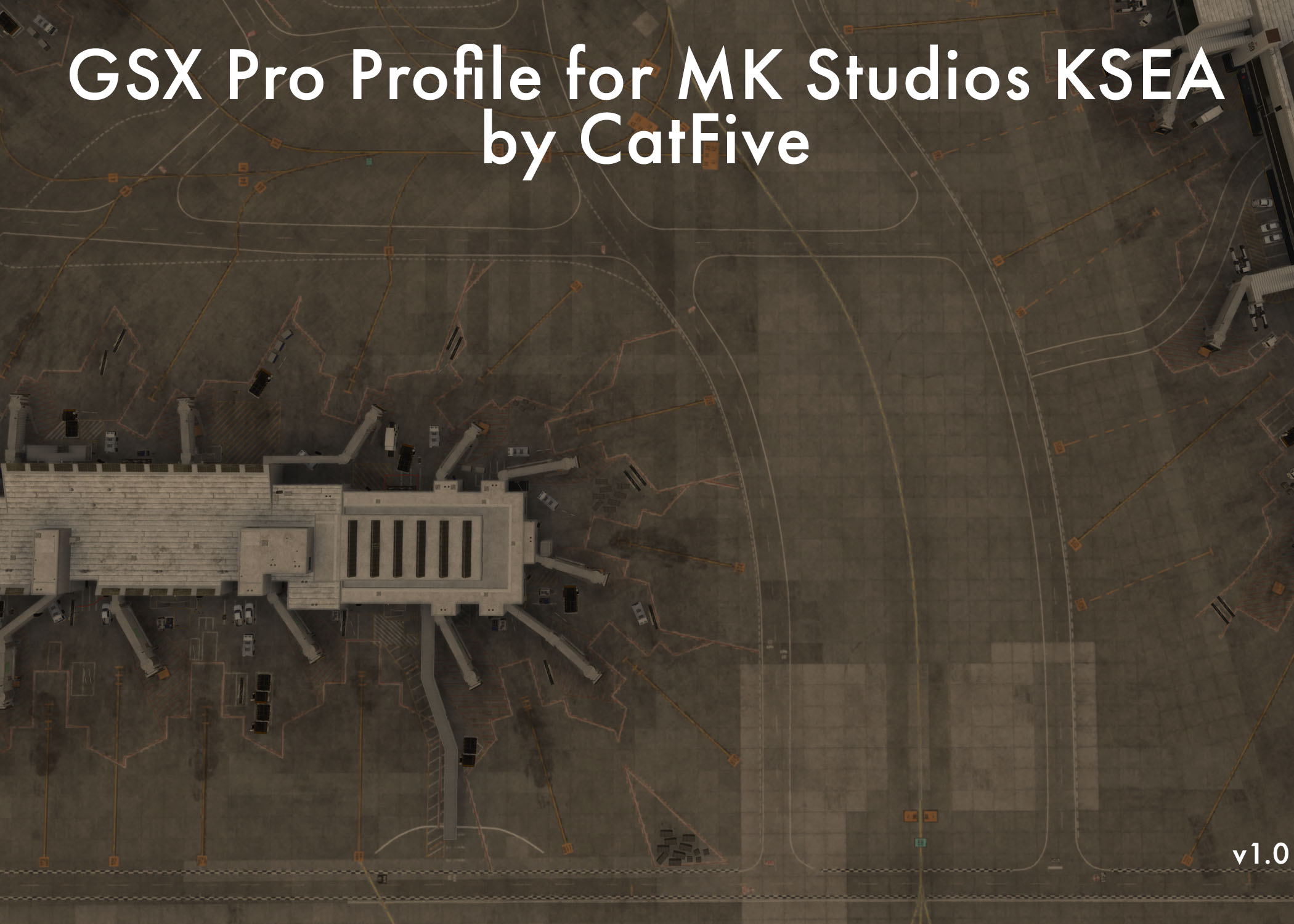
Description
This is a GSX profile for MK Studios KSEA, developed with the assistance of a pilot who frequents the airport, and a ramper employed there. This is as close to realistic as it gets, with most gates having multiple options for the push that line up with real-world push clearances commonly given at Seattle.
This is my first attempt at making a GSX profile - there are bound to be issues. Please let me know if you find any and I will work to fix them as quickly as I can!
Included are:
- Push options for all passenger gates
- Custom stop positions for all passenger gates
- Accurate airline selection for all A, B, C, D, N, and Q gates as of May 2025
Upcoming updates will bring:
- More push options for the gates which currently only have one
- Push/stop positions for cargo parking
Some local knowledge for you regarding Seattle ramp operations, since they're a bit odd:
- North ramp always enters at spot 55 and exits at spot 66, the green line is very rarely used at spot 66
- South ramp changes directions with the airport flow -
- During south flow (landing/departing 16s), entry spot is 99, exit spot is 88
- During north flow (landing/departing 34s), entry spot is 88, exit spot is 99
- When pushing onto taxiway Whiskey, most frequently you will be pushed such that you are facing the departure runway, however, it is not uncommon to be facing away and make a 180 turn onto taxiway Bravo for taxi.
To install, just drag the file to your GSX MSFS folder, which by default is located in %AppData\Roaming\Virtuali\GSX\MSFS
GSX Pro Profile for MK Studios KSEA
This GSX Pro profile for MK Studios KSEA offers realistic pushback and stop position options at Seattle-Tacoma International Airport, based on insights from local pilots and ramp personnel. It includes tailored push options and accurate airline assignments for passenger gates, ensuring an authentic experience. Future updates will enhance the profile with additional push options and designs for cargo parking. The add-on also provides operational details specific to Seattle ramp procedures for users.

User Reviews
3 reviews
Version History
No version history available.
Log in to join the discussion
Log InComments(18)
9 months ago
about 1 year ago
about 1 year ago
about 1 year ago
about 1 year ago
about 1 year ago
about 1 year ago
about 1 year ago
over 1 year ago
over 1 year ago
over 1 year ago
Best
over 1 year ago
over 1 year ago
how are the custom stop positions for the different aircraft types mapped without the corresponding python script?
over 1 year ago
over 1 year ago
over 1 year ago
Regarding your question, yes you missed the pyton script topic. In a .py file you can regroup the gates, rename them and mos timportant, define individual stop positions at a gate for different aircraft types. The ini offers only one stop position per gate and then you have to decide to make it for A320 or A350 for example.
over 1 year ago
over 1 year ago