
Description
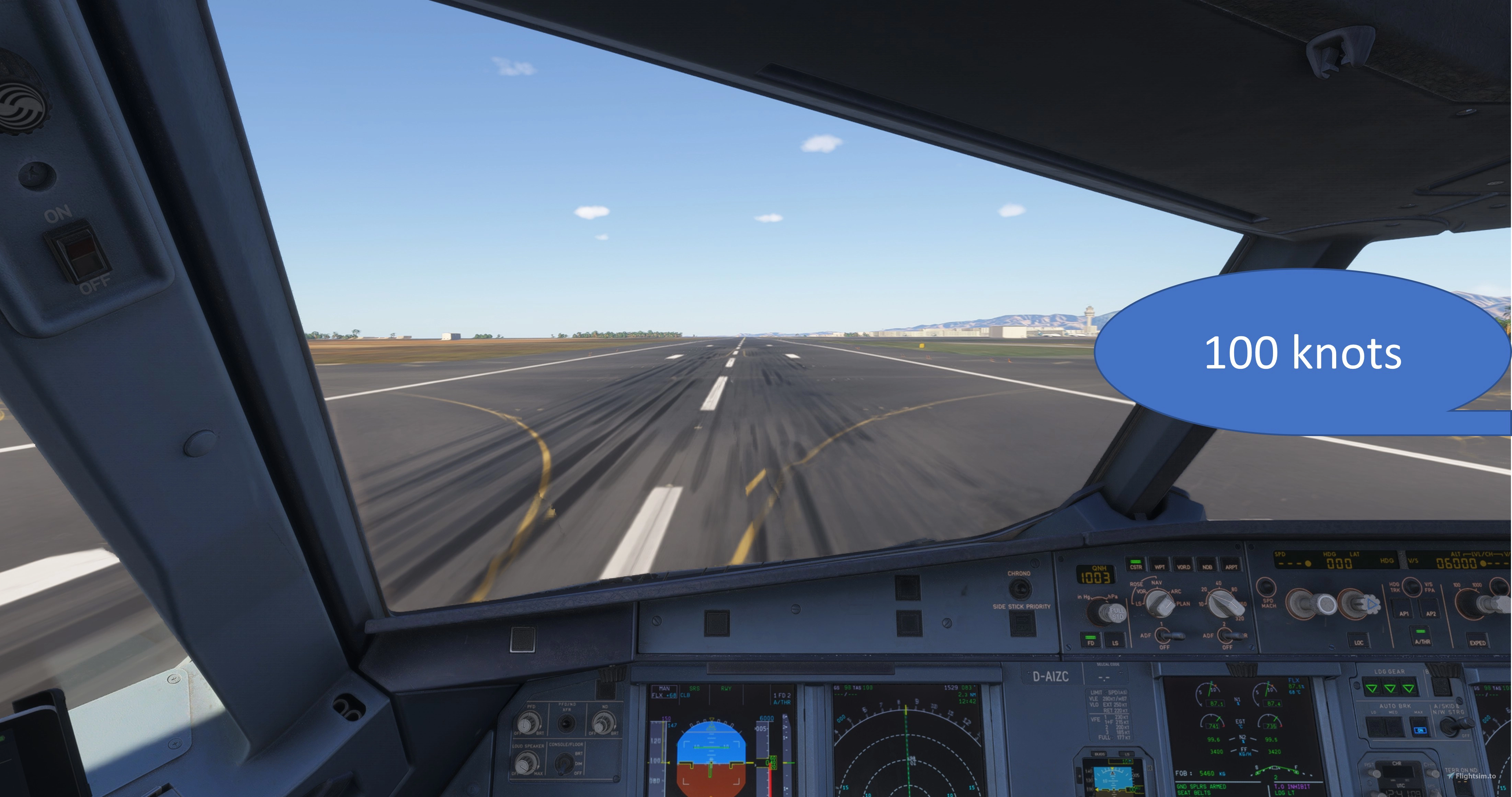
This is an enhancement for the Fenix A32x/A319 aircraft that adds pilot monitoring callouts.
What it does:- The following callouts are included for Takeoff
- STABILIZED
- FLEX SET
- TOGA SET
- AIRSPEED ALIVE
- 80 KNOTS
- 100 KNOTS
- V1
- ROTATE
- POSITIVE CLIMB
- Landing
- SPOILERS, 70 KNOTS, AUTOBRAKE OFF
- Gear
- GEAR UP, GEAR DOWN
- Flaps
- FLAPS XX SET, FLAPS XX CHECKED
The speech is either generated using installed windows text-to-speech voices, Azure KI voices (Azure subscription key required) or (starting with version 1.2) own recorded callouts.
Pre-requisites- Fenix A319, A320 or A321
Note
Installed English Voices (e.g. Microsoft Zira Desktop - English (United States)) for Microsoft Windows are not needed any more as a good number of voices are provided with the program. If you still like to use windows voices, please see https://go.microsoft.com/fwlink/?linkid=2288138 for installed voices and adding new ones
Important note
The audio files included in this application were generated using Microsoft Azure Speech Services (Text-to-Speech). The generated audio is used exclusively as part of this application and is not distributed as a standalone audio or voice product.
How to installDownload the zip and un-zip the contents in any folder. Run "A320 Callouts.exe" after MSFS has started. Once started, the programm can be found in the system tray and quit from there.
To autostart the program with MSFS, please follow the description "HowToAutomaticallyStart.txt" in the zip-file.
How to configureConfiguration Options
Speech output can be configured using the config.ini file located in the install folder
[Debug]
# off|critical|err|warn|info|debug|trace
level = info

[TTS]
# type of speech service to use: windows|azure|own
type = windows
# Replace with custom path, default is \sound
# own.path = C:\A320 Callouts\A320 Callouts\sound

# windows.voice = Microsoft Zira Desktop - English (United States)
windows.voice.volume = 100

azure.speech.key =
azure.speech.endpoint =
You have to be registered to use Azure AI cognitive speech. For details, see https://learn.microsoft.com/en-us/azure/ai-services/speech-service/language-support?tabs=tts#prebuilt-neural-voices
Custom voices
In order to use custom voices, please follow the description "HowToUseOwnVoices.txt" provided in the zip-file.
Custom phrases
The file "phrases.json" is used for text-to-speach generation. Feel free to change the phrases used as callouts for your own needs. To modify this file, use a text editor of your choice and modify its content.
Important
only change the content of the "phrase" tag. The content of the "id" tag has to remain unchanged. If you like to disable callouts, just provide an empty phrase for this.
The usage of modified phrases is only possible, when Windows-voices or Azure voices are used. (config.ini settings [TTS] type=windows or azure) For using own voices, you are free to record your own callouts. The provided callouts will use the standard phrases.
CreditsCredits and a big thank you to dermobb (https://flightsim.to/profile/dermobb) and his PMCO enhancements. His code base served as the base for this addon. He granted the rights to use them as a basis to create this standalone add-on.
Bug reportsPlease report any bugs here: https://github.com/schmidHolger/A320-Callouts-releases/issues
Any discussions needed? Please use https://github.com/schmidHolger/A320-Callouts-releases/discussions
Fenix A319/A320/A321 PM Callouts
This add-on enhances the Fenix A319, A320, and A321 aircraft by incorporating pilot monitoring callouts for key phases of flight. It includes callouts for takeoff, landing, gear, and flaps, enhancing realism during operations. Installation requires the Fenix aircraft and English voice packs for Microsoft Windows, with options for speech configuration available. This tool is designed for users seeking to improve cockpit communication within the simulator.


User Reviews
24 reviews
Version History
- added custom phrases for callouts, user modifyable - added multiple sound packs
Related
Fenix A319/A32x Random Panel States
The A320 Random Panel States add-on introduces variability to cockpit preparation by randomly altering the positions of switches and knobs, making each session unique. Designed for the Fenix A319, A320, or A321 in Microsoft Flight Simulator, it allows for a more engaging pre-flight experience. The add-on can be easily installed and configured, with options for automatic start and adjustments to change probabilities. Compatibility with MSFS 2020 is anticipated, although untested.
by geholger
A320 Checklists
The A320 Checklists add-on enhances the Fenix A32x/A319 aircraft by integrating pilot monitoring (PM) voice checklists for normal procedures. Users can initiate checklists by voice command, with options to cancel or skip items, and receive guidance throughout the process. This add-on includes various checklists covering all phases of flight, which can be customized to meet individual user needs. It requires the Fenix aircraft and specific speech recognition settings for optimal functionality.
by geholger
Log in to join the discussion
Log InComments(128)
about 11 hours ago
about 2 months ago
2 months ago
3 months ago
4 months ago
5 months ago
5 months ago
This comment has been deleted
5 months ago
5 months ago
[Debug]
level = err
[TTS]
# windows, azure, own
type = windows
# Replace with custom path, default is \sound
own.path = D:\MSFS 2024\Fenix A320 callouts\sound
# windows.voice = Microsoft Zira Desktop - English (United States)
windows.voice.volume = 100
ms.speech.key =
ms.speech.endpoint =
5 months ago
5 months ago
5 months ago
5 months ago
Thanks for an excellent addon. Just 2 things:
- The callflapsonground setting appears to be gone, which is a pain as hearing "speed checked" on the ground is a bit unrealistic
- When V1 and VR are the same (or very similar), we only hear "Rotate" or "V..Rotate". Could they be separated like with "spoilers rev green decel"?
Thank you!
7 months ago
excellent program. But I have on minor issue.
I am using version 1.5 and the announceFlapsOnGround parameter from the config seems to not be working. I have this set to false and the flaps callout are still made when on the ground. The other two callouts parameters also have no effect when set to false. Here is my config:
[Debug]
level = off
[TTS]
# windows, azure, own
type = windows
windows.voice = Microsoft David Desktop - English (United States)
# Replace with custom path, default is \sound
# own.path = C:\A320 Callouts\A320 Callouts\sound
# windows.voice = Microsoft Zira Desktop - English (United States)
windows.voice.volume = 100
[Callouts]
announceFlapsChecked = false
announceFlapsOnGround = false
announce80kts = false
7 months ago
6 months ago
7 months ago
7 months ago
7 months ago
7 months ago