
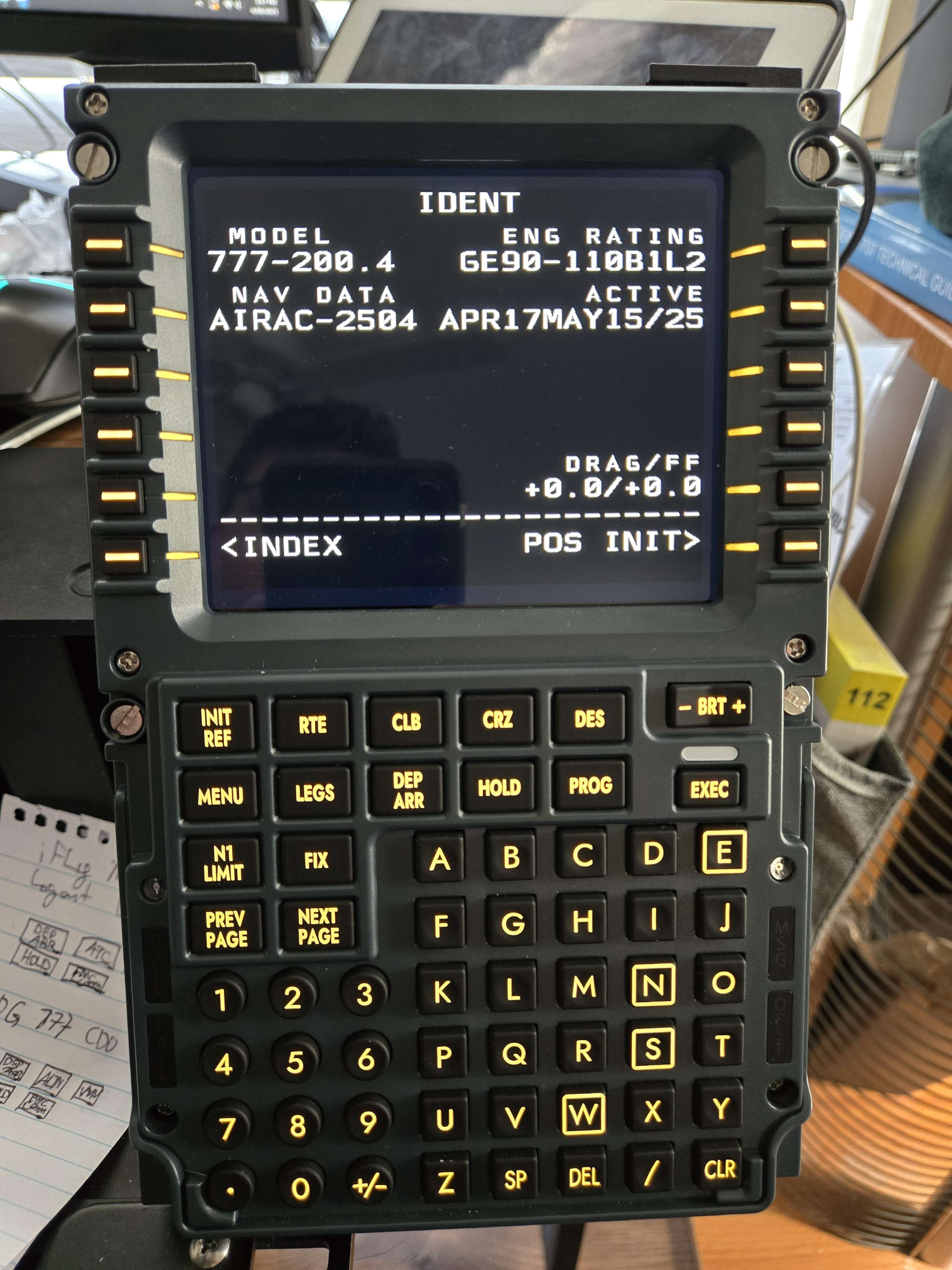
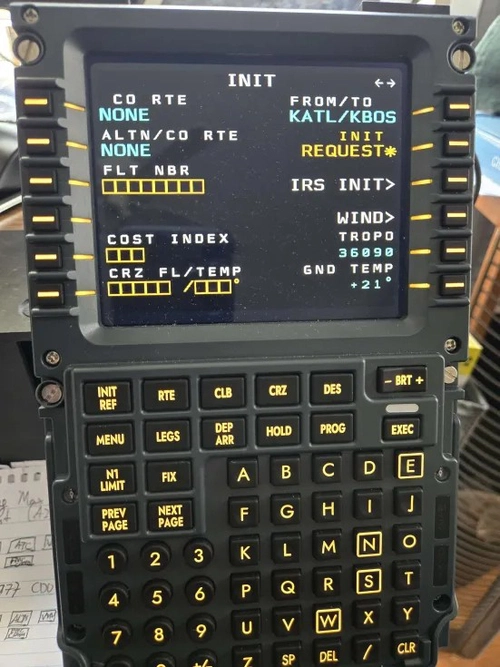
Description
This should be a plug-and-play profile for the PFP 3N. If it is not, you may have to manually configure the buttons, but if you're on the Mobiflight beta and have installed python as directed, it should work.
This was tested on the PMDG 777F for MSFS 2020 and I assume works for the 777-300ER as well since that's what the profile was made for.
I will test this once the PMDG 777-200ER is made available in both 2020 and 2024 (Tested and works the same as the 777F and 77W)
Tested with the 777F in MSFS2024 (Works with lights and display as well)
***IMPORTANT***
For the 777-200ER in MSFS 2020 and 2024, as well as the 777F in 2024, you will need to add the following line:
[SDK]
EnableDataBroadcast=1
EnableCDUBroadcast.0=1
EnableCDUBroadcast.1=1
EnableCDUBroadcast.2=2
To this folder:
2024 -
C:\Users[Yournamehere]\AppData\Local\Packages\Microsoft.Limitless_8wekyb3d8bbwe\LocalState\WASM\MSFS2024\pmdg-aircraft-77er\work
2020 -
C:\Users\[Yournamehere]\AppData\Local\Packages\Microsoft.FlightSimulator_8wekyb3d8bbwe\LocalState\packages\pmdg-aircraft-77er\work
You're specifically looking for the 777 Options.ini.
This is what will get the display to work with this profile.
YOU MUST LOAD IN THE AIRCRAFT ONCE BEFORE YOU CHANGE THE .INI FILE
I have zero plans to support this as it's merely a profile, once deprecated, it's deprecated.
IMPORTANT! - You MUST be on the Mobiflight beta and you must have the python scripts installed as per the guide.
I've also found that it helps to turn off the APP Installer (to do this, type in Manage App Execution Aliases and find the two Python App Installer Aliases)
https://docs.mobiflight.com/guides/installing-python/
NOTE - Only Default Font is supported at this time
Winwing PFP 3N Mobiflight Profile for the PMDG 777 (with working display and LED Lights)
This add-on provides a plug-and-play Mobiflight profile for the Winwing PFP 3N specifically designed for the PMDG 777 in Microsoft Flight Simulator. It features a working display and LED lights, facilitating an immersive simulation experience. While primarily tested on the PMDG 777F, it is assumed to be compatible with the 777-300ER, pending future compatibility with the 777-200ER. Users are required to be on the Mobiflight beta and to have the appropriate Python scripts installed for optimal functionality.


User Reviews
7 reviews
Version History
No version history available.
Log in to join the discussion
Log InComments(25)
about 7 hours ago
5 months ago
10 months ago
10 months ago
I have done this, but no joy?
about 1 year ago
over 1 year ago
You are sure for this line
EnableCDUBroadcast.2=2
not =1
thanks for your profils first
over 1 year ago
It's taken hours of searching to find a profile for the PFP 7, would be super awesome if you could show this profile as being suitable for the PFP 7, it would same a lot of folks, a lot of effort and stress.
Thanks
over 1 year ago
quick tips, make sure SimAppPro isn't running when you start MobiFlight.
If it is you need to unplug the FMC usb cable to reset the FMC to allow Mobiflight to work
over 1 year ago
over 1 year ago
Update - It is working on the 777-200 but not the 777-300 release today for 2024. I have the ini updated as best I can tell.
over 1 year ago
over 1 year ago
over 1 year ago
over 1 year ago
over 1 year ago
over 1 year ago
over 1 year ago
over 1 year ago