
Description
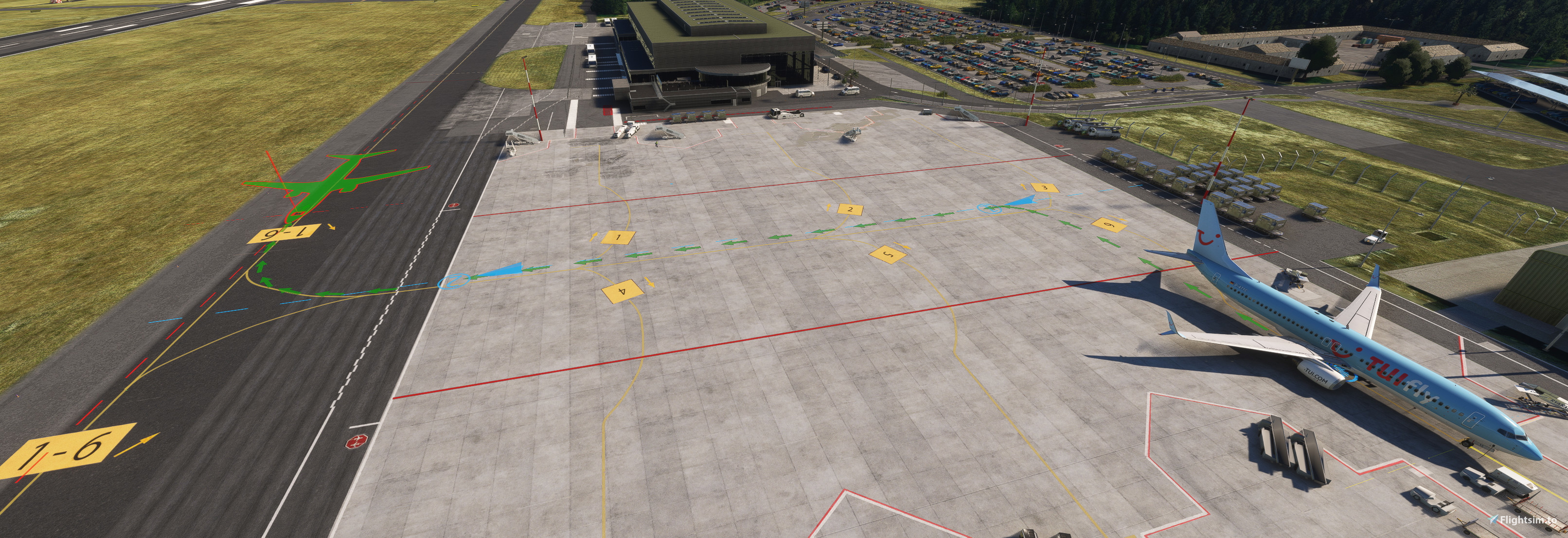
GSX profile for Sim Pixels EDLV Weeze Niederhein scenery
Features:
-Custom vehicle placement at gates
-Custom pushbacks at gates
-Ground handling by Ryanair and Lorsch
-Accurate stop positions based on A320/737-800
-No GA - Only Ramp 1-9
-Compatible V1.0.2
How to install?
Copy the .ini file into the path "%appdata%/virtuali/GSX/MSFS"
SimPixels EDLV GSX Profile
This add-on provides a GSX profile specifically designed for the Sim Pixels EDLV Weeze Niederhein scenery. It features custom vehicle placement and pushbacks at the gates, along with ground handling services by Ryanair and Lorsch. The profile is tailored for specific aircraft stop positions based on the A320 and 737-800 models and includes ramp assignments for only nine gates. Compatibility is noted for version 1.0.1.

Version History
-updated pushback procedures
Related
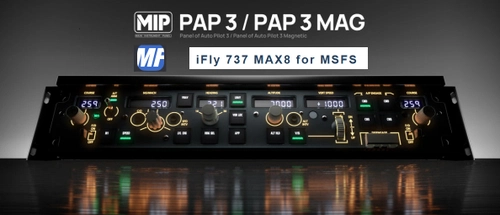
iFly 737 MAX - WinWing PAP3 - Mobiflight Profile
This add-on provides a Mobiflight profile for the WinWing PAP3 specifically designed for the iFly 737 MAX. It includes essential keybinds such as Course, IAS/Mach, Heading, Altitude, V/S, and various controls for buttons, knobs, and lights. The profile requires Mobiflight Beta and the "Add Lvar for iFly 737 Max8" addon to function properly, ensuring compatibility with the simulator. Additional planned features include improvements for Mach display and the PAP3 magnetometer.
by SirTakis92
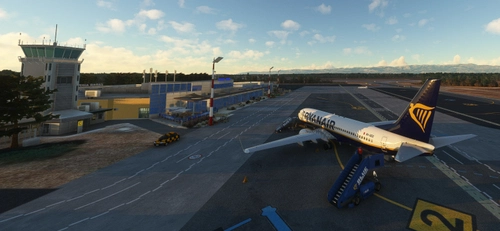
Davor Puljevic's LDZD GSX Profile
This add-on provides a GSX profile for Davor Puljevics LDZD Zadar scenery, featuring custom vehicle placements at gates and ground handling operations by Croatia Air, Ryanair, and Swissport. It includes accurate stop positions tailored for A320 and 737-800 aircraft, without pushbacks or general aviation services, focusing solely on Ramp 1-13. The profile is compatible with runway 03/25 for MSFS2020.
by SirTakis92
Log in to join the discussion
Log InComments(7)
over 1 year ago
over 1 year ago
over 1 year ago
over 1 year ago
over 1 year ago
over 1 year ago
over 1 year ago
just uploaded a new update - please confirm to copy the profile into correct path
After the last update from simpixel I needed to fix the stands. Now it should work.