
Description
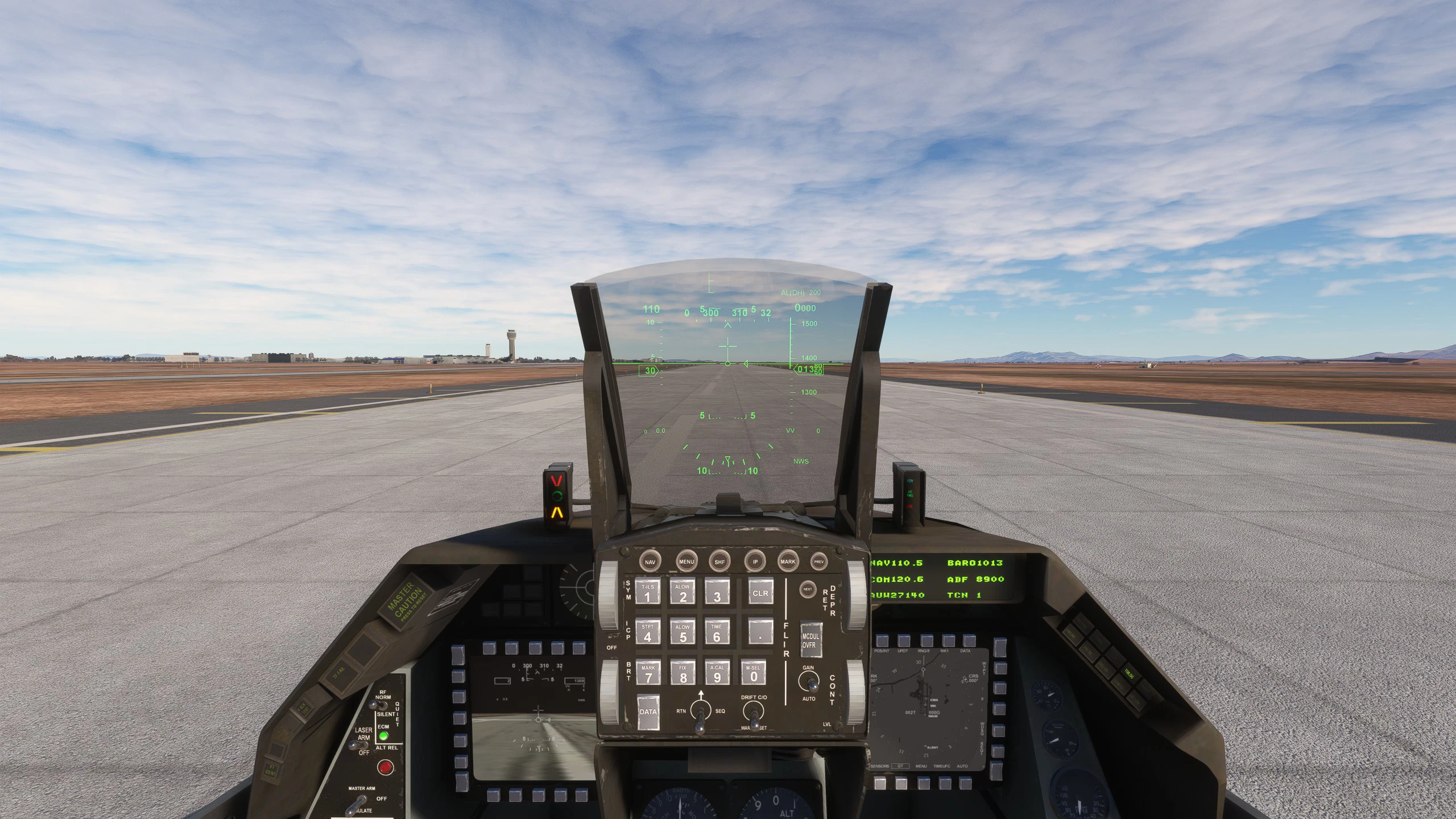
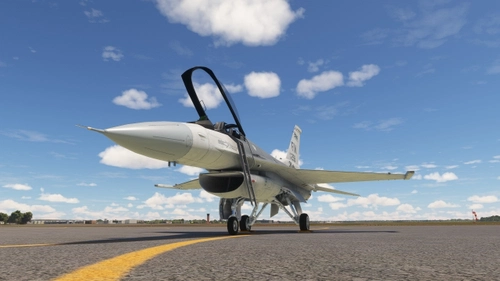
I present to you the HUD / MFD Enhancement Mod for the SCDesigns F-16. This mod is meant to better reflect the real life counter-part of the viper , in the sim. Thiis includes a static non-functional targeting circle*, a better horizone line* , and reposition of the heading tape*. Now including a small MFD update that shows other live aircraft with the proper square Icon. Its also including a new DED font and lighting display.
****THIS MOD IS NOW DRAG AND DROP. EXTRACT FIRST ,THEN OPEN FOLDER AND READ TEXT DOC****
*New update:
Targeting Circle now bound to the HUD REJECT Toggle Switch. Right side of cockpit (Please see image for reference). Landing gear position still affects Heading tape position ONLY.
Landing Gear Down = Normal HUD
Landing Gear Up = Heading taped moved to bottom
HUD REJECT SWITCH UP = Targeting Circle OFF
HUD REJECT SWITCH NEUTRAL/DOWN = Targeting Circle ON
Huge shout-out to Aidan for making this mod a drag and drop feature, including the updated fonts on the HUD.
Check out work at https://flightsim.to/profile/AidanTheDev
F-16 HUD/ MFD /DED Enhancement Mod
The F-16 HUD / MFD Enhancement Mod for the SCDesigns F-16 improves the in-game Head-Up Display to more closely resemble its real-world counterpart. Key features include a static targeting circle, an enhanced horizon line, and a repositioned heading tape, all activated when the landing gear is raised. The mod also provides an optional custom camera configuration file and includes instructions for installation. It is important to create a backup of the original files prior to making changes.

Version History
- MSFS 2024 Compatible
Related
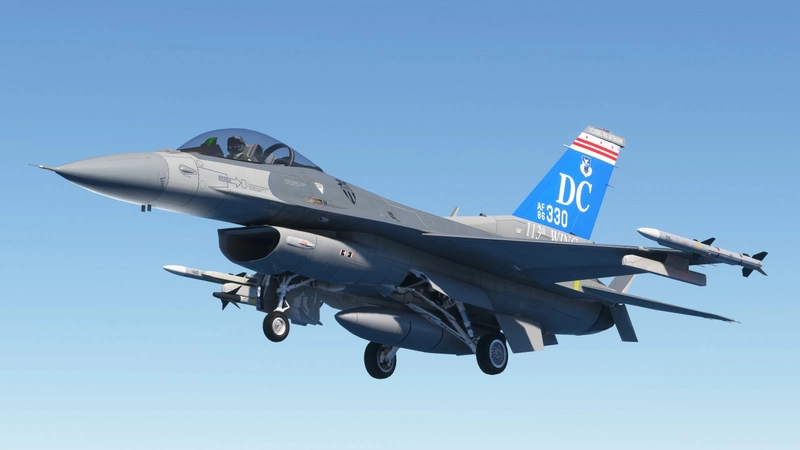
SC Designs F16C Flight Model/ Engine Mod
This add-on features a Flight Model and Engine Mod specifically designed for the F16C in Microsoft Flight Simulator. It includes adjustments to improve landing and takeoff smoothness, enhance turn radius, and remove the AOA limiter for a more enjoyable flying experience. Installation is straightforward, requiring users to follow the included instructions for integration into the Community folder. No future updates are planned unless necessary.
by TheGundamAce
FSW Learjet C-21 Scott AFB
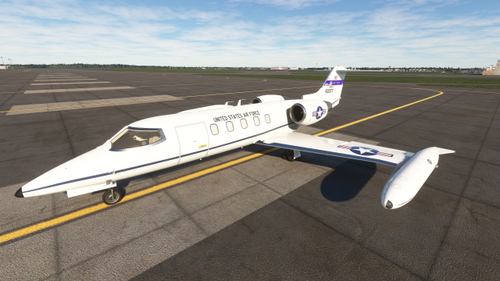
Fly in style with the FSW Learjet C-21 Scott AFB add-on, featuring a sleek livery based at Scott AFB with reference Tail Code: 60377. Easily install this mod by downloading, unzipping the folder, and dragging it directly to your Community folder.
by TheGundamAce
SC Designs F-16C/D/I Texture Revamp/Cold and Dark State
The SC Designs F-16C Texture Revamp introduces enhancements to both the cockpit and exterior of the F-16C, including a custom engine exhaust nozzle and updated textures for various components. The mod features recolored interior handles and ejection seat straps, as well as an improved landing light texture. Additionally, it includes an apron.flt file designed to provide a more realistic Cold and Dark state for the aircraft.
by TheGundamAce

FSW Learjet C-21 USAFE
"Introducing the C-21 USAFE livery by Special Request, now available for installation in your Microsoft Flight Simulator Community folder. Please note the unique design details included in this livery."
by TheGundamAce
Log in to join the discussion
Log InComments(14)
3 months ago
6 months ago
10 months ago
10 months ago
10 months ago
10 months ago
Sorry for beeing blunt/direct, but PLEASE (anybody?) please move the G-meter at top left?
about 1 year ago
Thank You
about 1 year ago
11 months ago
over 1 year ago
over 1 year ago
over 1 year ago
over 1 year ago
over 1 year ago