
Description
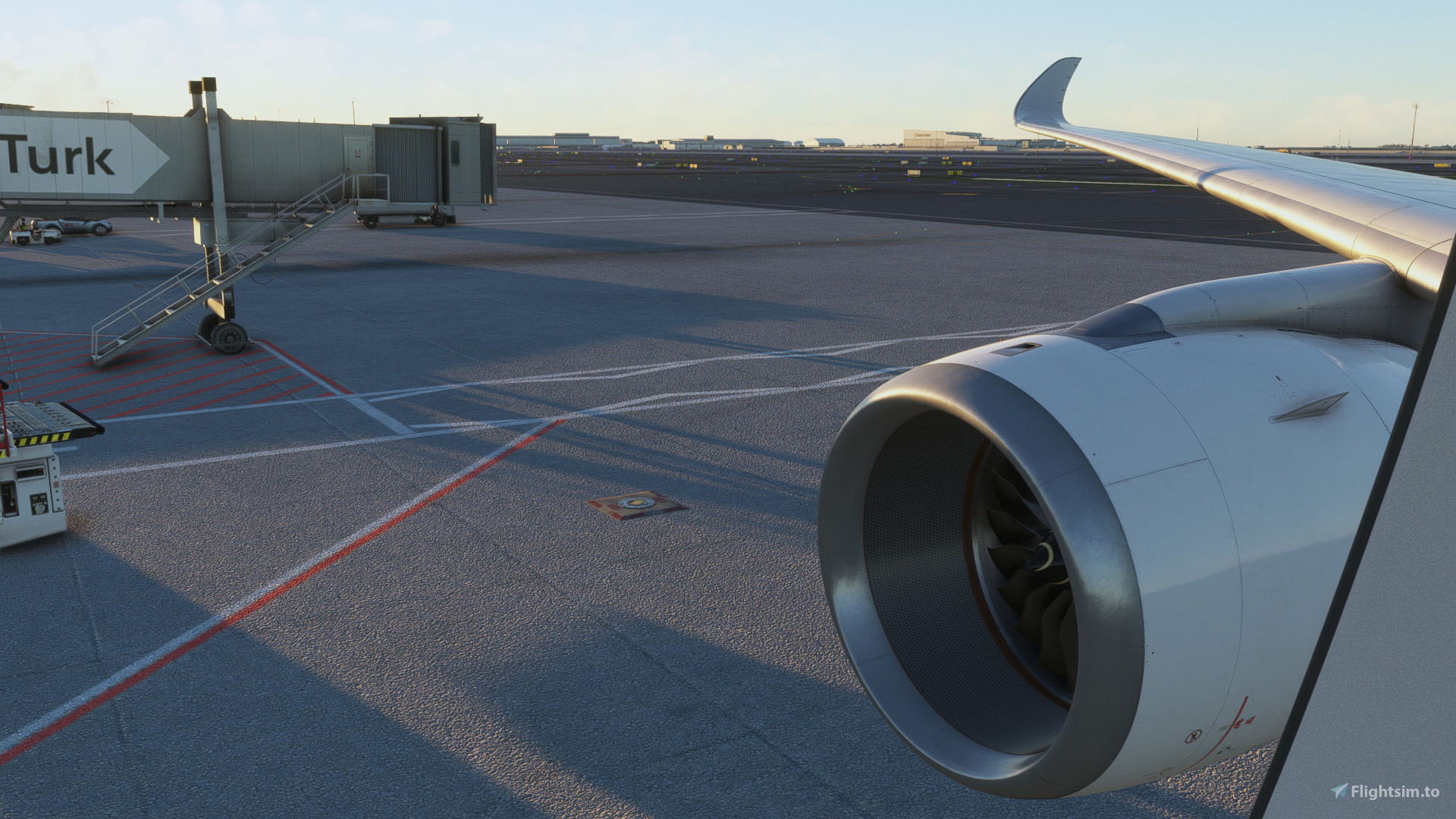
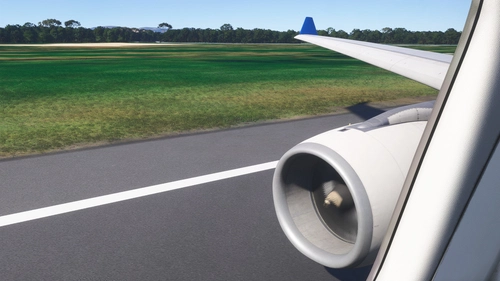
The BEST IniBuilds A350-900 Camera Views!
How to install:
FS20:
Steam Users:
C:\Users\your_user_name\AppData\Roaming\Microsoft Flight Simulator\SimObjects\Airplanes\inibuilds-aircraft-a350-900\cameras.cfg
Microsoft Store Users:
C:\Users\your_user_name\AppData\Local\Packages\Microsoft.FlightSimulator_8wekyb3d8bbwe\LocalCache\SimObjects\Airplanes\inibuilds-aircraft-a350-900\cameras.cfg
FS24:
C:\Users\XXX\AppData\Roaming\Microsoft Flight Simulator 2024\SimObjects\Airplanes\a350\presets\inibuilds\a350-900_no_cabin\config
Enjoy!
IniBuilds A350-900 Camera Views
This add-on provides enhanced camera views specifically designed for the IniBuilds A350-900 aircraft in Microsoft Flight Simulator. It includes detailed installation instructions for both Steam and Microsoft Store users, ensuring easy integration into your flight experience. The modified camera views aim to improve your overall immersion while flying the A350-900.


User Reviews
6 reviews
Version History
No version history available.
Related
IniBuilds A330-300 Camera Views
This add-on provides enhanced camera views specifically designed for the IniBuilds A330-300 aircraft in Microsoft Flight Simulator. It includes detailed instructions for installation based on the platform, whether using the Microsoft Store or Steam. Users can easily configure their camera settings to improve their flight experience.
by DudeDragos12
IniBuilds A320NEO Camera Views
Enhance your flight experience with the BEST IniBuilds A320NEO Camera Views! Customize your cockpit perspectives easily with this add-on. Simple installation instructions included for both Steam and Microsoft Store users. Enjoy a new level of realism in Microsoft Flight Simulator.
by DudeDragos12
PMDG 777-300 Camera Views
Enhance your virtual cockpit experience with the PMDG 777-300 Camera Views add-on. Easily install these high-quality camera angles for a more immersive flight simulation. Instructions included for both Steam and Microsoft Store users. Elevate your flights with these top-notch camera views.
by DudeDragos12
IniBuilds A330-200 Camera Views
This add-on provides enhanced camera views specifically for the IniBuilds A330-200 aircraft in Microsoft Flight Simulator. It includes detailed instructions for installation for both MS Store and Steam versions of the simulator. The camera views are designed to improve the user experience while flying the A330-200.
by DudeDragos12
Log in to join the discussion
Log InComments(39)
10 months ago
12 months ago
over 1 year ago
over 1 year ago
Community/Inibuilds-Aircraft-A350/SimObjects/Airplanes/A350/Presets/Inibuilds/A350-900/Config. And when you open up a350-900 delete orginal camera script and replace with the new one! Hope that helped :)
5 months ago
over 1 year ago
over 1 year ago
You should add this path for MSFS 2024 Store version :
C:\Users\xxxx\AppData\Local\Packages\Microsoft.Limitless_8wekyb3d8bbwe\LocalCache\SimObjects\Airplanes\a350\presets\inibuilds\a350-1000\config
over 1 year ago
over 1 year ago
over 1 year ago
over 1 year ago
Then I opened up the existing cfg, which you can find under the file path provided by the author.
Now paste the new camera definitions at the bottom of the camera cfg, while keeping all the existing definitions in that file.
Now rename the copied definitions cameras. The last camera definition in the original cfg was cameradefinition 34 or 36 if I recall correctly. Simply continue the newly pasted camera definitions accordingly and you'll end up with [cameradefinition.43], if I remember correctly.
In game you can either use alt+1, alt+2, alt+3 and so on to change to those new camera views, or you give your custom cameras new buttons. I set them up from 1 to 0, like the author suggested in one of the comments.
You basically want to merge both cfg's, the one provided by the author and the existing one in the aircraft folder logically and then change the keybinds in game if desired.
over 1 year ago
over 1 year ago
over 1 year ago
over 1 year ago
over 1 year ago
over 1 year ago
over 1 year ago
over 1 year ago