
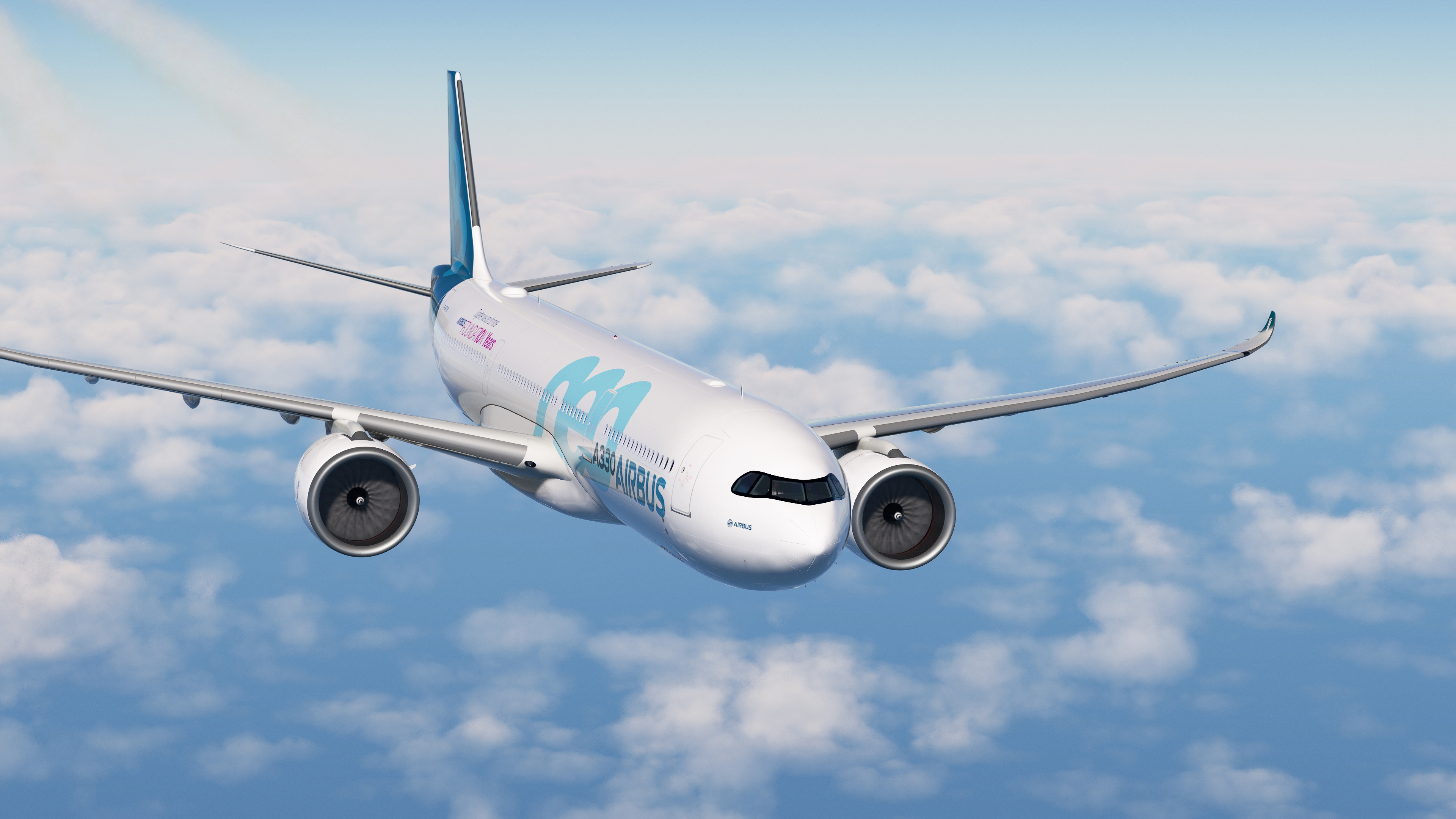
Description
IMPORTANT!!
Please if you are updating delete any old versions and perform a clean installtion.
INSTALLATION:
Extract and Paste into Community Folder directly.
Support
If you need support, help, request or anything else, feel free to join the NeoPaint Discord
Copyright Notice
© 2026 NeoPaint Studios. All rights reserved.
Redistribution, modification, or reuploading of this pack is strictly prohibited.
This pack is freeware and may not be sold or included in any paid package without written consent from NeoPaint Studios or his author.
If you enjoy my work, feel free to leave a small donation. It’s never required, but always appreciated. Your support helps me keep creating content. Thank you !
Improved Engine Blur for the HeadWind A330-900neo
The HeadWind A330-900neo add-on enhances Microsoft Flight Simulator by introducing a detailed and accurate model of the Airbus A330-900neo. It features authentic cockpit instruments, realistic flight dynamics, and various liveries for a diverse flying experience. Installation is straightforward, requiring users to extract files into the Community Folder for immediate access.

User Reviews
3 reviews
Version History
- Rebuilt Textures For More Realistic Appearance. - More Realistic Engine Spool Up Behavior.
Related
Improved Engine and Spinner Blur | IniBuilds A350-900 & 1000
This add-on enhances the visual realism of the Airbus A350 by improving the engine and spinner textures. Installation is straightforward: simply extract the files and place them into the community folder, allowing for an easy overwrite of existing textures. For users who use MSFS 24; Download the second file.
by RedXSim
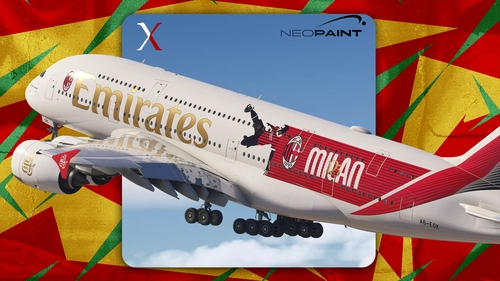
Emirates A6-EOK (AC Milan 125th Anniversary) for FBW A380 | 8k
Emirates A380 – AC Milan 125th Anniversary Livery. Celebrating 125 years of Rossoneri history on the world’s largest passenger aircraft.
by RedXSim
Emirates A6-EVG for FBW A380 | 8k
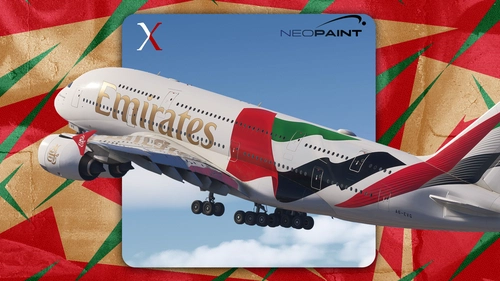
This add-on provides the Emirates A6-EVG livery in 8K quality for the FBW A380 in Microsoft Flight Simulator. The package may appear as a separate aircraft rather than within the standard A380 liveries menu. Installation requires extracting and placing the files into your Community Folder. Redistribution or commercial use is not permitted without permission.
by RedXSim
![[A32NX] PW & LEAP Engine Texture](https://cdn.flightsim.to/images/27/improved-engine-texture-for-the-fbw-a32x-839363-1739792667-WvO2K.jpg?width=500)
[A32NX] PW & LEAP Engine Texture
This add-on provides an improved engine texture for the Freeware FlyByWire A32NX aircraft in Microsoft Flight Simulator. Users can enhance the visual quality of engine details by extracting and pasting the texture files directly into their Community Folder. This modification aims to enhance the realism of the A32NX experience.
by RedXSim
Log in to join the discussion
Log InComments(31)
about 1 year ago
about 1 year ago
over 1 year ago
over 1 year ago
Copy the "SimObjects" folder inside this addon folder , then paste it inside the aircraft folder (Overwrite the SimObjects).
over 1 year ago
over 1 year ago
over 1 year ago
over 1 year ago
over 1 year ago
over 1 year ago
over 1 year ago
Impossible to transfer to my Community file, too big size ! Microsoft version
Normaly I use MSFS Addons Linker in this case but no way ...
For your information dude
Best regards from France
over 1 year ago
over 1 year ago
over 1 year ago
over 1 year ago
over 1 year ago
over 1 year ago
over 1 year ago
over 1 year ago
Gracias