
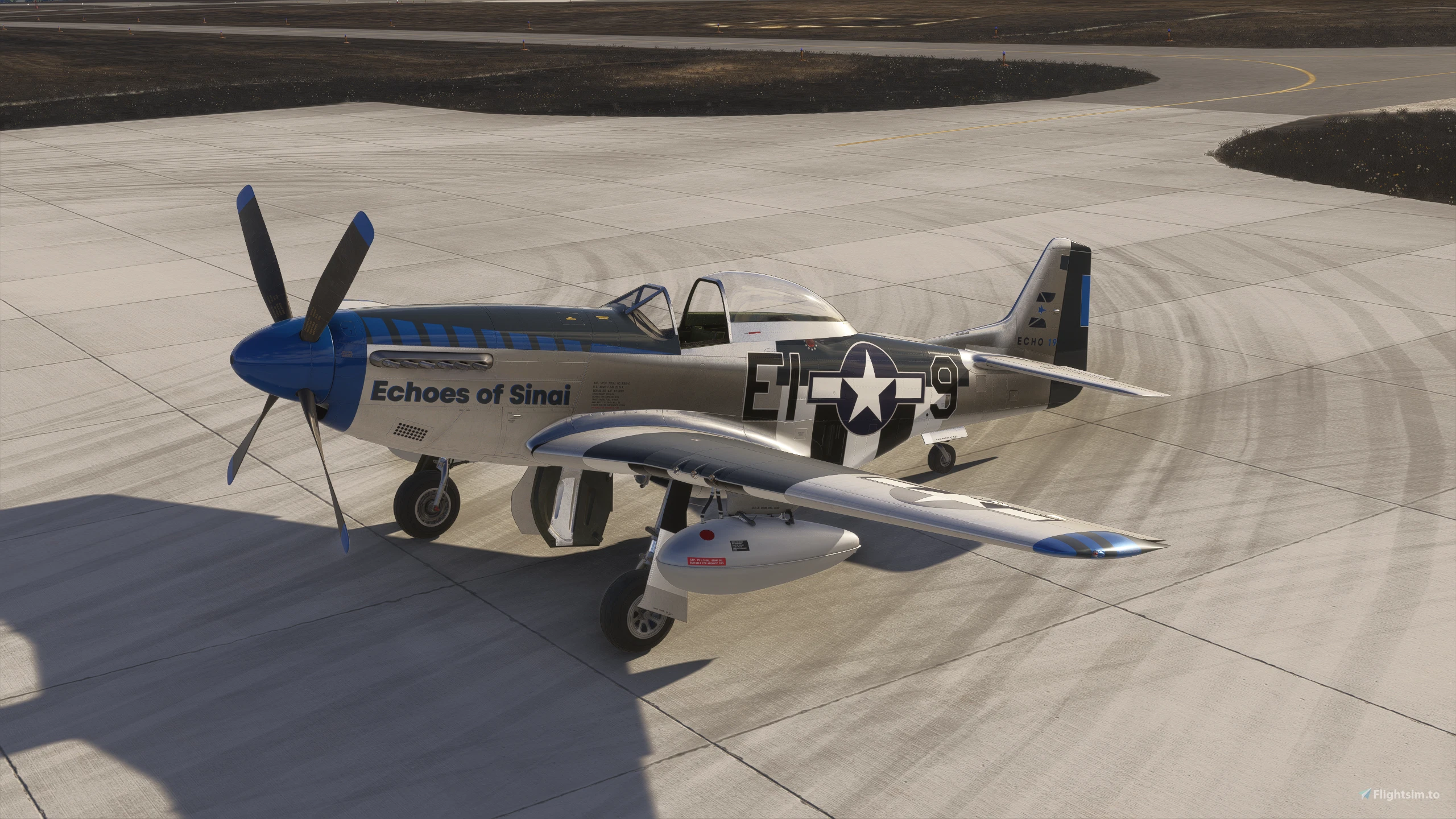
Description
Asobo P-51D Improvement Mod
REQUIRES Reno Expansion Pack P-51D (ONLY in MSFS2020)
WORKS with NATIVE P-51D (MSFS2024)
Discord
This mod seeks to add and/or improve fidelity and functionality of the Asobo/MS Reno P-51D. By utilizing model attachments from the MSFS SDK we are able to "fix" or "add" things to Asobo models without redistributing complete base files, therefore remaining compliant with Game Content Usage rules/copyright law as the mod requires you to own the base Reno P-51D already.
COPYRIGHTS TO INDIVIDUAL MODELS REMAIN WITH THEIR RESPECTIVE HOLDERS
Now that the legal goobly-gook is out of the way... FUN STUFF!
Updates will continue as I continue to identify and address weak spots.
I'm probably going to forget a bunch of important new changes here, but ANY P-51 POH/Checklist will work to learn the new systems. Everything is AS CLOSE as I can get it to 1:1 representation
This mod breaks the default "livery" mesh, so it has been disabled. As such the default livery is now a mostly bare metal airframe. Third party liveries work as intended.
IMPROVEMENTS
- PER LIVERY State Saving
Find EVERY livery just as you left it! Prop type, drop tanks, hard points, fuel quantity, and much more all remain persistent. Even radio frequencies are saved!
- In-Game Panel
Autopilot via Toolbar App
- Airframe stat tracking via Toolbar App
- Airframe shape added to EFB for load and CG management pages (2024)
- Drop Tanks - functional and "droppable"
Drop tanks contribute to airframe drag
- Automatically drawn from based on fuel loading in left/right main tanks (sim limitation due to fuel selector animation)
- Dropped via RED button on flight stick (see photos)
- Wing hardpoints toggled on/off via load station weight. Less than 10lb is the threshold.
- Canopy rework
Multiplayer sync implemented via SPOILERS SimVar
- Canopy contributes to airframe drag
- Prop model logic rework (cuffed vs paddle)
Multiplayer sync implemented
- New prop animation compatible with 2024 prop shaders
- Multiplayer sync of user selected variables (prop, drop tanks, hard points, canopy, gear doors)
- Custom ground physics from scratch
The GREEN IFF switch activates a "rudder boost" if you're finding the rudder/tailwheel steering inputs a bit lackluster. This has the side-effect of creating RIGHT turning tendencies on takeoff, so take caution. Watch the brakes! They are grabby at speed. Ground loops are relatively docile and shouldn't be a large concern unless you find yourself far behind the airplane.
- New engine model
- Custom Mixture Event/Behavior - 3 Position Mixture Lever Supports Hardware Controllers!
FULL RICH/RUN/IDLE CUT OFF FULLY FUNCTIONAL. Right now we have matching fuel flow numbers. 67"/3000RPM - 211GPH, 61"/3000RPM - 185GPH, 47"/2700RPM - 90GPH, 38"/2300RPM (Cruise) - 60GPH
- New flight model from scratch
Full CFD/SBS/NPS support
Implemented with roll rates and cruise speeds validated against real world data at varying speeds/altitudes.
- New prop aerodynamics model AND 3D "Cuffed" prop model
- Reworked trim tab animations (anti-servo rudder tab)
- Fixed fuel pressure gauge reading
- Fixed idle cut-off mixture ratio - STARTING AT MIXTURE ICO IS SUPPORTED
- Custom Primer Logic
Fuel pump ON - Check fuel pressure >3 psi, hold primer 3-5 seconds (tooltips indicated UNDERPRIMED/PRIMED/OVERPRIMED).
- Custom Engine Start Logic
Now using a custom prop animation and engine start logic, when you engage the starter switch, the logic runs, and depending on primer state among other factors initiates a randomized starting logic. The Merlin can be finicky and MAY not start on the first attempt.
- Fixed fuel line fuel volume/fuel cutoff valve
- Engine failure based on over-boost stress ( >5 min at more than 61" MP)
- Added Asobo EFB (2024 - See photos for clickspot)
- Added GNS 430 Panel Variant (2024 - See photos)
- Engine auto start/stop implemented with Ctrl + E
Asobo Reno P-51D Improvement Mod
The Asobo Reno P-51D Improvement Mod enhances the fidelity and functionality of the Reno P-51D aircraft in Microsoft Flight Simulator. This add-on uses model attachments from the MSFS SDK to implement various fixes and improvements while remaining compliant with copyright laws, as it requires ownership of the original model. Key features include an animated canopy, improved landing gear visuals, and cockpit switch functionality for the 3D pilot model. The mod is currently in early development, with plans for further enhancements and updates in the future.


User Reviews
23 reviews
Version History
SU7 Compatibility Update
Related
DC-3 Cargo/Freighter Variant
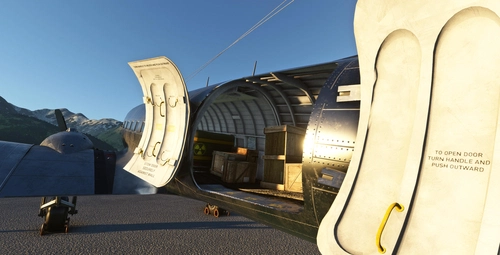
Enhance your virtual airline experience with this DC-3 Cargo/Freighter Variant addon, designed to differentiate the cargo model from the passenger variant for NewSky platform compatibility. Featuring increased MTOW, modified CG loading stations, and two distinct liveries, this mod offers improved performance and historical accuracy for your flights in Microsoft Flight Simulator. Upgrade now and explore the enhanced capabilities of the iconic DC-3 aircraft.
by Aeroplane Heaven/Microsoft/RandallSnow
FTSim+ DC-3 Sound Mod - Duckworks Compatibility Mod
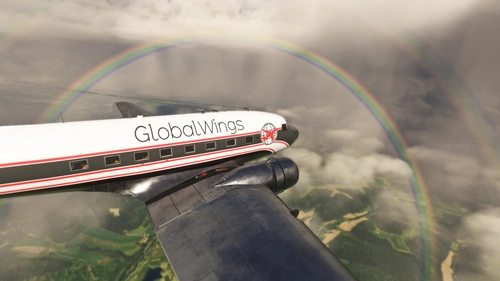
Ensure compatibility between FTSim+ DC-3 Sound Pack and Duckworks DC-3 Realism mod with this sound.xml rewrite. Follow easy drag & drop installation to enjoy both mods seamlessly.
by RandallSnow
NZTO - Tokoroa Aerodrome
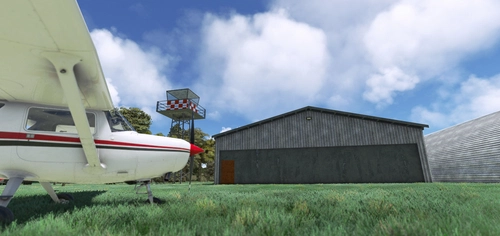
Explore the charm of NZTO - Tokoroa Aerodrome in New Zealand with this add-on featuring custom 3D models, textures, and ground materials. Discover the animated hangar doors and even a go-kart track for some added fun. Compatible with ORBX Mesh, World Update, and AI Traffic, this aerodrome is ready for your next flight adventure.
by RandallSnow

Asobo Reno P-51A Improvement Mod
The Asobo P-51A Improvement Mod enhances the fidelity and functionality of the Reno P-51A "Mrs. Virginia" model in Microsoft Flight Simulator. This mod utilizes model attachments to address issues and implement improvements while complying with copyright regulations. Currently in early development, it aims to fix textures and reduce visual artifacts, with ongoing updates planned. Users must own the Reno P-51A to install this mod.
by RandallSnow
Log in to join the discussion
Log InComments(104)
about 11 hours ago
about 24 hours ago
Cheers,
Stéph.
2 days ago
3 days ago
2 days ago
Bonjour, veuillez télécharger à nouveau le mod. La compatibilité avec la SU7 a été corrigée hier seulement.
1 day ago
3 days ago
2 days ago
19 days ago
17 days ago
With 2024, the SU7 updates are going to break this mod entirely, so I am in the middle of a mad scramble to get it "fixed" while juggling full time work.
Currently engine management/damage is a super rudimentary test. If you exceed WEP (61"/3000RPM) for 5 minutes +/- ~1 minute the engine will stop. This is intended to be expanded, but again, one man army here.
23 days ago
22 days ago
about 1 month ago
about 1 month ago
about 2 months ago
about 2 months ago
about 2 months ago
about 2 months ago
4 months ago
4 months ago