Flightsim.to
    Handlebar Mod MSFS2024 - Image 1

    Description

    =====================IMPORTANT=====================

    Please download the latest version which includes an update for SU3. The previous version does not work with SU3 and will cause your toolbar to not appear. Updating to the latest version will restore functionality with SU3.

    ===================================================

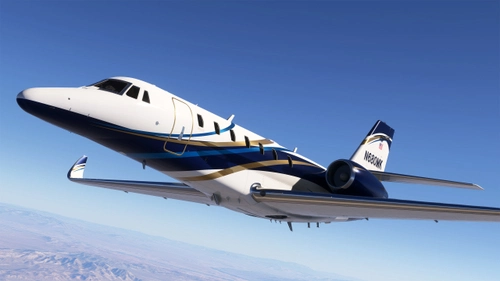
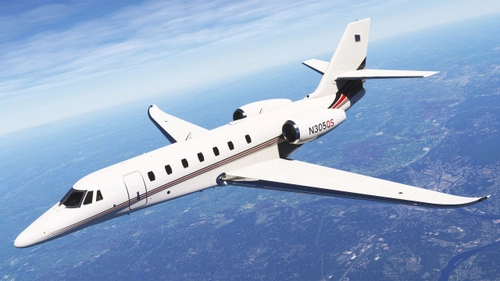
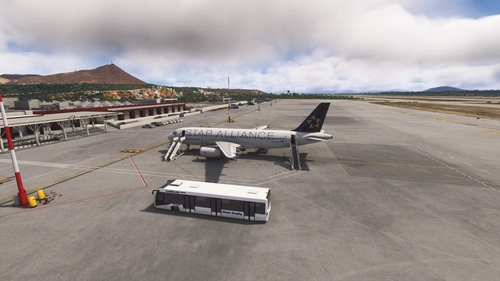
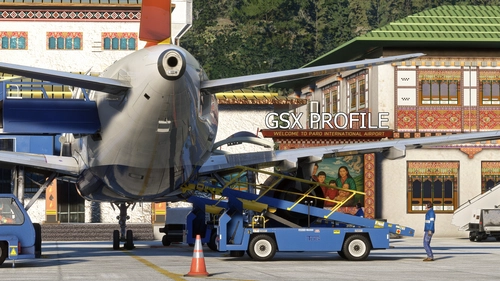
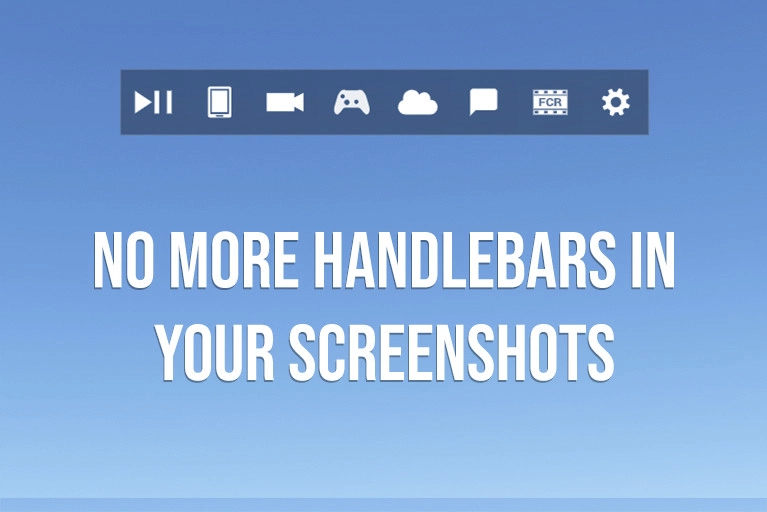
    Handlebars be gone from your screenshots! A simple mod to remove the "handlebar" from the MSFS2024 Toolbar because this is how it should have been.

    Installation Instructions

    Unzip and drag "heclak-ui-handlebar-mod" folder to your community folder.

    Disclaimer

    Microsoft Flight Simulator 2024 © Microsoft Corporation. Handlebar Mod 2024 was created under Microsoft's "Game Content Usage Rules" using assets from Microsoft Flight Simulator 2024, and it is not endorsed by or affiliated with Microsoft.  

    Comments(206)

    Log in to join the discussion

    Log In
    m

    about 1 hour ago

    Hi Heclak, thank you for this, it's me Park :)
    h
    heclakAuthor

    6 minutes ago

    Hi Park! Thanks for the support!
    U

    1 day ago

    Thanks. Much appreciated.
    I'd like to move the tool bar up to the very top. I poked around in the code (v-anchor) but no change as I would expect. I know just enough about programming to break it.
    h
    heclakAuthor

    1 day ago

    I have a version that moves it up but there's some stuff that I need to finish up on it first. Hopefully I'll find some time to finish it up soon and I'll post it. I prefer it higher up too.
    U

    21 days ago

    Thank you, simple model but which helps.
    Is there no way to update the handlebar to make it prettier and activated with a button?
    t

    24 days ago

    Still working. Thank you!
    l

    25 days ago

    Works fine in my MSFS 2024.
    h
    heclakAuthor

    25 days ago

    thank you so much for the comment. I'm glad it works for you! thank you for the support!
    b

    2 months ago

    Thank you. Simple mod. but makes a big difference in the sim.
    h
    heclakAuthor

    2 months ago

    Thank you for the words of support! I appreciate you
    S

    3 months ago

    Здравствуйте! В обычной версии игры все работает хорошо. Спасибо! Но в VR панель остается. Можно убрать панель в VR, или возможно есть другая модификация для VR?
    h
    heclakAuthor

    3 months ago

    do you mean to hide the entire toolbar? That doesn't require a mod. There is a hotkey for it in your VR settings. I think it defaults to Ctrl-T or Alt-T?
    V

    3 months ago

    How do you get the toolbar back when you want it?
    h
    heclakAuthor

    2 months ago

    this mod doesn't remove the toolbar. it only removes the ui element above the toolbar
    D

    4 months ago

    The handle is out but the UI still on screen. What did I do wrong? It was working fine before.
    h
    heclakAuthor

    2 months ago

    I don't quite understand. this mod doesn't remove the entire toolbar. are you using this in VR?
    a

    4 months ago

    Thank you! Works in SU5 Beta!
    r

    4 months ago

    Awesome tool no issues for over 8 months thanks
    ...
    MSFS 2020MSFS 2024

    Handlebar Mod MSFS2024

    The Handlebar Mod for MSFS2024 allows users to remove the toolbar "handlebar" from their screenshots. This mod aims to provide a cleaner visual presentation in the simulator. Installation is straightforward: simply unzip and drag the mod folder into your community directory. It is built under Microsofts guidelines and incorporates assets from Microsoft Flight Simulator 2024.


    Downloads21K
    Version1.1
    File Size34.39 KB
    Published1 year ago
    Updated1 year ago

    User Reviews

    5.0

    50 reviews

    5
    100%
    4
    0%
    3
    0%
    2
    0%
    1
    0%

    More Information

    Simulator
    MSFS2024
    CategoryUtilities
    Sub-CategoryTweaks

    Version History

    Updated to support SU3 beta for both MS Store and Steam (tested up to SU3 beta 1.5.4.0) And thank you to luzat and the others in the comments for the speedy troubleshooting for the SU3 beta.