

Description
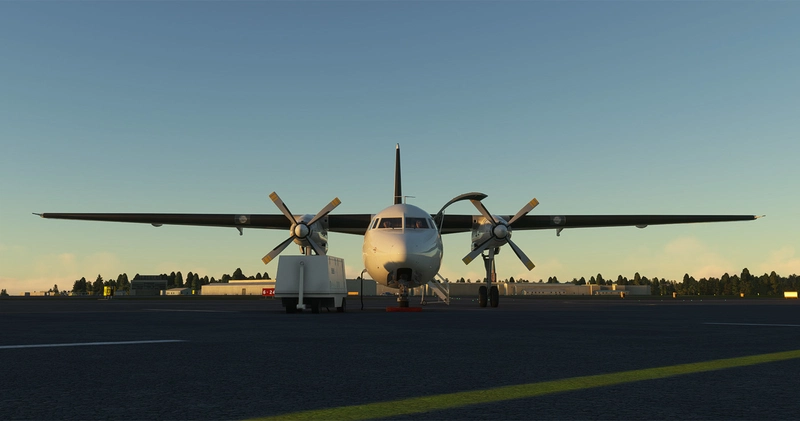
Fokker f27-MK 500 standalone new aircraft with custom full working cockpit in Air Inter configuration for MSFS 2020/2024.
Two versions of cockpit, both in Air Inter configuration (with Tapir autopilot), one in french (like the initial real one) and the other one in english.
Although the plane has still been compiled with msfs2020 sdk, this new version has been reworked to provide compatibility to fly the plane in MSFS2024 the same way as in MSFS2020 (cold &dark gate to gate flights tested both in MSFS2020 & 2024). As this not yet a native MSFS2024 plane, new features will not be available.
Fokker F27-MK500
The Fokker F27-MK 500 add-on for MSFS 2020/2024 features an Air Inter livery and offers two cockpit versions with the Tapir autopilot, available in both French and English configurations. This aircraft adds a classic regional flying experience to the simulator.

User Reviews
176 reviews
Version History
- set tranponder state to an active mode when corresponding circuit is on (for external ATC soft) - TGT correction at engine start and shut down
Related
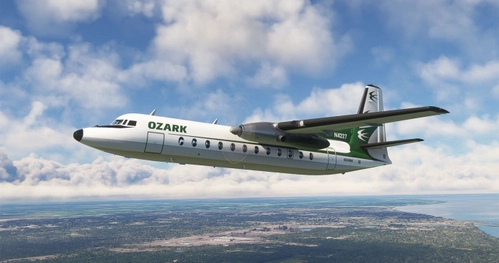
Fairchild-Hiller FH-227B
This add-on introduces a standalone Fairchild FH-227B aircraft with a fully functional custom cockpit for Microsoft Flight Simulator 2020 and partial compatibility with 2024. It offers four fuselage configurations, including both small and large cargo door variants and various antenna arrangements. Users can select from two cockpit layouts based on Ozark and Piedmont airlines. While all core features work in both simulator versions, new MSFS 2024-specific functions are not supported.
by Bgaurant
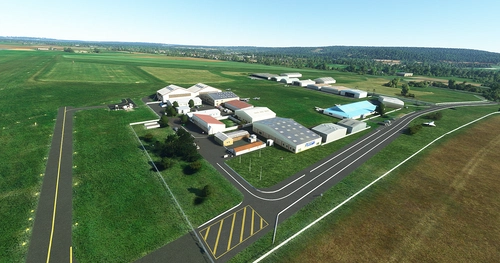
LFPA Persan-Beaumont airport for msfs
Explore the small airport of LFPA Persan-Beaumont, situated near Paris, in this MSFS adaptation of the original FSX scenery by Benoit Guarent and Dan Guimbert.
by Bgaurant
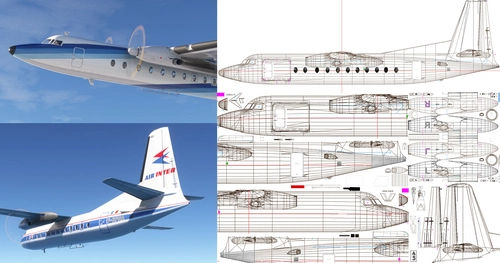
Paint kit for Fokker F27 mk 500 for MSFS 2020 by Benoit Gaurant
This add-on provides a 2D basic paint kit for the Fokker F27 mk 500 in Microsoft Flight Simulator 2020, created by Benoit Gaurant. It includes PNG source files featuring base white textures, 3D frame templates, and separate layers, allowing users to design custom external liveries using their preferred graphics software.
by Bgaurant
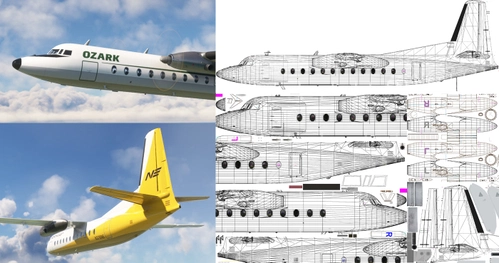
Fairchild-Hiller FH227 paintkit
This addon provides a 2D basic paintkit for the Fairchild-Hiller FH227 in MSFS2020 and 2024, created by Benoit Gaurant. It includes PNG source files with base white textures, 3D frame templates, and separate layers. The files are designed to be used in graphic editing software for creating custom liveries. The paintkit uses textures from the original base pack.
by Bgaurant
Log in to join the discussion
Log InComments(596)
about 11 hours ago
11 days ago
"Check transponder. No Mode-C indication"
10 days ago
9 days ago
12 days ago
14 days ago
16 days ago
20 days ago
about 1 month ago
about 1 month ago
about 2 months ago
2 months ago
In the description of updated version you state "msfs pilots". What exactly do you mean? Are we supposed to see a co-pilot in the cockpit? Is this change applying to 2020 or 2024 or both?
Thank you for delivering such a fantastic bird!
2 months ago
3 months ago
Love the F27, please try to make a F50. That would make my day!
3 months ago
3 months ago
4 months ago
4 months ago
4 months ago