

Description
FBW A380 StreamDeck XL & PLUS profile & AAO Scripts
by Guenseli
You need LORBYs AAO and its StreamDeck Plugin to run this StreamDeck profile.
Note:
This is only tested with MSFS2024 with FBW A380 DEV Version!!!
Now iniBuilds A380 is on the road, this would be probabyl the last update. Many thanks to the FBW Team making this freeware!
Donations are welcome!!! it is a lot, really a lot of work, and some donations make future projects easier ;) thx!
If you want to donate directly as friend without a PayPal fee, then use this adress, please: www.paypal.com/paypalme/GuenterSteiner
ATTENTION!
PLEASE READ CAREFULLY!
- When you import SD profiles, make sure to delete the old ones, otherwise you'll get profile copies.
- Make sure to always have the latest AAO and AAO StreamDeck plugin versions!
- I just create the SD profiles! For any connection issues, SD plugin not working, Buttons show "?" or nothing, no reaction of the SD etc., please contact the developer of AAO! And please read the AAO Manual or the short Troubleshooting PDF
- It is - as the title says - just for the StreamDeck XL (!). Please do not ask for a 15 button conversion. This will not happen as this will more than double the amount of development and support for me as I do not have a 15 button SD. Sorry.
- Please ask if you want to use parts of my SD profiles, icons or AAO scripts or whatever! And please ask everytime you start a new project!
- You have to credit and link me in your description! If you use my work, you are then not allowed to beg for own donations!
Installation:
Install the SD XL profile by double clicking at FBW A380.streamDeckProfile
Install the SD PLUS profile by double clicking at PLUS FBW A380.streamDeckProfile
Import the AAO script FBWA380_Scripts.xml according to the AAO manual
You can use the AAO scripts of course for other hardware, too!
FBW A380 StreamDeck XL & PLUS profile & AAO Scripts
This add-on features a StreamDeck XL profile and AAO scripts specifically designed for the FBW A380 within Microsoft Flight Simulator. It requires LORBYs AAO and its StreamDeck Plugin for functionality. The current version is in the alpha stage, and a PLUS profile is planned for future release. Users should ensure they have the latest versions of the necessary software to avoid connection issues.

Supporters






User Reviews
3 reviews
Version History
Reworked all graphics and a lot of code as many variables and therefore scripts have been outdated. Yes, Dev-Version is a moving target. Note: iniBuilds A380 is around the corner. This will be probably the last update for the FBW A380.
Related
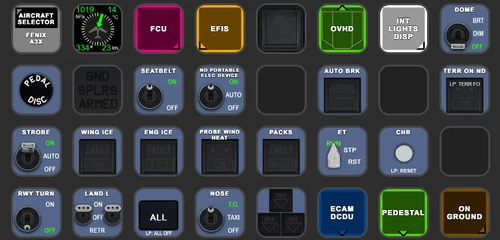
FENIX A3XX AAO Scripts & StreamDeck XL & PLUS Profile
Customize your Microsoft Flight Simulator experience with FENIX A320 AAO Scripts & StreamDeck XL Profile by Guenseli. This add-on offers a seamless integration with LORBYs AAO and StreamDeck Plugin for optimal performance. Explore the detailed installation instructions for enhanced functionality with a VRInsight MCP Combo II. Elevate your simulation setup with this meticulously crafted add-on.
by Guenseli
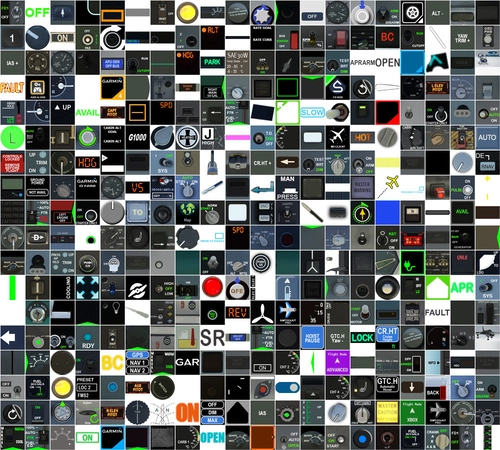
Icon Pack for Elgato StreamDeck
A collection of over 3500 icons designed for Elgato StreamDeck and similar devices, created by Guenseli. Ideal for personal use with a disclaimer against commercial usage. Icons are detailed and diverse, providing a variety of options for customization. Credits required if used in public projects, with a suggestion for donations to support the creators work.
by Guenseli
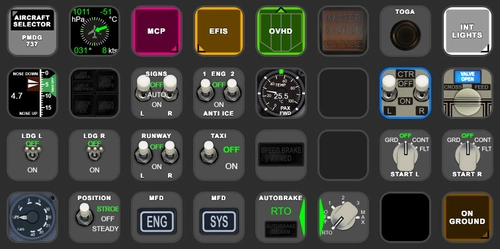
PMDG 737 AAO Scripts & StreamDeck XL & PLUS Profile
Enhance your PMDG 737 experience with the PMDG 737 AAO Scripts & StreamDeck XL & PLUS Profile by Guenseli. Make sure to update your Elgato Software to version 6.0 or higher for compatibility. This profile is specifically designed for the StreamDeck XL and requires LORBYs AAO and its StreamDeck Plugin to run smoothly. Get ready to elevate your cockpit with this detailed and user-friendly add-on.
by Guenseli
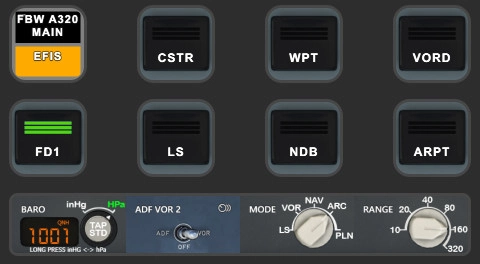
FBW A320 AAO Scripts & StreamDeck XL & PLUS profile and MCP Combo template
Enhance your FBW A320 experience with tested AAO Scripts and StreamDeck profiles for XL & PLUS versions. Ensure to delete old profiles before import and always use the latest plugin versions for seamless integration. Contact AAO developer for any connection issues and give credit if using parts of these profiles in your projects. Install scripts and profiles for an immersive flight simulation experience.
by Guenseli
Log in to join the discussion
Log InComments(26)
3 months ago
since the MSFS2024 Native update has come around, ive been working on updating my Mobiflight/Streamdeck profiles and i found at least 2 (easily fixable) issues wit this profile:
1.) On the "OVHD" Page the "BAT ESS" Button uses the Key down event "FBWA380-ELEC Bat ESS TOGGLE" (the 2 S's in ESS are capitalized) the Script doesnt have those capitalized which makes the button not work.
Self-fix for others: Replace the Key down event in Button Settings for the BAT ESS Button with "FBWA380-ELEC Bat Ess TOGGLE" and save.
2.) On the "RMP 1" Page the "CLR" Button uses the Key down event for the "0" Button "FBWA380-RMP PED L 0 PRESS" instead of the right Script which is "FBWA380-RMP PED L CLR PRESS"
Self-fix for others: Replace the Key down event in Button Settings for the CLR Button with "FBWA380-RMP PED L CLR PRESS" and save.
5 months ago
5 months ago
Please be patient, will be fixed, but takes some time
5 months ago
5 months ago
5 months ago
EDIT: Just discovered I'm not on the latest version of the StreamDeck App; their update system appears to be down right now, but when it's up again I'll try that, see if it makes a difference.
EDIT 2: Yes, the StreamDeck software version was the issue, fixed!
about 1 year ago
almost 2 years ago
I hear that Bvars may be an issue. So some scripting may be involved to overcome that.
We have faith in you.
almost 2 years ago
However, i have some profiles using still BVars. But today (as AAO has evolved) they are not longer necessary mostly.
almost 2 years ago
Do you know if streamdeck profiles here will immediately work with MSFS 2024 ?
THANKS !
almost 2 years ago
AAO is working and so they profiles will also.
What is not clear up to now is, if certain variables will probably not work. But thats a minor issue as far as I can say.
However, you will use 2020 still for some month I think ;)
almost 2 years ago
almost 2 years ago
I cannot use this addon as it is, because I use fragtality's plugin for my panels, however I was wondering if you will made the A380 images available in your icon packs.
almost 2 years ago
almost 2 years ago
vielen Dank für diese tolle Tool! Deine Arbeiten sind top!!!!! lG guidschi
almost 2 years ago
almost 2 years ago
almost 2 years ago
almost 2 years ago
almost 2 years ago