
Description
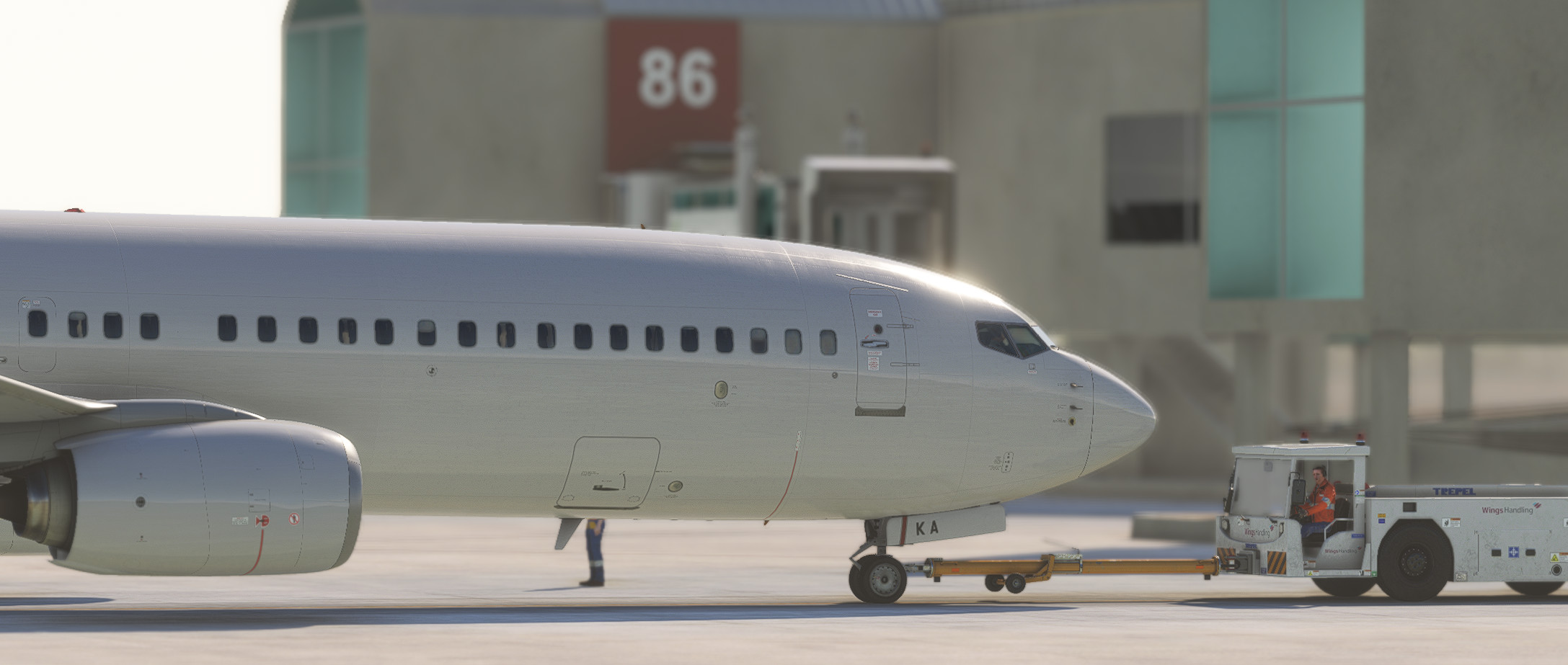
GSX Profile created for EuroScene's fabulous rendition of Palma de Mallorca (also known as Son Sant Joan Airport). Currently this profile features all gates (stands with jetways in contact with the terminal) and some remote stands, but will be updated in the near future to include all available remote stands as well.
Included with this profile:
- All gates with custom vehicle positions, pushback routes, passenger waypoints and passenger walking in the terminal buildings.
- Custom gate group names (Terminal A, B, C, D + remotes and other remote stands not belonging to a particular terminal all sorted into their own categories to select)
- Correct Safedock T3-9 VDGS positions
With all terminal stands, passenger waypoints as included which allow passengers to walk through the terminal to their gate and board the aircraft through the jet bridge. I have also included passengers walking in the terminal buildings to bring the scenery to life, and all stands (excluding taxi-out stands) feature custom pushback routes using Jeppesen and LIDO charts as a reference.
If you find any bugs with this profile, be sure to leave a comment or message me directly!
You can find this amazing scenery here.
GSX Profile - EuroScene Palma de Mallorca (LEPA) - Official
GSX Profile for EuroScene's fabulous rendition of Palma de Mallorca (LEPA). Includes custom gate groups, custom vehicle positions, pushback routes, passenger boarding and deboarding waypoints, stop positions and passengers walking inside of the terminal buildings.


User Reviews
11 reviews
Version History
- Compatibility with latest update - Completely changed ground operators to add everything that's been requested (Swissport, EXS, Iberia, Groundforce and Acciona)
Featured in Collections(1)

Related

GSX Profile - EGJJ Jersey - Fly X Simulations
Enhance your airport experience with this GSX Profile for EGJJ Jersey by Fly X Simulations, featuring custom passenger waypoints, vehicle positions, pushback routes, gate sorting, tug preferences, and APIS VDGS. Realistic stand sizes as per real-world operations included.
by Vee2Profiles
GSX Profile - EGLC London City - UK2000
This GSX Profile add-on is designed for UK2000s London City Airport, offering enhanced ground services compatibility. It features custom stop and vehicle positions, along with passenger waypoints tailored for all commercial stands. The package includes a removal addon to optimize the scenery by eliminating static ground vehicles, ensuring a realistic operational environment. The profile is optimized for select aircraft types while remaining compatible with others.
by Vee2
GSX Profile - EGSH Norwich - UK2000 Scenery
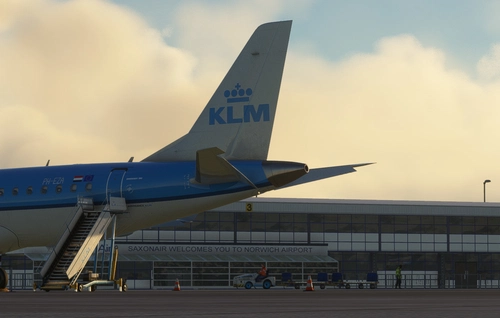
This GSX profile for EGSH Norwich Airport is designed for use with UK2000 scenery, providing enhanced functionality and visual improvements. It features gate groupings, custom stop and vehicle positions, as well as designated pushback routes for the passenger terminal stands. Additionally, the add-on includes a community folder modification that removes static aircraft and ground service equipment, while adding some visual enhancements to the airport environment. Note that airport walkers are not included due to resolution limitations.
by Vee2
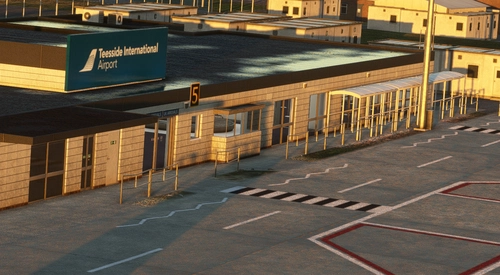
GSX Profile - EGNV Teesside - Fly X Simulations
This GSX Pro Profile is designed for Fly X Simulations rendition of EGNV Teesside Airport, enhancing the realism of ground handling operations. It includes custom vehicle positions, pushback routes, and marshaller positions, as well as tailored boarding and deboarding waypoints for all stands. The profile also features an exclusion add-on to remove static ground service equipment, ensuring optimal functionality. Detailed installation instructions are provided for users to integrate the profile seamlessly into their simulator experience.
by Vee2
Log in to join the discussion
Log InComments(45)
1 day ago
about 10 hours ago
Otherwise, the scenery has just been updated, cumulative updates come with new terminal and gates, so an update of this GSX profile will be welcomed.
Thanks
14 days ago
And the pushback direction was wrong.
Waiting for an update for the update to the scenery. Other than that, never had an issue :)
about 1 month ago
about 1 month ago
about 1 month ago
3 months ago
4 months ago
4 months ago
9 months ago
9 months ago
11 months ago
11 months ago
12 months ago
about 1 year ago
about 1 year ago
9 months ago
about 1 year ago
about 1 year ago
11 months ago
You want to drag both files (the .ini and the .py) into your GSX profile folder, follow these steps:
- Press Win+R
- Type "%appdata%/Virtuali/GSX/MSFS" and press enter
- Drag both of the profile files into here
Hope this helps!!