
Description
Hello !
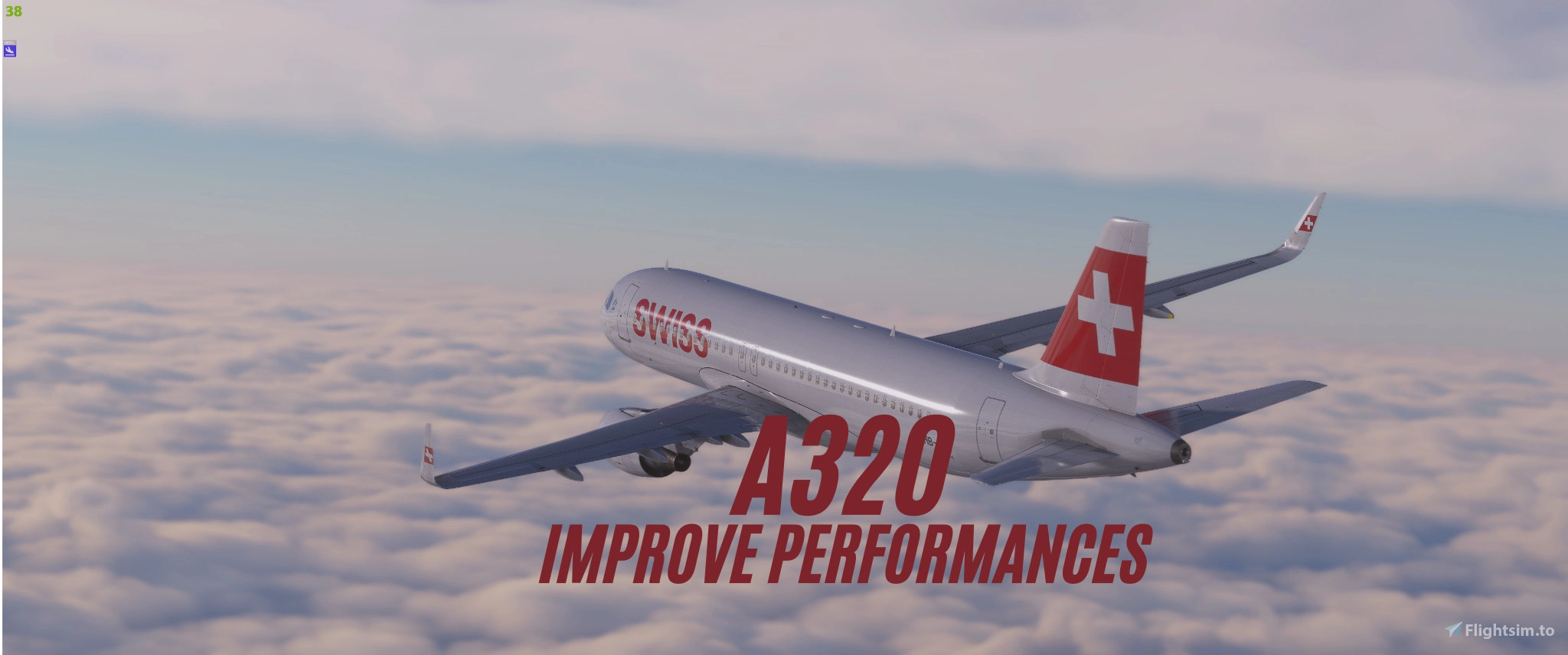
Here is a new downgrade texture package for the A320 Fenix CFM and IAE version.
This texture pack slightly modifies cabin textures, 3D objects external to the aircraft (GPU / Cones etc) As well as other aircraft textures.
The performance gain is between +5 to +10 FPS
For installation, go to the aircraft file:
Microsoft store:
C:\Users\[YourUsername]\AppData\Roaming\Microsoft Flight Simulator\Packages\Community\fnx-aircraft-320\SimObjects\Airplanes\and replace the files according to the folder structure you downloaded
Steam:
|YourHardDrive]\SteamLibrary\steamapps\common\Microsoft Flight Simulator 2020\Community\fnx-aircraft-320\SimObjects\Airplanes\and replace the files according to the folder structure you downloaded
Improve Performances A320 (+SL) Fenix - Downgrade textures
This add-on provides a texture downgrade package for the A320 Fenix models, specifically the CFM and IAE versions. It includes modifications to cabin textures, external 3D objects, and other aircraft textures. Users can expect a performance improvement ranging from 5 to 10 FPS. Detailed installation instructions are included for both Microsoft Store and Steam versions.

User Reviews
4 reviews
Version History
No version history available.
Related
Downgrade Textures (FPS Booster) A388NX FlyByWire
This add-on provides downgraded textures for the FlyByWire A388NX aircraft in Microsoft Flight Simulator. The modification aims to enhance performance by reducing texture quality. Installation is straightforward; users need to replace their existing textures with the ones included in the provided WinRAR folder. Detailed installation instructions and the texture path are included for user convenience.
by Astr0munix
Downgrade Textures (FPS Booster) B738Max iFly
This add-on provides downgraded textures for the iFly B738Max aircraft in Microsoft Flight Simulator to enhance FPS performance. Users can easily install the textures by replacing specific folders within the aircrafts directory in the community folder. The modification only affects the designated textures without altering other files, ensuring a seamless application. For assistance, users are encouraged to join the dedicated Discord channel.
by Astr0munix
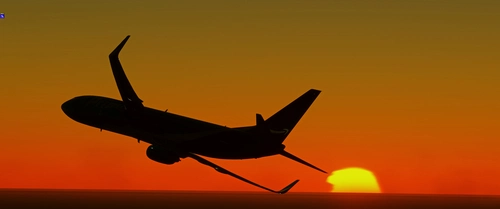
"Realistic Life" Reshade Preset V2.2 (Updated 11/11/24)
The "Realistic Life" Reshade Preset V1.0 enhances the visual experience of Microsoft Flight Simulator by modifying colors, shadow intensity, and overall graphic appeal to create a more immersive and realistic presentation. This initial version aims to reduce bland visuals and may receive updates based on user feedback. For queries or support, a Discord link is provided.
by Astr0munix
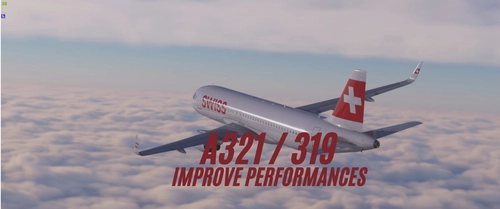
Improve Performances A319/321 (+SL) Fenix- Downgrade textures
This add-on provides a downgrade texture package for the Fenix A319/321 aircraft, targeting the CFM and IAE versions. It modifies cabin and external object textures, aimed at improving overall performance by increasing frame rates between 5 to 10 FPS. Installation instructions for both Microsoft Store and Steam users are included for seamless integration.
by Astr0munix
Log in to join the discussion
Log InComments(25)
11 months ago
about 1 year ago
about 1 year ago
over 1 year ago
over 1 year ago
over 1 year ago
over 1 year ago
over 1 year ago
over 1 year ago
almost 2 years ago
almost 2 years ago
almost 2 years ago
almost 2 years ago
almost 2 years ago
almost 2 years ago
almost 2 years ago
almost 2 years ago
almost 2 years ago
about 1 year ago