
Description
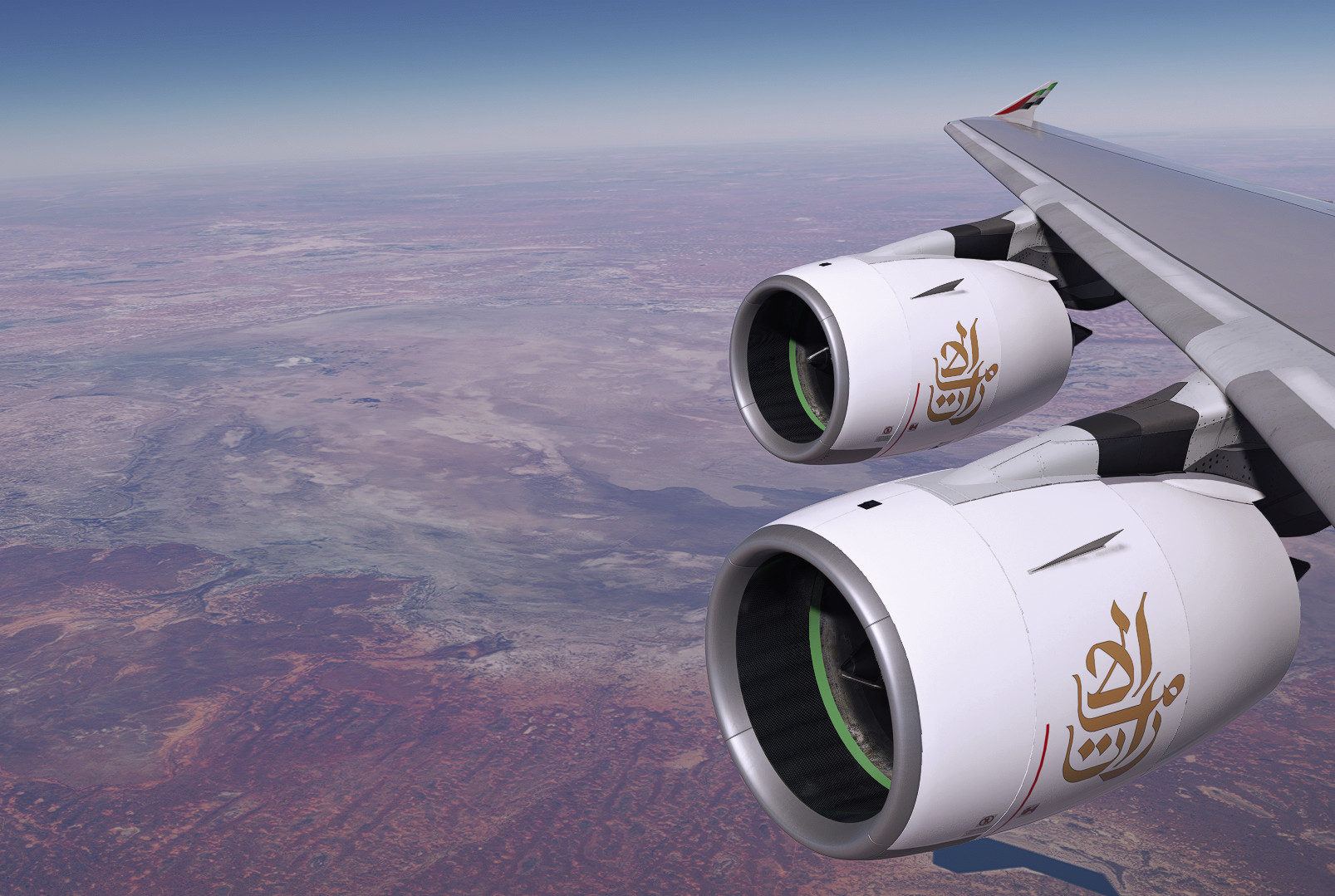
FlyByWire A380X Custom Views
How to install:
Steam Users:
C:\Users\your_user_name\AppData\Roaming\Microsoft Flight Simulator\SimObjects\Airplanes\FlyByWire_A380_842\cameras.cfg
Microsoft Store Users:
C:\Users\your_user_name\AppData\Local\Packages\Microsoft.FlightSimulator_8wekyb3d8bbwe\LocalCache\SimObjects\Airplanes\FlyByWire_A380_842\cameras.cfg
KEYS
1 - RightEngineView
2 - Left Engine View
3 - RightOverWingView
4 - LeftOverWingView
5 - LeftWingView
6 - RightWingView
7-Left Behind Wing view
8 - Right Upper Deck Engine View
9- TaxiCam
0 - TailCam
Very basic quick cameras views to start off
FBW A380 Camera Views
This add-on provides custom camera views for the FlyByWire A380X in Microsoft Flight Simulator. Users can easily install the views by modifying the `cameras.cfg` file in their respective installation directories. The add-on includes various viewpoints, such as engine views, over-wing perspectives, and tailcam options, facilitating enhanced situational awareness during flight.


User Reviews
9 reviews
Version History
A few changes made to cameras 1 , 2 and 8. New images to go with the new views. Feedback welcome older views can be reinstated if needed. :)
Log in to join the discussion
Log InComments(47)
6 months ago
6 months ago
10 months ago
11 months ago
11 months ago
over 1 year ago
about 1 year ago
C:\Users\yourname\AppData\Local\Packages\Microsoft.Limitless_8wekyb3d8bbwe\LocalCache\SimObjects\Airplanes\FlyByWire_A380_842 folder
almost 2 years ago
almost 2 years ago
almost 2 years ago
almost 2 years ago
almost 2 years ago
almost 2 years ago
almost 2 years ago
almost 2 years ago
almost 2 years ago
almost 2 years ago
almost 2 years ago
almost 2 years ago