

Description
Compatible with MSFS2020 version F-16 v1.1.4.
It may not be compatible with the MSFS2024 native version F-16 v1.1.5 or later.MSFS2024
I will not be able to provide support for future aircraft updated by DC Designs as MSFS2024 native versions, as the texture formats differ.
If anyone wishes to convert them, you are free to do so and distribute the converted files.
------------------------------
I'm very sorry, but I cannot accept requests to create new liveries.
F-2 is a fighter jet developed by Mitsubishi in Japan based on the F-16. It is painted in blue maritime camouflage to defend Japan, which is surrounded by sea.
Installation:
Copy " zz-F-2-SCD F-16 " folder to your Community folder.
///// Only the liveries. SC Designs F-16 required /////
***** If your PC monitor is set to bright, try the " dark color version ".
By switching the aircraft folder (e.g. F-2 8sq) in the zz- folder, you can mix and use two different color textures ( default / dark color version ) .
< Contents of Liveries >
// Mitsubishi F-2A (F-16C) //
3rd TFS -- HYAKURI AIR BASE ( RJAH )
6th TFS -- TSUIKI AIR BASE ( RJFZ )
8th TFS -- TSUIKI AIR BASE
ADTW -- GIFU AIR BASE ( RJNG )
// Mitsubishi F-2B (F-16D) //
3rd TFS -- HYAKURI AIR BASE
ADTW -- GIFU AIR BASE ( Air Development and Test Wing )
--------------------------------------------------------------
Copyright:
F-2 Original Livery Creator -- Mr. Tsujika Air
I am very grateful to Mr.Tsujika Air for creating the F-2 livery and giving me permission to distribute it.
JASDF F-2 for SC Designs F-16 / F16 - Japan Air Self Defense Force F2 V6
This add-on features the Japan Air Self Defense Force F-2 fighter jet, developed by Mitsubishi and based on the F-16 design. It includes a detailed blue maritime camouflage livery and represents various tactical fighter squadrons stationed at key air bases in Japan. The add-on requires the SC Designs F-16 for installation and offers liveries for both the F-2A and F-2B variants.


User Reviews
1 reviews
Version History
Available in MSFS2024
Related
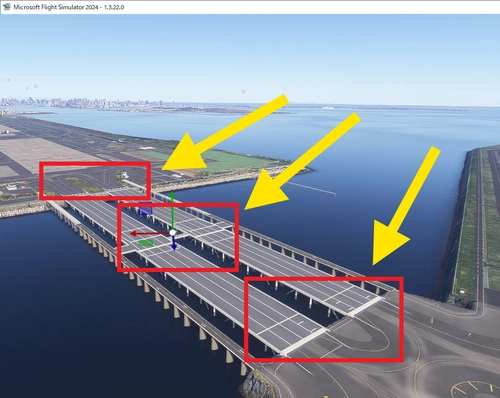
MSFS2024 RJTT Taxiway bridge Fix - Tokyo International Airport (Haneda)
This add-on addresses the uneven taxiway surface on the bridge leading to Runway D at Tokyo International Airport (RJTT) in MSFS2024. It smooths out the bumps caused by a modeling bug, which also results in the floating appearance of aircraft wheels. Users are advised to remove this fix once the underlying issue is resolved by Asobo, as it places ramps that may cause obstacles in the future. Installation involves adding the "RJTT-Haneda-Bridge" folder to the Community directory.
by Ter2255
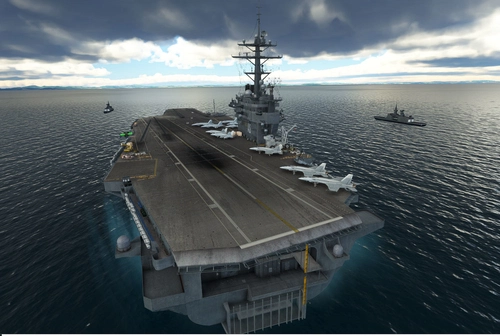
Aircraft Carrier Japan V1
Aircraft Carrier Japan V1 adds carriers near Japanese air bases with known issues including escort ship visibility. Required files include Top Gun Maverick: Expansion and Jayshrike World Carriers 2.01. Recommended updates are FS2020 Default World Update 1: Japan and Freeware F-35B Lightning2 mods. Enjoy catapult launches with Jayshrike World Carriers or Kinetic Assistant.
by Ter2255
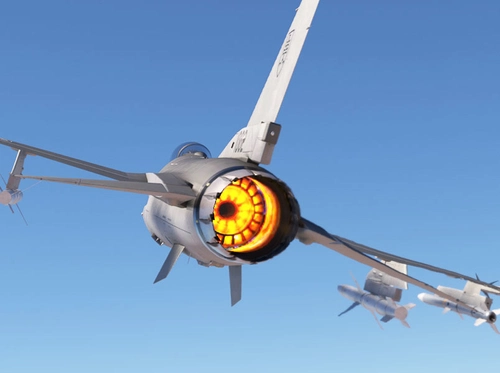
SC Designs F-16 Afterburner Color Replacement Texture F16 V4.0
This add-on modifies the SC Designs F-16 by implementing changes to the afterburner and refueling port colors while enhancing the fuselage reflection. Compatible only with version 1.1.0, it provides specific installation instructions for integration into the Community folder. Users are advised to follow recommended folder naming conventions to avoid compatibility issues with other liveries.
by Ter2255
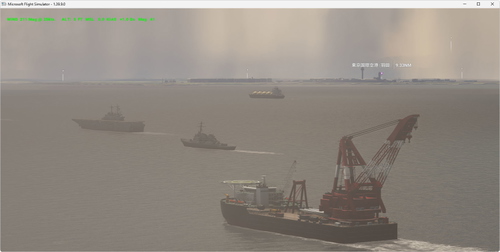
Tokyo Bay Moving Ship Helipads V2
This add-on introduces moving ship helipads in Tokyo Bay, Japan, providing a dynamic helicopter landing experience. Designated by the ICAO code HERIS, it is known as TokyoBay Heli Ships. To utilize this scenery, users must install the Moving Boats 3D Model Library, with separate versions available for MSFS2020 and MSFS2024.
by Ter2255
Log in to join the discussion
Log InComments(6)
almost 2 years ago
almost 2 years ago
about 2 years ago
about 2 years ago
about 2 years ago
about 2 years ago