
Description
Works with MSFS Version (World Update 6, version 1.19.8).
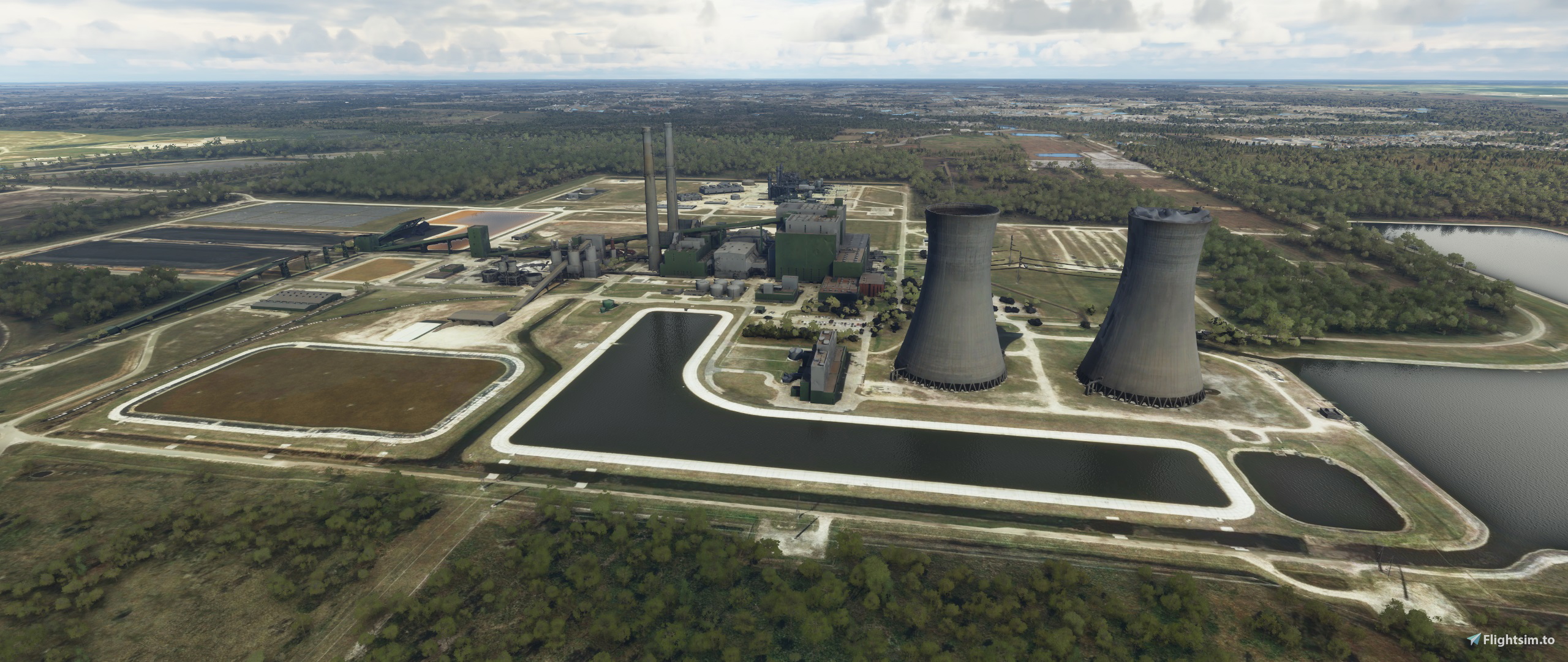
This adds the coal power plant missing from the Orlando, FL skyline.
Simply place the entire unzipped folder into your community folder. I hope you enjoy it.
Location
Stanton Power Plant, Orlando, FL
Add realism to the Orlando, FL skyline with a new addition - the Stanton Power Plant. Compatible with MSFS Version 1.19.8. Just unzip and place the folder into your community folder for an enhanced flying experience.


User Reviews
3 reviews
Version History
No version history available.
Featured in Collections(1)




Related
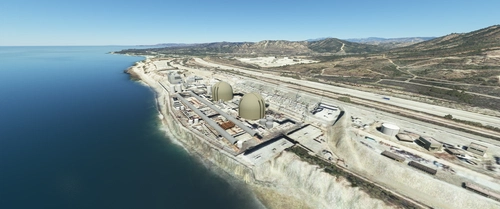
California Nuclear Power Plants, San Onofre and Diablo Canyon CA - USA V3.0.1
Enhance your flight experience over California with this add-on featuring hand-modeled containment domes for the iconic San Onofre and Diablo Canyon nuclear power plants. While San Onofre is now inactive, these landmarks remain prominent visual features along the California coast between Los Angeles and San Diego. Version 2.1 includes added details for both power plants, offering a realistic touch to your virtual flights in the region.
by FreakyD

Gundremmingen Power Plant
Experience the iconic Gundremmingen Power Plant in Germany with this add-on, featuring night lights for added realism. Dont forget to download the "PBK Effects Library" for smoke effects on the chimney. Installation is easy - just drop it into your community folder and enjoy the view.
by michelvp

Tihange Nuclear Power Plant
Explore the Tihange Nuclear Power Plant, an iconic structure since 1970, with this scenery add-on. Featuring handcrafted 3D models and photorealistic textures, immerse yourself in this detailed recreation. Created by the author with attention to detail, experience this unique power plant before its scheduled closure in 2025.
by Maxiiter
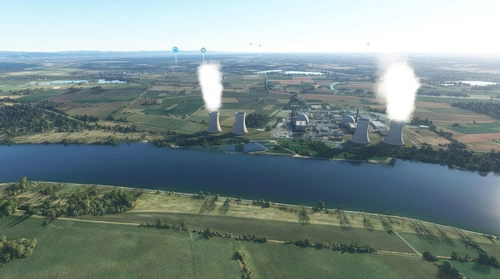
Biblis Power Plant
Discover the Biblis Power Plant add-on located in Germany, south of Frankfurt. This light version includes fun night lights and is out of service. Experience realistic flying over this unique landmark with the GPS coordinates 49.70965, 8.41270.
by michelvp
Log in to join the discussion
Log InComments(9)
about 3 years ago
about 5 years ago
Hi guys, this version is full compatible with update 5. I already checked it in my sim. Good flights everyone
over 5 years ago
over 5 years ago
over 5 years ago
over 5 years ago
over 5 years ago
over 5 years ago
over 5 years ago