
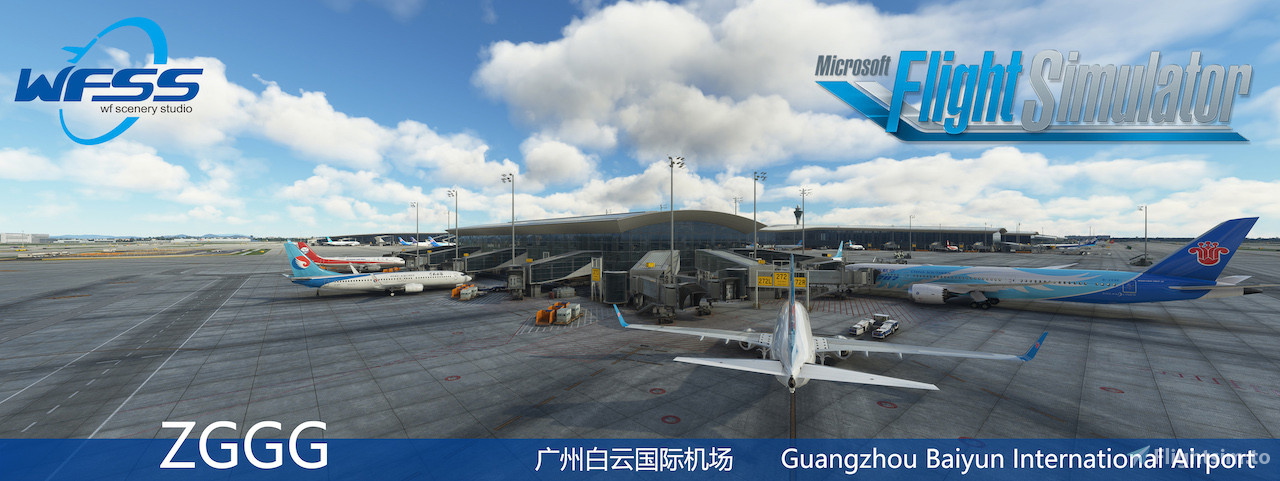
Description
适用于 WF Scenery Studio ZGGG 的 GSX PRO 配置文件
注意:此文件已经对所有机位进行了编辑和分组(包括货机坪)。此文件只适配了FENIX A319 ,FENIX A320 ,FENIX A321 ,FlyByWire A32NX。
特征:
- 每个机位都添加了VDGS
- 每个 GSX 车辆在每个机位上都有自定义车辆位置。
- 每个机位都有自定义停车位
- 每个机位上的自定义后推
安装:
只需将 .ini 文件和 .py 文件拖放到 AppData\Roaming\virtuali\GSX\MSFS。确保一次只安装一个版本!
GSX PRO Configuration File for WF Scenery Studio ZGGG
Note: This file has been edited and grouped for all aircraft stands (including cargo apron). This file only supports FENIX A319, FENIX A320, FENIX A321, and FlyByWire A32NX.
Features:
- VDGS added to every aircraft stand.
- Custom vehicle placement for each GSX vehicle at every aircraft stand.
- Custom parking positions at every aircraft stand.
- Custom pushback settings at every aircraft stand.
Installation:
Simply drag and drop the .ini and .py files into the AppData\Roaming\virtuali\GSX\MSFS folder. Please make sure to install only one version at a time!
(A320) GSX PRO Profile for WF Scenery Studio ZGGG
This add-on provides a GSX PRO configuration profile specifically for WF Scenery Studio ZGGG, tailored for FENIX A319, A320, A321, and FlyByWire A32NX aircraft. It features edits and groupings for all aircraft stands, including cargo areas, with custom vehicle placements and pushback settings. Each stand is equipped with a Visual Docking Guidance System (VDGS) and uniquely defined parking positions. Installation is straightforward, requiring only the placement of a .ini file into the designated GSX folder.


User Reviews
2 reviews
Version History
对停机位进行了更详细的分类。
Related
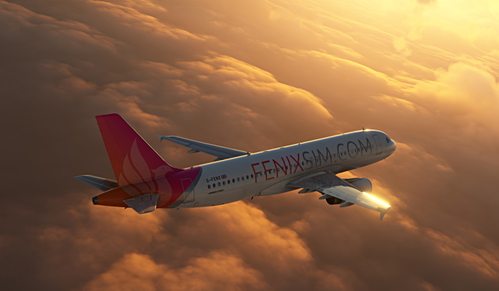
FENIX A319 A320 A321 GSX PRO Configuration File
This add-on provides a configuration file for the FENIX A319, A320, and A321 aircraft, specifically designed for GSX PRO. It ensures accurate calibration of all aircraft doors to prevent misalignment issues. Installation is straightforward—users just need to drag and drop the FNX_32X file into the specified directory.
by DKH3260
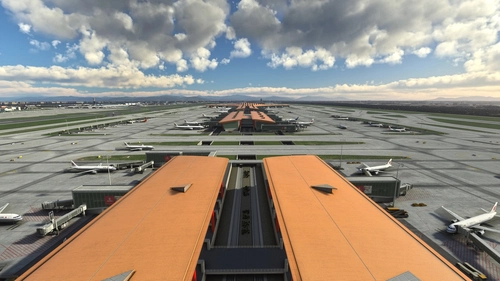
GSX PRO Profile for WF Scenery Studio ZBAA
This add-on provides a GSX PRO configuration file specifically designed for WF Scenery Studios ZBAA airport. It features customized vehicle positions and support for multiple aircraft types at each jetway gate, along with the addition of VDGS for improved ground operations. Currently, multi-aircraft support is limited to jetway gates, with plans to extend this feature to remote stands in the future. Installation involves a straightforward process of placing the provided .ini file into the designated GSX directory.
by DKH3260
(A380/777) GSX PRO Profile for WF Scenery Studio ZGGG
This add-on provides a GSX PRO configuration file specifically for WF Scenery Studio ZGGG. It supports large aircraft stands compatible with FlyByWire A380X, PMDG 777-300ER, and PMDG 777F, while other stands cater to FENIX A319/A320/A321. Enhancements include the addition of VDGS at each stand, customized vehicle placements, and tailored pushback operations. Installation is straightforward by placing the .ini file into the specified GSX directory.
by DKH3260
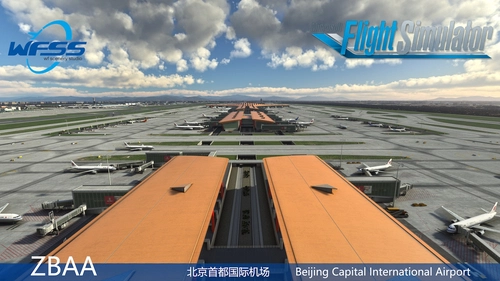
(A320) GSX PRO Profile for WF Scenery Studio ZBAA
This add-on provides a GSX PRO configuration file tailored for the WF Scenery Studio ZBAA airport, specifically designed for use with FENIX A319, A320, A321, and FlyByWire A32NX aircraft. The installation includes custom parking positions and vehicle placements at all stands, as well as features like VDGS at each jetway, customizable loading vehicle types, and specific pushback and engine start distance settings for enhanced realism. Users can easily install the add-on by placing the .ini file in the appropriate directory.
by DKH3260
Log in to join the discussion
Log InComments(13)
almost 2 years ago
almost 2 years ago
almost 2 years ago
almost 2 years ago
almost 2 years ago
almost 2 years ago
almost 2 years ago
almost 2 years ago
almost 2 years ago
almost 2 years ago
almost 2 years ago
almost 2 years ago
almost 2 years ago