
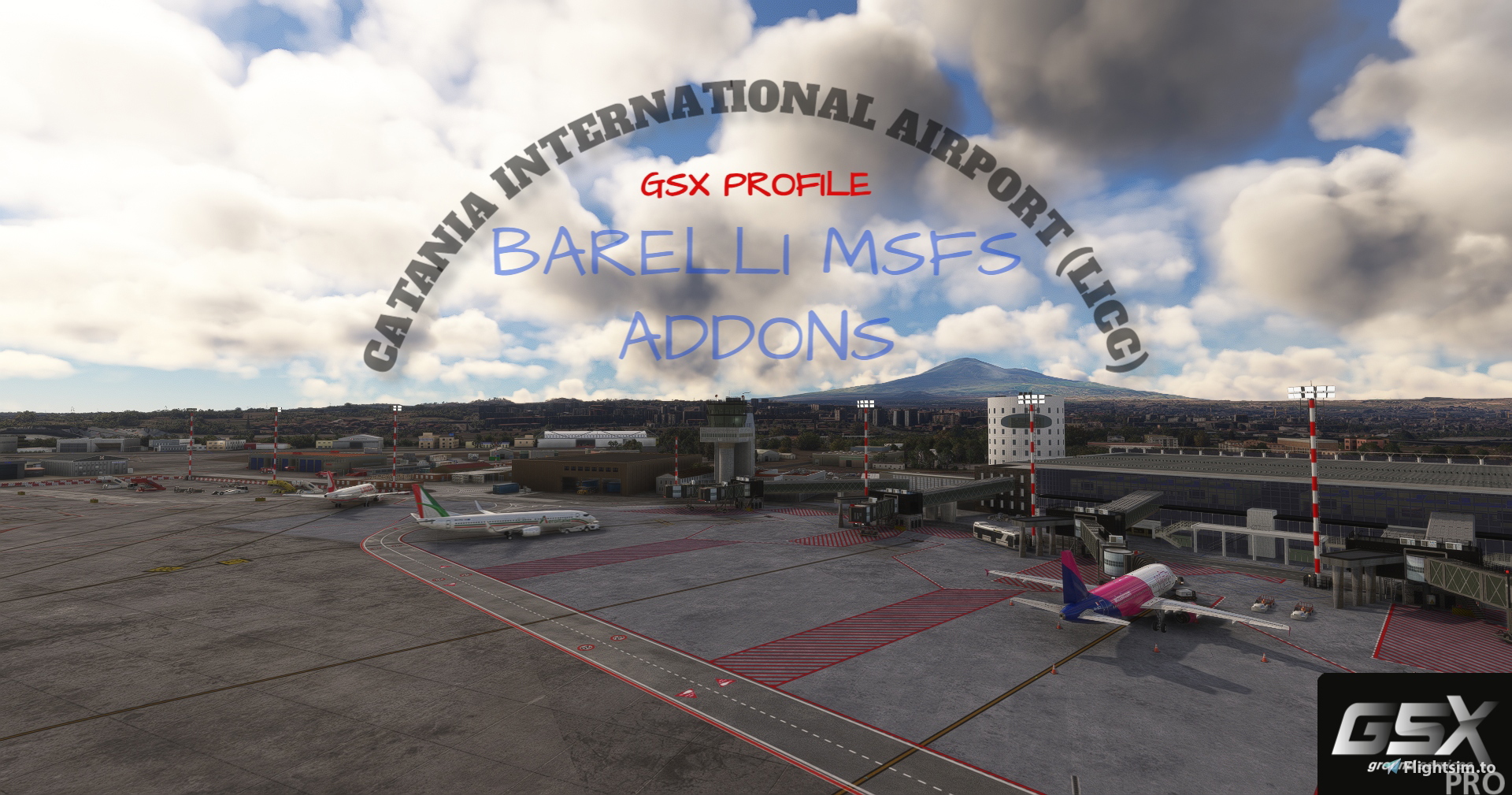
Description
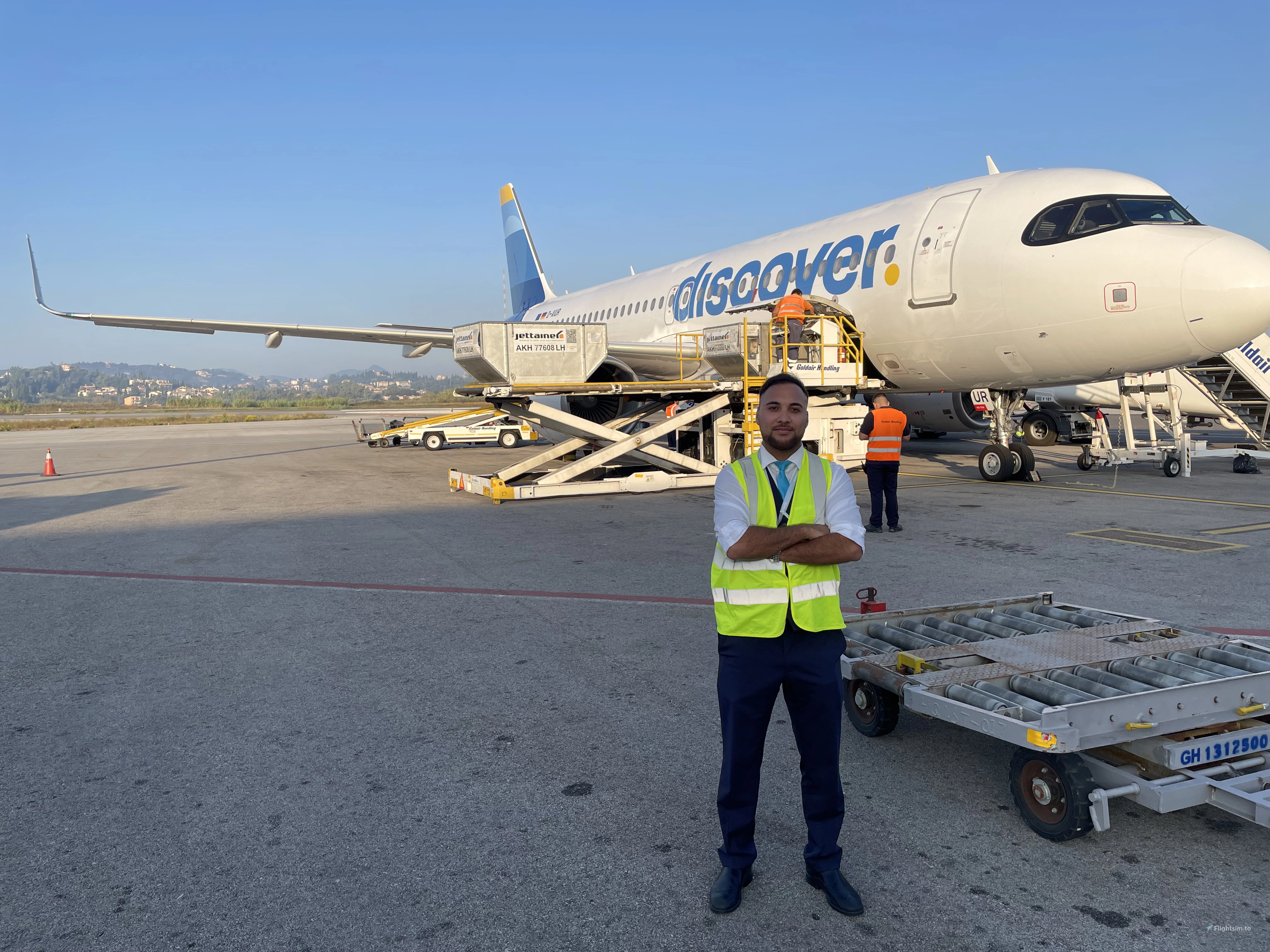
This is a GSX Profile for payware Catania International Airport V3.0 by Barelli created with FENIX A320
All customized parking stands are marked on the chart (BUS-GREEN, JETWAY-RED and WALK-IN-PURPLE)
Customized parking stands:
Bus: 301,306,309,310,312,313,315, 316,317,318,319,321,324 with custom pushback
Jetway: 328,329,330,331,332 with custom pusback
Walk-in: 333,334,335,336 with custom pusback (Walk-in are created for boarding and deboarding without bus)
Catering: Dnata (All parking stands)
Ground handling: Alitalia (Bus), Avia Partner (Jetway), Airlines Representative Europe A.R.E (Walk-in)
INSTALLATION:
Move the .ini file to %APPDATA%\Virtuali\GSX\MSFS
Have a nice flight! 😊
GSX PRO: Catania International Airport (LICC) (Barelli)
Enhance your airport experience at Catania Fontanarossa International Airport with this GSX Profile add-on for the payware V3.0 by Barelli. Customize your parking experience with designated bus, jetway, and walk-in parkings for a realistic and immersive simulation. Enjoy catering services by Dnata and ground handling by Alitalia, Avia Partner, and Airlines Representative Europe A.R.E. Simply move the .ini file to %APPDATA%VirtualiGSXMSFS and take off for a smooth flight! 🛫


User Reviews
1 reviews
Version History
Added custom engine start on pushback (GSX Version 3.3.3)
Featured in Collections(1)

Related
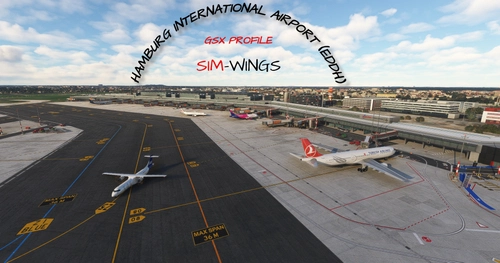
GSX PRO: Hamburg International Airport (EDDH) (Sim Wings)
Enhance your simulation with a GSX Profile for Hamburg International Airport by Sim Wings, specially designed for FENIX A320. This add-on includes customized parking stands marked for clear navigation and various ground handling options. Simply move the .ini file to %APPDATA%VirtualiGSXMSFS and enjoy your flight!
by Rok123
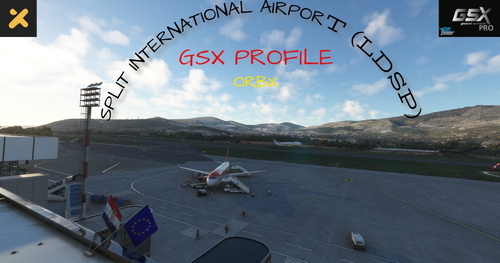
GSX PRO: Split International Airport (LDSP) (Orbx)
This add-on provides a GSX Profile specifically designed for the payware Split International Airport (LDSP) by Orbx, optimized for use with the FENIX A320. It features customized parking stands that are clearly marked, including BUS-GREEN and WALK-IN - PURPLE areas. Additionally, it integrates catering services from Gate Gourmet and ground handling from Split Airport for all parking stands. Installation requires moving the provided .ini file to the designated GSX folder within the users app data.
by Rok123
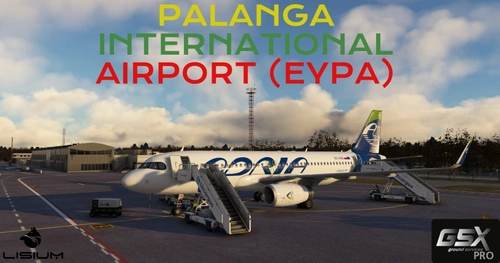
GSX PRO: Palanga International Airport V2 (EYPA) (Lisium Design)
This add-on provides a GSX profile for the payware Palanga International Airport V2 by Lisium Design, optimized for use with the FENIX A320. It features customized parking stands, including specific bus and walk-in stands indicated on the chart. Ground handling services by Litcargus and catering by Gate Gourmet are included for all parking stands. Installation is simple, requiring the relocation of an .ini file to the specified directory.
by Rok123
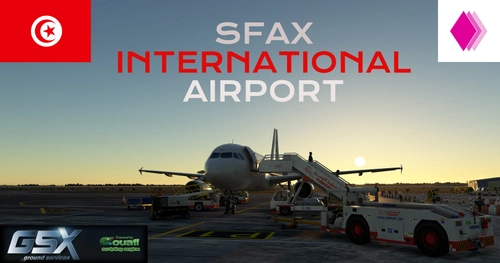
GSX PRO: Sfax International Airport (DTTX) (Cat 3 Dual Studios)
This add-on provides a GSX profile for Sfax International Airport (DTTX) by Cat 3 Dual Studios, designed for use with the FENIX A320. It features customized parking stands, including specific locations for bus and walk-in services, and incorporates ground handling by Tunis Air and catering by Tunisie Catering for all stands. Installation instructions are included for ease of setup.
by Rok123
Log in to join the discussion
Log InComments(1)
about 2 years ago