
Description
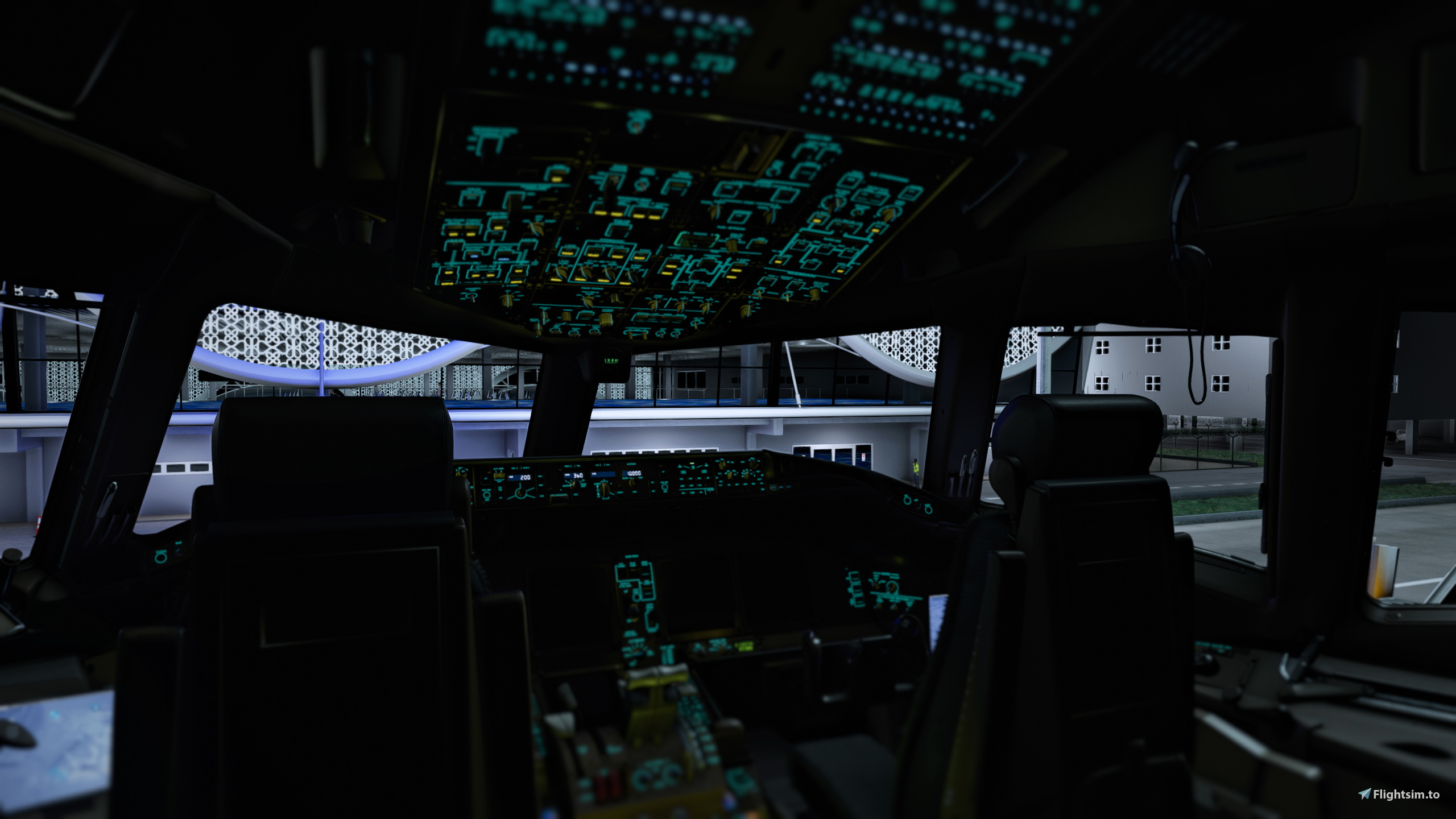
Cockpit enhancement to replace the original greenish/yellowish lights in the PMDG 777-300ER.
Colors available : Red, Orange, Green, Cyan, Navy, Purple, Pink, White.
To install : Unzip the file, pick a colour, and copy the folder into Community.
Do not use more than one colour at a time.
Big thanks to OryxStudio for helping me with the folder structure.
PMDG 777-300ER Cockpit Lights Replacement
Enhance your PMDG 777-300ER experience with this cockpit lights replacement add-on. Choose from a variety of colors to replace the original greenish/yellowish lights. Simply unzip the file, copy the contents into the designated folder, and enjoy the new visual experience. Backup files are also included for your convenience.

User Reviews
4 reviews
Version History
You can now drag & drop files directly into the Community folder without overwriting files. Do not use more than one colour at a time.
Related
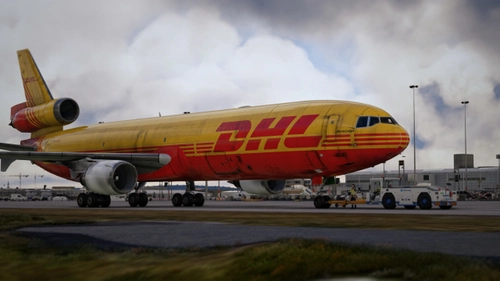
TFDi Design MD-11F | DHL | D-DHHL (Fictional)
Fly the iconic DHL livery on the TFDi MD-11F GE freighter aircraft in Microsoft Flight Simulator. Add a touch of realism to your virtual cargo operations with this fictional DHL skin. Simply unzip the files into your community folder to start flying.
by Cityz_N
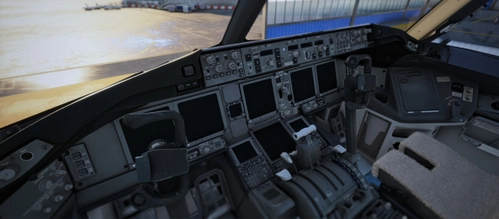
PMDG 777-300ER Gray Cockpit Panels
Transform the look of your PMDG 777-300ER cockpit panels with this color replacement mod, turning the maroon hue into a sleek gray finish. Easily install the mod by following the provided instructions and enjoy a more modern aesthetic for your aircraft.
by Cityz_N
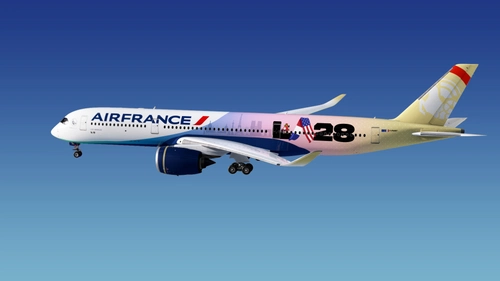
Air France x LA28 | Inibuilds A350-900 - Fictional
This add-on features a fictional livery for the Inibuilds A350-900 in Microsoft Flight Simulator 2020, inspired by Delta Airlines. The design incorporates elements such as a gradient, the LA28 logo, and iconic Parisian imagery. It is created in 4K resolution, reflecting a collaboration between elements from France and the USA. The installation requires unzipping the file into the community folder of MSFS 2020.
by Cityz_N
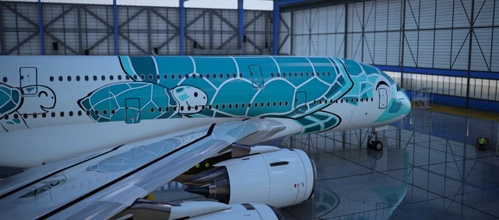
Bredok3D A380 ANA "Flying Honu - Kai (Green Turtle)"
Recreate the iconic "Flying Honu - Kai (Green Turtle)" livery for your Bredok3D Airbus A380 with this add-on. Follow the installation instructions to replace textures of default liveries and enjoy this unique livery experience. Please note that this add-on will not be updated, consider using the new A380 improvement mod for future enhancements.
by Cityz_N
Log in to join the discussion
Log InComments(33)
3 months ago
11 months ago
11 months ago
10 months ago
over 1 year ago
A thumbnail placed in each color folder would be helpful...This would speed up the process of choosing and eliminate the need to have to restart the sim repeatedly.
gr
about 2 years ago
about 2 years ago
about 2 years ago
about 2 years ago
about 2 years ago
about 2 years ago
about 2 years ago
about 2 years ago
about 2 years ago
about 2 years ago
about 2 years ago
about 2 years ago
It maybe overwriting files needing re-installation.
I'll try and make it drag and drop in the future.