
Description
Hello Aviators,
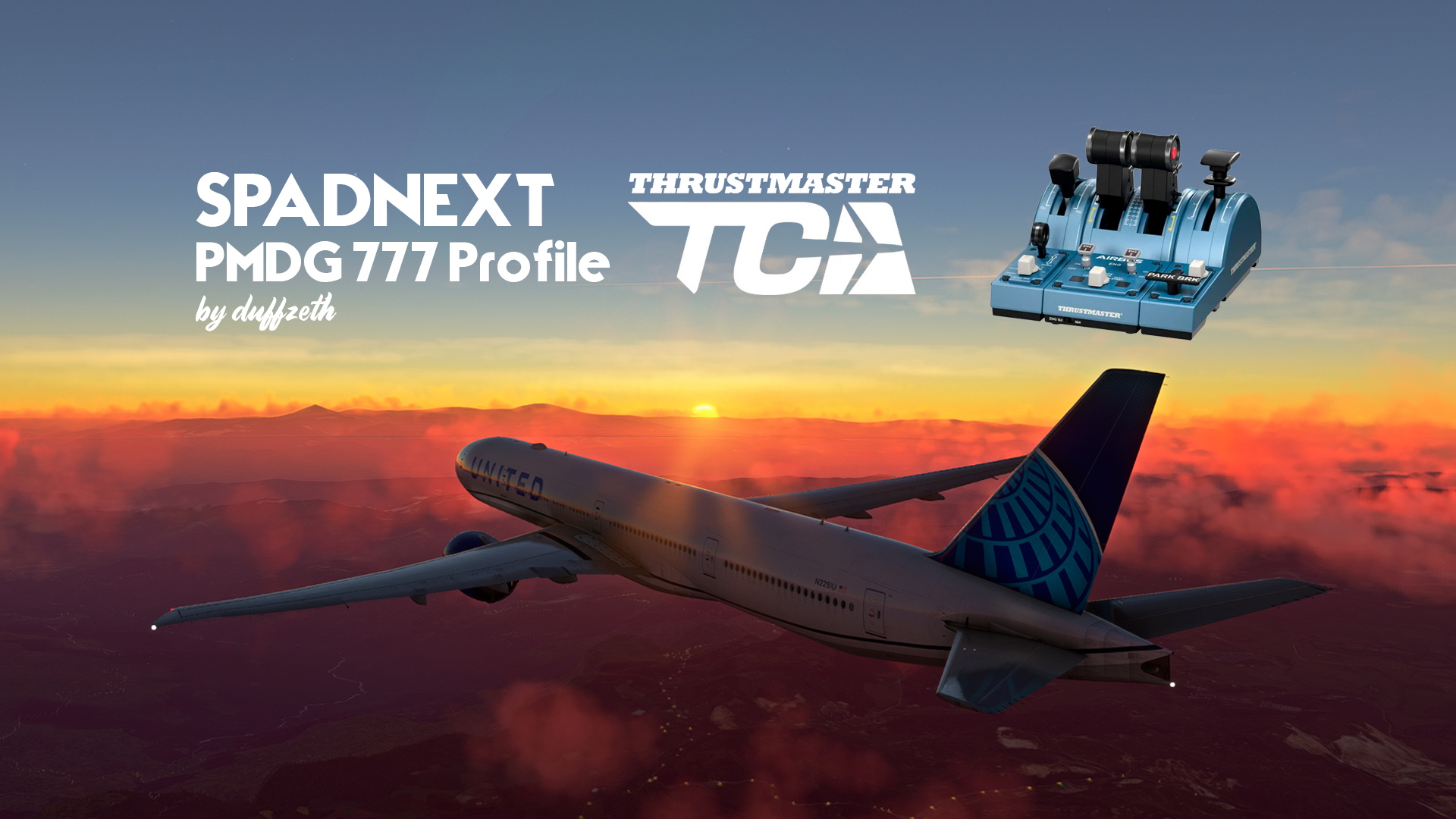
Spadnext profile for the brand new PMDG 777 for TCA Thrustmater in Microsoft Flight Simulator 2020.
** Only mapped for the TCA Thrusmater **
** NEW UPDATE V0.3 **
- Autothrottle Red button FIXED:
1. Press longer for TO/GA activate
2. Press short for Autothrottle disengage
Important:
1. For activated TO/GA you need to set the levers over 55% of N1.
2. For disengage Autothrottle, first you need to ajust the levers (blue line N1) with the engine speed.
Feeback
Please fell free to comment anything about the profile, erros, improvements. I will answer all comments.
HOW TO INSTALL:
1. Just extract files from the rar. archive and drop in your documents profile spadnext folder. (...\Documents\SPAD.neXt\profiles)
2. Run Spad next
3. Click on PMDG 77W duffzeth profile to activate
IMPORTANT TO DO IN SPADNEXT BEFORE:
This profile need PMDG 737/777/747 FSX/PREPAR3D specific options activated.
To activate this option in Spad next go to:
1. Settings
2. Application Settiings
3. FSX/PREPAR3D
4. Turn ON the switch for PMDG 737/777/747
5. Restart Spadnext
IMPORTANT IN MSFS2020:
In the simulator, you need an TCA empty profile, for this, go to options, controls, click on the TCA Device and select NEW EMPTY Profile. Nothing more to do.
If you find some erros, please tell me down in the comment area.
TCA CONFIG DESCRIPTION:
See the picture with map settings, here more details about the configuration:
Autobrake:
Disarm = RTO
BTV position = OFF
LO position = 1
2 posiitioin = 2
3 position = 3
HI position = MAX
Throttles = Throttles (Reverse works perfect)
Left and Right botton on throttle = TO/GA (button pressed for more 1 second)
ENG1 = Engine 1 Start fuel lever
ENG2 = Engine 2 Start fuel lever
Crank switch = Star engine 1 (Turn to Crank for start and then turn to Mode Norm)
IGN/Start switch = Star Engine 2 (Turn to IGN for start and then turn to Mode Norm)
Parkiing Brake Lever = You need to brake and maintain first to activate parking brake. To release parking brake, turn off parking brake lever and after, brake and maintend the brakes.
Thank you in advance for your help.
Time to fly and enjoy it!
SpadNext PMDG 777 TCA Thrustmaster Profile
Enhance your PMDG 777 experience with this Spadnext profile specifically mapped for the TCA Thrustmaster in MSFS 2020. Simply extract files and activate the profile to enjoy improved controls and functionality. Feel free to provide feedback for any errors or suggestions for enhancements. Time to take to the skies and enjoy flying!


User Reviews
4 reviews
Version History
** NEW UPDATE V1.2 ** - Autothrottle Red button FIXED: 1. Press longer for TO/GA activate 2. Press short for Autothrottle disengage Important: 1. For activated TO/GA you need to set the levers over 55% of N1. 2. For disengage Autothrottle, first you need to ajust the levers (blue line N1) with the engine speed.
Related
SpadNext PMDG 738 TCA Thrustmaster Profile
The SpadNext PMDG 738 TCA Thrustmaster profile is designed for use with the PMDG 737-800 in Microsoft Flight Simulator 2020, specifically tailored for the TCA Thrustmaster device. This add-on provides a comprehensive mapping of controls, including autobrake settings, throttle management, engine start functions, and various other controls to enhance your flight experience. Installation instructions are included to guide users in setting up the profile correctly. Feedback is encouraged for continuous improvement and reporting any issues.
by duffzeth
FSS E190/E195 SpadNext Profile
Enhance your FSS E190/E195 experience with this SpadNext profile, designed for MSFS2020. Control your Multi Panel, Pro Switch Panel, Radio Panel, and TCA Throttle with improved functionality. Provide feedback for further improvements and enjoy a more immersive flight simulation experience.
by duffzeth
PMDG 777-300ER Gran Turismo (EC-LGL)
This add-on features a fictional repaint of the PMDG 777-300ER in the Gran Turismo (EC-LGL) livery, inspired by the iconic video game studio Polyphony Digital. The package includes an optional custom EFB table background for added detail. Installation instructions are provided for both the livery and the custom background. Feedback is welcomed as this is the creators first livery project.
by duffzeth
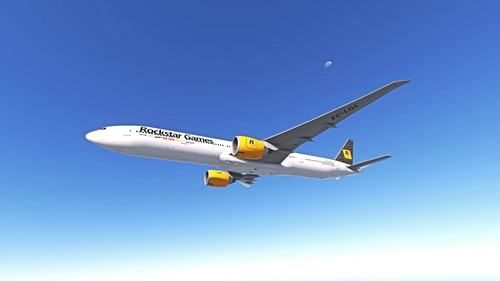
PMDG 777-300ER Rockstar Games (EC-LGL)
This add-on features a fictional repaint of the PMDG 777-300ER in the vibrant colors of Rockstar Games (EC-LGL). Inspired by the acclaimed video game studio behind popular titles like Grand Theft Auto and Red Dead Redemption, the livery includes an optional custom EFB table background. Detailed installation instructions for both the livery and background are provided for users.
by duffzeth
Log in to join the discussion
Log InComments(34)
6 months ago
almost 2 years ago
almost 2 years ago
almost 2 years ago
almost 2 years ago
thanks
almost 2 years ago
almost 2 years ago
almost 2 years ago
about 2 years ago
about 2 years ago
almost 2 years ago
about 2 years ago
I have changed a couple of mappings, replacing "Spoiler arm" and "TCAS" buttons mappings with Landing Lights and Taxi Lights... but overall it is a great profile..
about 2 years ago
about 2 years ago
about 2 years ago
about 2 years ago
about 2 years ago