
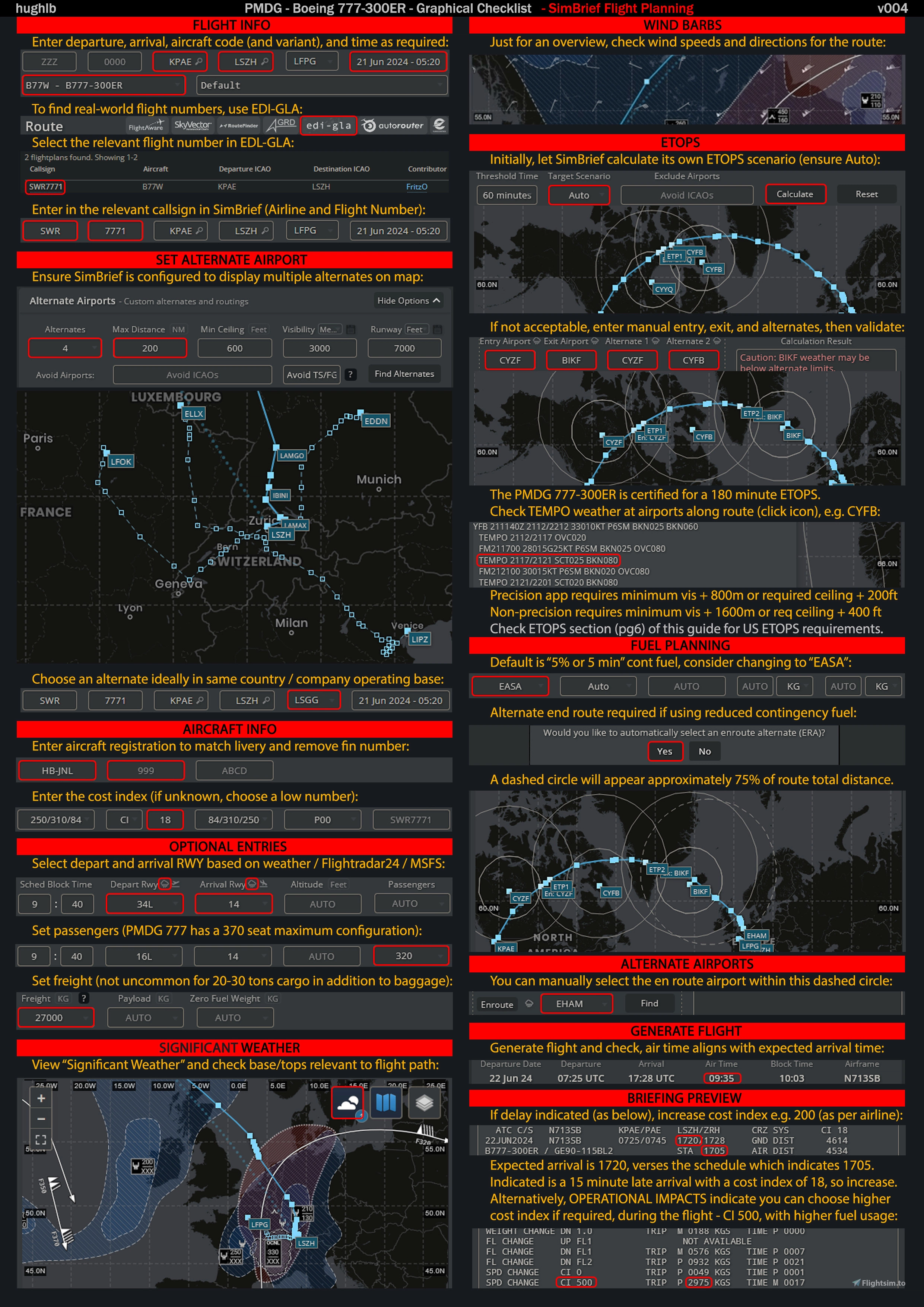
Description
This checklist is a comprehensive Normal Procedures checklist for the PMDG Boeing 777-300ER, sourcing information from PMDG, the manufacturer, and a range of respected written and video sources. Also included are select Non-Normal procedures.
Why the colours?
The aim of this graphical checklist, is to provide complete procedural detail, in a way that is highly accessible. An FCOM or tutorial guide have detail but are difficult to follow, whilst most checklists lack sufficient detail and skip over key steps. This graphical checklist not only consolidates extensive information, but presents it in a way that even a first-time pilot, can follow along, and know where to look in the cockpit to complete each step.
How does it work?
There are 11 main colours, any procedure with a coloured cell behind the text, signifies both a location in the cockpit, and an action. Uncoloured boxes represent a check, rather than an action. This means if you want to get flying quickly, just follow the coloured entries, and skip the uncoloured.
I must give special thanks to all of the following sources for their effort in producing some truly excellent resources that I have had the pleasure of reading and incoperating into this checklist. If any author is unhappy with my usage or referencing of their work, please let me know.
LEVEL CHANGE by Claudio Fonseca B777 Simulator Guide 02-05-24, ameacademy.com Boeing 777 FCOM, Doofer911 PMDG 777 Tutorials (YouTube), Father Time PMDG B-777 tutorials (YouTube), Captain Nav PMDG 777 Tutorial (YouTube), TheAirlinePilots.com B777 Non-Normal Procedures, Delta Air Lines 777 Quick Reference Handbook. A330 Driver - PMDG 777 tutorial series (YouTube). FilbertFlies TUTORIAL: PMDG Boeing 777 with a Real World 777 Pilot (YouTube). PMDG 777 Tutorial Flight Tokyo to Sydney.
PMDG 777-300ER - Graphical Checklist - Normal/Non-Normal Procedures
The PMDG 777-300ER Graphical Checklist provides a detailed and structured approach to Normal and select Non-Normal procedures for the Boeing 777-300ER. This comprehensive checklist combines information from various authoritative sources, presenting it in an accessible format with color-coded actions linked to cockpit locations. Designed for both seasoned and novice pilots, it streamlines the flying process by emphasizing key steps with visual aids while facilitating quick reference.


User Reviews
2 reviews
Version History
Significant revision. All lines have been rechecked against sources to ensure accuracy. Numerous corrections per page. Additional explanation and detail added throughout. Revision of the takeoff and landing procedures for clarity and accuracy. Added ETOPS and Oceanic Procedures. Added new procedures and more detail to the cruise section.
Related
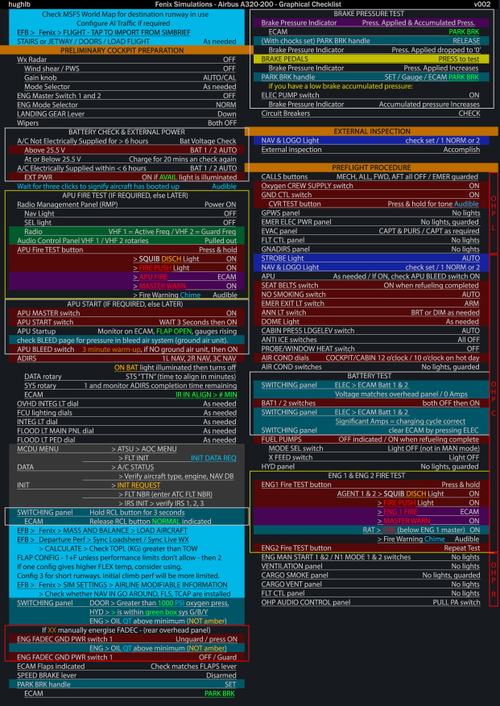
Fenix Simulations - A319 - A320 - A321 - Graphical Checklist - Normal/Non-Normal Procedures
This add-on provides a detailed graphical checklist for the Fenix Simulations A319, A320, and A321, covering both Normal and select Non-Normal procedures. It synthesizes information from various credible sources, making it accessible for pilots of all experience levels. The checklist utilizes a color-coded system to indicate specific cockpit locations and actions, facilitating a streamlined flying experience. Ideal for users seeking a comprehensive yet easy-to-follow procedural guide.
by hughlb
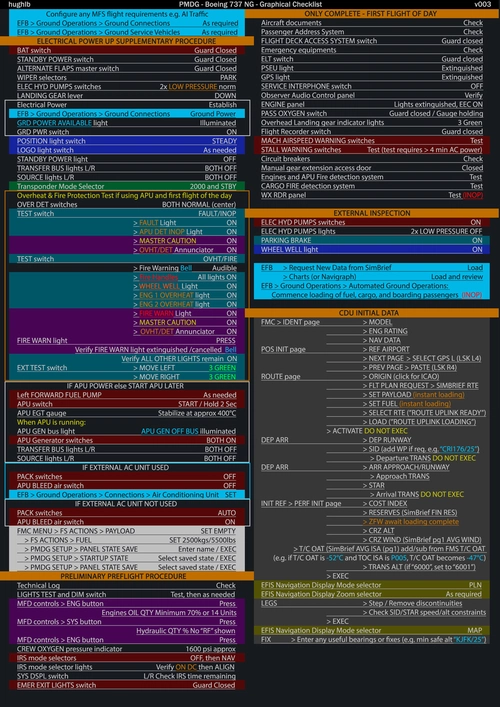
PMDG 737 NG - Graphical Checklist - Normal/Non-Normal Procedures
The PMDG 737 NG Graphical Checklist provides an extensive resource for both Normal and select Non-Normal procedures for the Boeing 737 Next Generation family. Designed to enhance accessibility, this checklist combines detailed procedural information into a user-friendly format, allowing even novice pilots to navigate the cockpit with ease. Color-coded entries indicate specific actions and cockpit locations, streamlining the flying experience while ensuring thoroughness. The checklist sources information from PMDG, manufacturers, and various respected tutorials, making it a comprehensive tool for pilots.
by hughlb
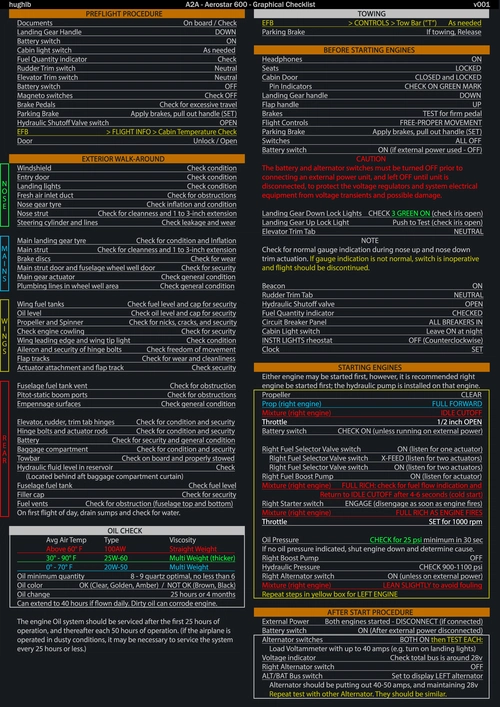
A2A Aerostar 600 - Graphical Checklist - Normal/Non-Normal Procedures
This add-on features a detailed graphical checklist for the A2A Aerostar 600, designed to assist pilots with both Normal and select Non-Normal procedures. Drawing from multiple reputable sources, including the aircrafts owner manual and community forums, it consolidates essential information in an accessible format. The checklist aims to make procedural steps easy to follow, helping pilots of all experience levels effectively navigate the cockpit during flight operations.
by hughlb
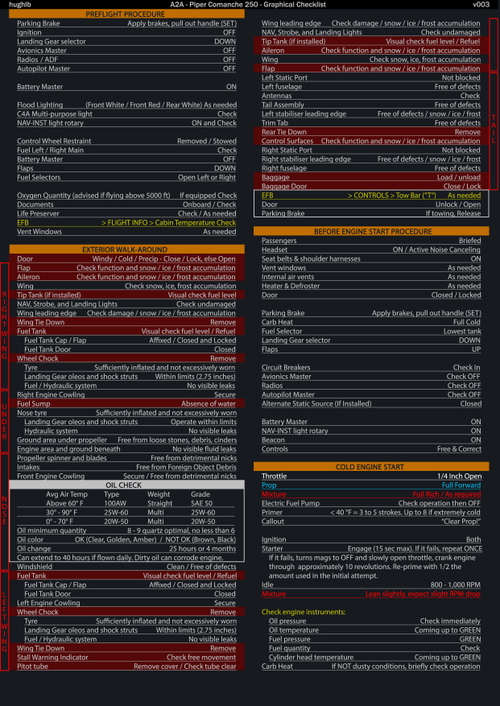
A2A Piper Comanche 250 - Graphical Checklist - Normal/Non-Normal Procedures
The A2A Piper Comanche 250 Graphical Checklist provides a detailed overview of Normal and select Non-Normal procedures for the aircraft. Drawing from various trusted sources, this checklist aims to enhance usability by presenting procedural information in an accessible graphical format. Designed for both novice and experienced pilots, it offers step-by-step guidance, highlighting specific cockpit locations for each task. This comprehensive resource serves as a valuable aid for users looking to familiarize themselves with the operational protocols of the Piper Comanche 250.
by hughlb
Log in to join the discussion
Log InComments(12)
over 1 year ago
10 months ago
over 1 year ago
1. APU GEN - If going the A/C Unit method and not using the APU until start, I had an incident following the checklist switching to the APU and not having the APU GEN on causing power loss. In the checklist it does not have a line for APU GEN Switch - ON. I would recommend having this added in either the Preflight Procedure after Line 17 (APU SPRING SWITCH AS NEEDED / ELSE START LATER (SEE BEFORE START PROCEDURE)) or Before Start Procedure after Line 4 (APU SPRING SWITCH).
2. L ENG and R ENG PRIMARY Switches - I could not find anywhere in the checklist that covers verifying they are off during first checks and setting to ON during Before Start Procedure. I would recommend adding these two switches somewhere between Lines 24-28 on Before Start Procedure
almost 2 years ago
about 2 years ago
I see that you have addressed the difficulty in doing this in another comments. I would suggest looking at JayDee's Checklist and Procedures PDF's for various aircraft. They are very complete and informative like yours, but he uses other techniques which result in docs that are printable and easy to read. Thanks for all the time and energy you've put into these docs!!
about 2 years ago
I did feel that the compromise was worth it - the vast majority of guides use black text on a white background, so I felt there was room to take a different approach. The other factor to consider is that even with a white background, there is so much colour, that it still remains somewhat print unfriendly.
The coloured cells opened up such opportunity for more detail in the checklist, whilst still remaining easy to follow. With a checklist like this, it would be so easy to lose your place if glancing between the screen and the guide, especially when it comes to FMS procedures. In testing the latest version, I did a flight in the A320, 777, and 737 on the same night, and didn't get lost procedurally or spatially in the cockpit, which was incredibly satisfying, and that was kind of the point of this approach.
over 2 years ago
over 2 years ago
With the cells changed to white, that leaves the issue of text and cell colour, which would also need to change - yellow and light blue are particularly ineffective on a white background. The text is actually just a single text box for each column, so two text boxes per page. Changing the text colour means individually highlighting each section of text.
A quick and dirty way to fix this is to flatten the image and invert the colours, which whilst effective, means we have different colour sets for the white version, and again, some colours don't translate well in the conversion.
With eight pages to make changes to, you can see this would be incredibly time consuming to produce a white background version. I am open to suggestions about more efficient processes, such as simply changing the custom swatches so that every item coloured with a certain swatch is changed to a new colour, but I haven't found a way to achieve this.
over 2 years ago
over 2 years ago
over 2 years ago
over 2 years ago