

Description
GSX PROFILE MADE FOR THE BRAVOAIRSPACE 787-8
INSTRUCTIONS: paste the_BA788GE + _BA788RR folder into:
C:\Users\(your name)\AppData\Roaming\Virtuali\Airplanes\[DROP IN HERE]
Please email us for any questions or inquiries. For faster assistance, please join our forum where we will respond to any questions fast.
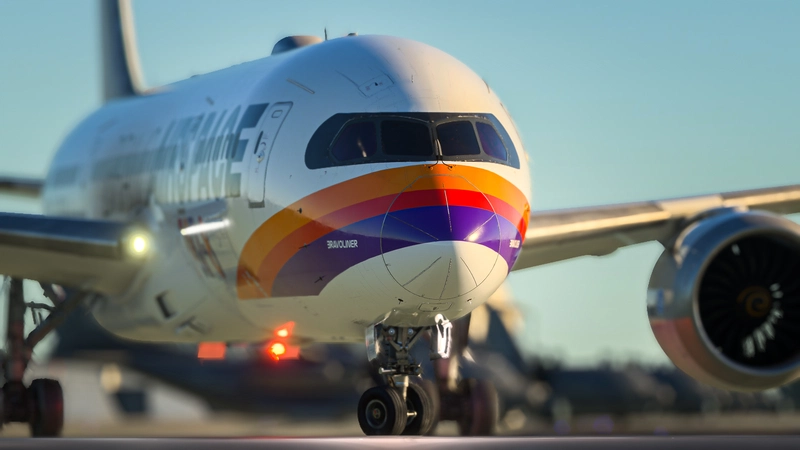
BRAVOAIRSPACE 787-8 GSX Profile
This add-on features a GSX Profile specifically designed for the BRAVOAIRSPACE 787-8 aircraft. GSX updates constantly break the configurations. And here we are with a brand-new update. This update will not touch the plane as much. The new ground equipment now has collision, so you can walk up the stairs with your avatar. This is why the plane is tilting or moving erratically.

User Reviews
7 reviews
Version History
Avoiding GSX from making the plane tilt or move around.
Related
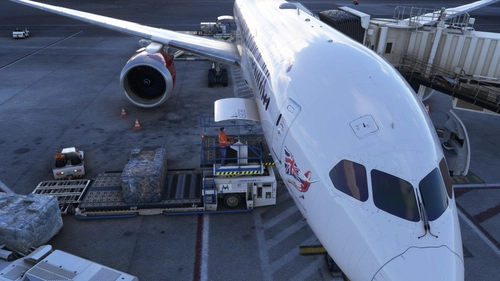
BRAVOAIRSPACE 787-9 GSX Profile
This add-on features a GSX Profile specifically designed for the BRAVOAIRSPACE 787-9 aircraft. GSX updates constantly break the configurations. And so here we are with a brand new update. This update will not touch the plane as much. The new ground equipment now has collision, so you can walk up the stairs with your avatar. This is why the plane is tilting or moving erratically.
by BravoAirspace

BravoAirspace 787-9 Paint Kit
This add-on provides the official paint kit for the BravoAirspace 787-9, allowing users to customize the aircraft with various liveries. It includes access to four different models: KABAND GE, KABAND RR, GE, and RR. Detailed instructions are available in the included PNG file. For any inquiries, support can be reached via email.
by BravoAirspace

BravoAirspace 787-8 Paint Kit
Customize your BravoAirspace 787-8 with this official paint kit. Instructions included in the text file.
by BravoAirspace
Log in to join the discussion
Log InComments(37)
about 1 month ago
3 months ago
3 months ago
3 months ago
3 months ago
You should just have the two folders as listed above with one gsx file in each and nothing else.
3 months ago
You can also do it manually, within the folder just create subfolder called 8 (just one digit) and place the CFG there.
3 months ago
7 months ago
10 months ago
12 months ago
12 months ago
about 1 year ago
about 1 year ago
about 1 year ago
INSTRUCTIONS: Copy & paste the Aircraft folder (inside the zip file) into:
C:\Users\YOURNAME\AppData\Roaming\Virtuali
about 1 year ago
about 1 year ago
INSTRUCTIONS: Copy & paste the Aircraft folder (inside the zip file) into:
C:\Users\YOURNAME\AppData\Roaming\Virtuali
about 1 year ago
I don´t understand.
Please. Can you help me?
is it neccesary the base_ba788? or only Airplanes(RR /GE)?
about 1 year ago
INSTRUCTIONS: Copy & paste the Aircraft folder (inside the zip file) into:
C:\Users\YOURNAME\AppData\Roaming\Virtuali
over 1 year ago