
Flightsim.to
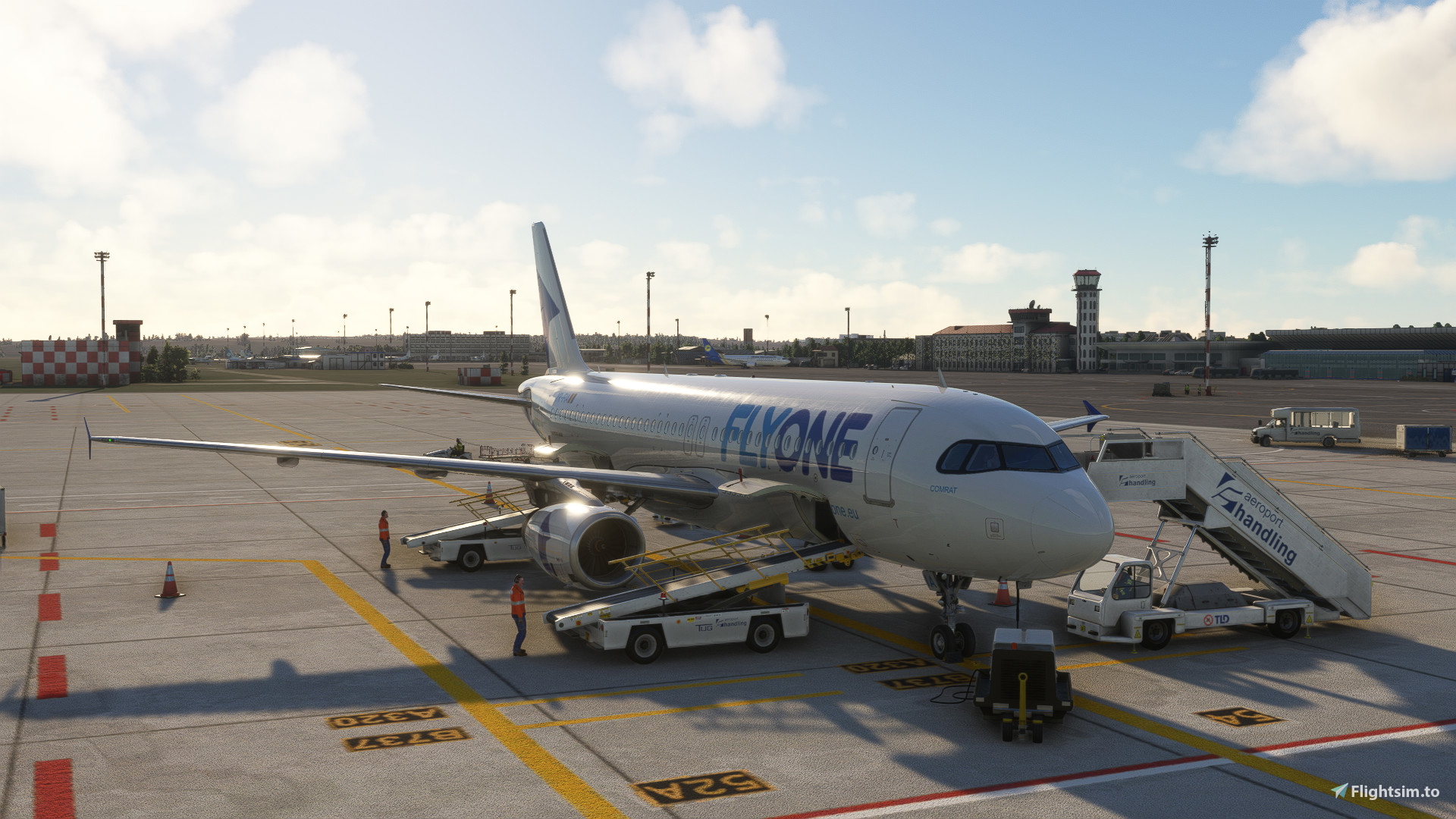
    LUKK GSX Pro - MXI Design - Image 1

    Description

    Not all the stands are customized, only the most used ones from IRL are customized. The ones that are customized are the following: 1, 3, 5, 7, 10, 27, 29, 31, 51, 52, 53, 54, 55, 56.

    Instalation: Drop the file in %appadata%\Virtuali\GSX\MSFS

    Comments(10)

    Log in to join the discussion

    Log In
    B

    about 1 month ago

    Please tell me where to get the same livery for the fenix a320 msfs2024?
    S

    3 months ago

    Nothing bad to say about that profile. Just perfect job. Thanks
    a

    6 months ago

    Hi, can you please tell me? I installed GSX Chisinau Pro in the community folder for MSFS 24, but nothing works in the airport.
    d
    dGxAuthor

    6 months ago

    The GSX profile files should not be placed in community folder.
    a

    6 months ago

    but where???
    E

    6 months ago

    Rly?) Just delete GSX, its not for u
    d
    dGxAuthor

    6 months ago

    Instalation: Drop the file in %appadata%\Virtuali\GSX\MSFS
    L

    6 months ago

    thanks man really needed
    D

    6 months ago

    But for msfs 2024?
    d
    dGxAuthor

    6 months ago

    I guess it should still work. I remember I tried using it, and as far as I remember, it worked. Let me know if it doesn't.
    MSFS 2020MSFS 2024

    LUKK GSX Pro - MXI Design

    Experience realistic ground services at LUKK Airport with LUKK GSX Pro by MXI Design. This add-on customizes selected stands for enhanced immersion.

    Downloads2K
    Version1.1
    File Size4.33 KB
    Published2 years ago
    Updated5 months ago

    User Reviews

    5.0

    2 reviews

    5
    100%
    4
    0%
    3
    0%
    2
    0%
    1
    0%

    More Information

    Simulator
    MSFS2020/24
    Sub-CategoryGSX Pro Profiles

    Version History

    - Added Kronaero as operator. - Added new stands. Stand 10, 27, 29, 31.

