
Description
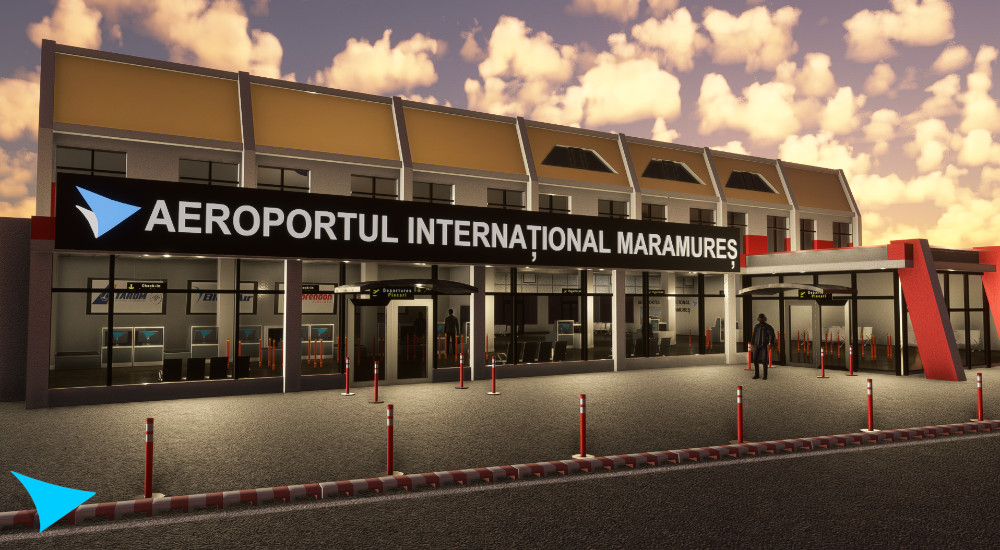
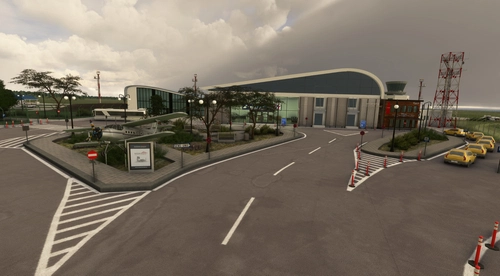
Maramureș International Airport (IATA: BAY, ICAO: LRBM) is a minor international airport situated in northwest Romania, located in Tăuții-Măgherăuș, 10 km (6.2 mi) west of Baia Mare municipality and in the historic region of Maramureș.
- LRBM Version 1.0 has hand crafted terminals (2k texture resolution), some buildings and the aprons (runway, markings, taxiways, taxi signs) ILS approach is available for runway 09.
- LRBM-Baia Mare v2 has hand crafted interior of the main terminal. That improved the visual experience in special for evnings, raining and night flights.
- LRBM Version 3.0 has hand crafted terminals, buildings and wharehouses , custom taxi lines, custom taxi lights, custom apron marks, custom apron lights. Configured the terminal interior and added a Christam Tree (showing in Dec and Jan). Has custom TUG, firetruck and fueltruck and other 3d models.
Enjoy!
Installation
-
Extract “LRBM-Baia Mare Airport.zip” file to your Microsoft Flight Simulator Community folder.
Enjoy! - Please follow discord channel here: OltcitRoom
Location
LRBM-Baia Mare (Maramureș International Airport)
LRBM-Baia Mare (Maramureș International Airport) is a detailed add-on featuring handcrafted terminals, buildings, and aprons with various versions enhancing visual experiences for different weather conditions. The latest Version 3.0 includes custom taxi lines, lights, and festive additions like a Christmas tree, alongside additional 3D models for a realistic airport environment.


User Reviews
8 reviews
Version History
-custom taxi lines and lights -new markings -custom apron lights -updated terminal -updated interior terminal -custom 3d model warehouses -animated flags -custom factory turn -redesign AI traffic network -new custom 3d models -added Christmas tree (appearing Dec & Jan)
Related
KDTW-Detroit Metro Wayne-Dev 2.5.2
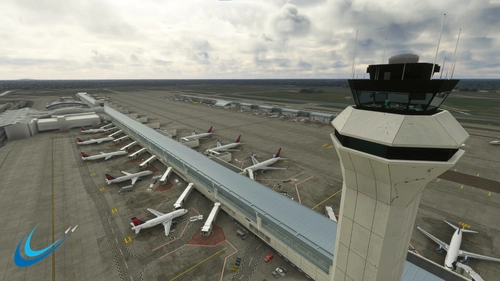
KDTW-Detroit Metro Wayne is a developer version of Detroit Metro Airport for Microsoft Flight Simulator, offering a fully functional airport layout with ongoing updates to the interior terminals. While exterior textures and ground traffic paths are included, some elements remain a work in progress, and users are encouraged to provide feedback. The add-on includes support for popular ATC systems and requires the Animated Human 3D Models Library for enhanced realism.
by OltcitRoom
LRBV-Brasov International Airport
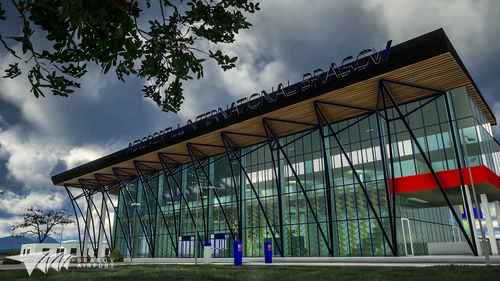
Discover LRBV-Brasov International Airport, a new airport development project located in Ghimbav, Romania. Experience hand-crafted terminals, custom objects, and accurate aprons in this highly anticipated scenery for Microsoft Flight Simulator. Upgrade your sim experience with this detailed recreation of Romanias 17th commercial airport, set to open for flights on November 1, 2022.
by OltcitRoom
LRBC - George Enescu International
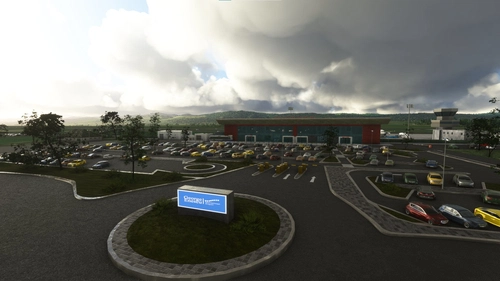
Discover George Enescu International Airport, located in Bacău, Romania, serving as a focus city for Blue Air. Explore the hand-crafted terminal, custom objects, aprons, and ILS approach available, offering a realistic flying experience. Experience the modernization efforts and renovations of the airport, providing a detailed and immersive addition to your Microsoft Flight Simulator. [Please note: Some visual aspects were based on images and may not perfectly resemble the original airport.]
by OltcitRoom
LRSV-Stefan Cel Mare Suceava Airport
Explore the charm of Suceava with the LRSV-Stefan Cel Mare Suceava Airport add-on, featuring a handcrafted terminal, custom objects, and detailed aprons. With ILS approach available for runway 34 and various airlines and destinations to choose from, enhance your Microsoft Flight Simulator experience and enjoy the scenic views of Romania from above.
by OltcitRoom
Log in to join the discussion
Log InComments(21)
4 months ago
over 2 years ago
almost 5 years ago
I am glad you created this scenery. Thank you. And I'm looking forward to your updates and any other sceneries you publish. Especially concerning Romania.
The next information is not a criticism but simply advise to help other people not have conflicts or CTDs with sceneries in their Community folder:
Update the name of the modellib.BGL file in all of the scenery files (only some have been processed like this) to reflect MS/Asobo guidelines (Oct. 2020) to give it a unique name, such as adding the 'ICAO code' for airports to the file: Example (ICAO-modellib.BGL) or in this case, maybe LRBM-modelLib.BGL, and then update the layout.json file to reflect the new name.
The Problem: MSFS only reads the first file in the Community folder named modellib.BGL and then uses that file for all others with the same name. Renaming it avoids conflicts with any other scenery in the Community folder and gives your scenery the proper appearance with fewer problems/conflicts with other files in the Community folder.
The same is true for the 'mycompany' folder. If other companies use the 'mycompany' folder name, then conflicts can occur. Rename this as a unique name for each scenery folder in different sceneries. Simply add the ICAO code or something unique 'picchu-' to the folder name: LRBM-mycompany.
Then update the layout.json file with a text editor for all occurrences of the name mycompany to LRBM-mycompany. Do not use the same name LRBM-mycompany in any other scenery. Use a different unique name for the folder in every scenery as in the example ICAO-mycompany.
And the same is true for 'mymaterials\ if that ever applies to your scenery. Change the name to be unique.
And the same is true for 'MaterialLibs\textures\ if that ever applies to your scenery. Either change MaterialLibs or textures. You don't need to change both. But remember to always make them unique to each scenery.
Just remember to update the layout.json file so the entries match the folder and/or file names.
I hope you don't this as a criticism of your work, because that is great and I am very appreciative of your airports.
almost 5 years ago
When i started designing the airports the SDK documentation wasn't that clear. After i am done with KDTW i will update all the airports i created. So far there is no issues so i am focusing on finishing Detroit Airport.
over 3 years ago
I think Iscism has a point here…
Yesterday I arrived at LRBM and was surprised to see that the terminal building had gone. The passenger on the 2nd flor was floating in the air!
Today, before starting the sim, I went into Addon Linker and deactivated all object libraries I have collected over the last 2 years (Dave‘s people, Windy Things, etc, etc.) and guess what: the terminal was back! So there seems to be a conflict with one of those libraries. In case your scenery contains objects from these libraries, it might be a good idea to take them out of your scenery and just mention what libraries must be downloaded additionally in order to make your scenery work…
Just my two cents, and once again: thanks for your very nice work! I like it a lot :-)
almost 5 years ago
GREAT! THANKS!! - Just a question, please: Shall I install BOTH FILES?? And with all those wonderful airports created by genious OltcitRoom, it would be nice to have a few static TAROM-planes parking on the apron...
almost 5 years ago
No ,just the main file version 2.1
The old file souldnt be available.
almost 5 years ago
Works well with SU6!
over 5 years ago
Very nice, detailed airport! Came in today from Lviv, Ukraine in my trusty CRJ!
I very much like the airport building and all the small things in the terminal area that you can discover by drone. All in all, this is payware quality!
One of the guards at the tarmac is a supersized giant, though. Maybe you make him a bit smaller in the next update?
over 5 years ago
thank you, appreciate it, i will look into the giant guard, it might be a glitch from the sim , not reading the correct size.
over 5 years ago
over 5 years ago
over 5 years ago
over 5 years ago
over 5 years ago
over 5 years ago
over 5 years ago
over 5 years ago
over 5 years ago