
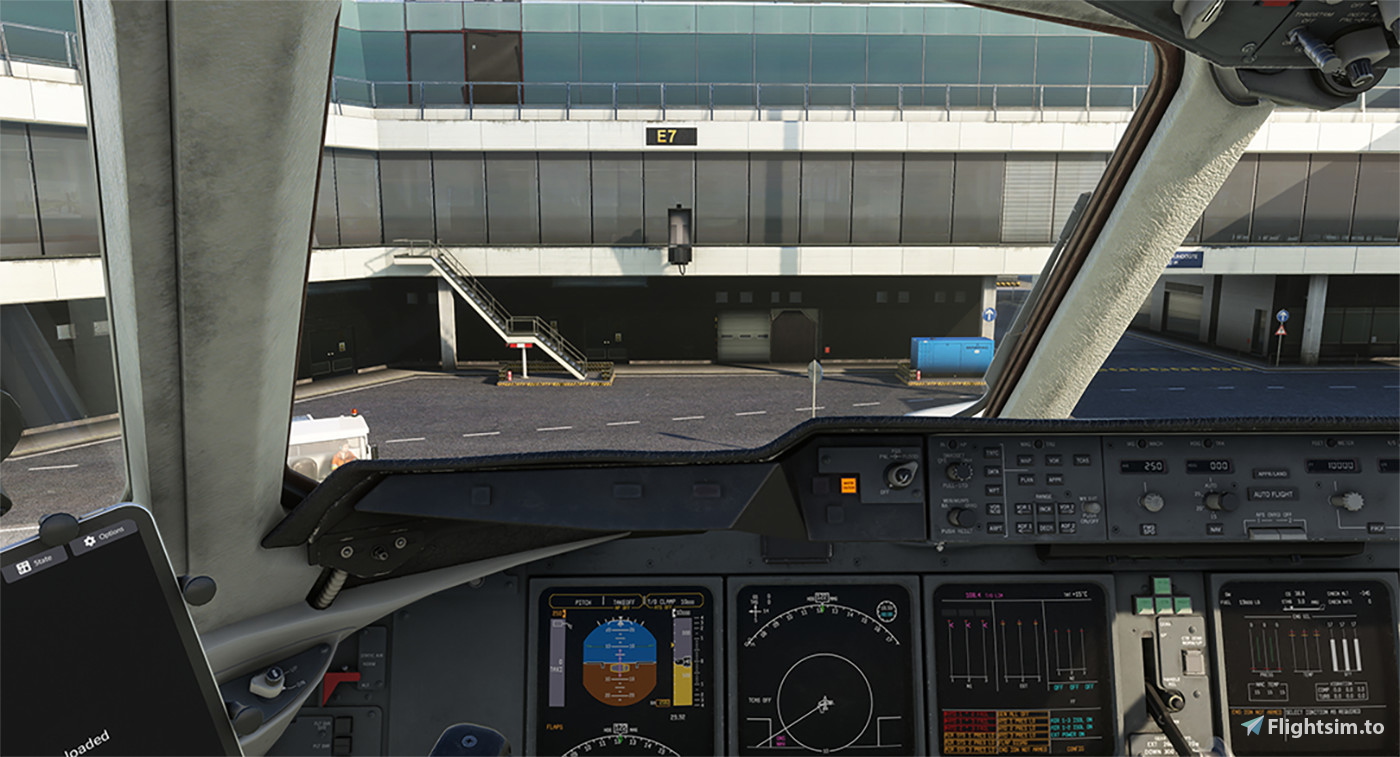
Description
Hi Simmers!
My first camera views upload, any questions just drop me a message :)
INSTALLATION:
To install place the "camera.cfg" contained in the zip archive in the following directory
MS Store:
C:\Users\jarno\AppData\Local\Packages\Microsoft.FlightSimulator_8wekyb3d8bbwe\LocalCache\SimObjects\Airplanes\TFDi_Design_MD-11_GE or TFDi_Design_MD-11F_GE
Sream Version:
C:\Usrs\USERNAME\AppData\Roaming\MicrosoftFlightSimulator\SimObjects\Airplanes\TFDi_Design_MD-11_GE or TFDi_Design_MD-11F_GE
If this directory does not exist you can create it or spawn the plane in the simulator once!
TFDI MD-11 /F Camera Views
Customize your TFDI MD-11 experience with new camera views. Easily install the camera.cfg file to enhance your flight simulation in Microsoft Flight Simulator. Perfect for those seeking a tailored perspective while flying.


Version History
Some minor fixes.
![Realistic Custom Camera Views [FlyByWire Simulations A380X]](https://cdn.flightsim.to/images/27/realistic-custom-camera-views-flybywire-simulations-a380x-88075-1730464586-9AzCJ.jpg?width=500)
Log in to join the discussion
Log InComments(2)
9 months ago
over 2 years ago