
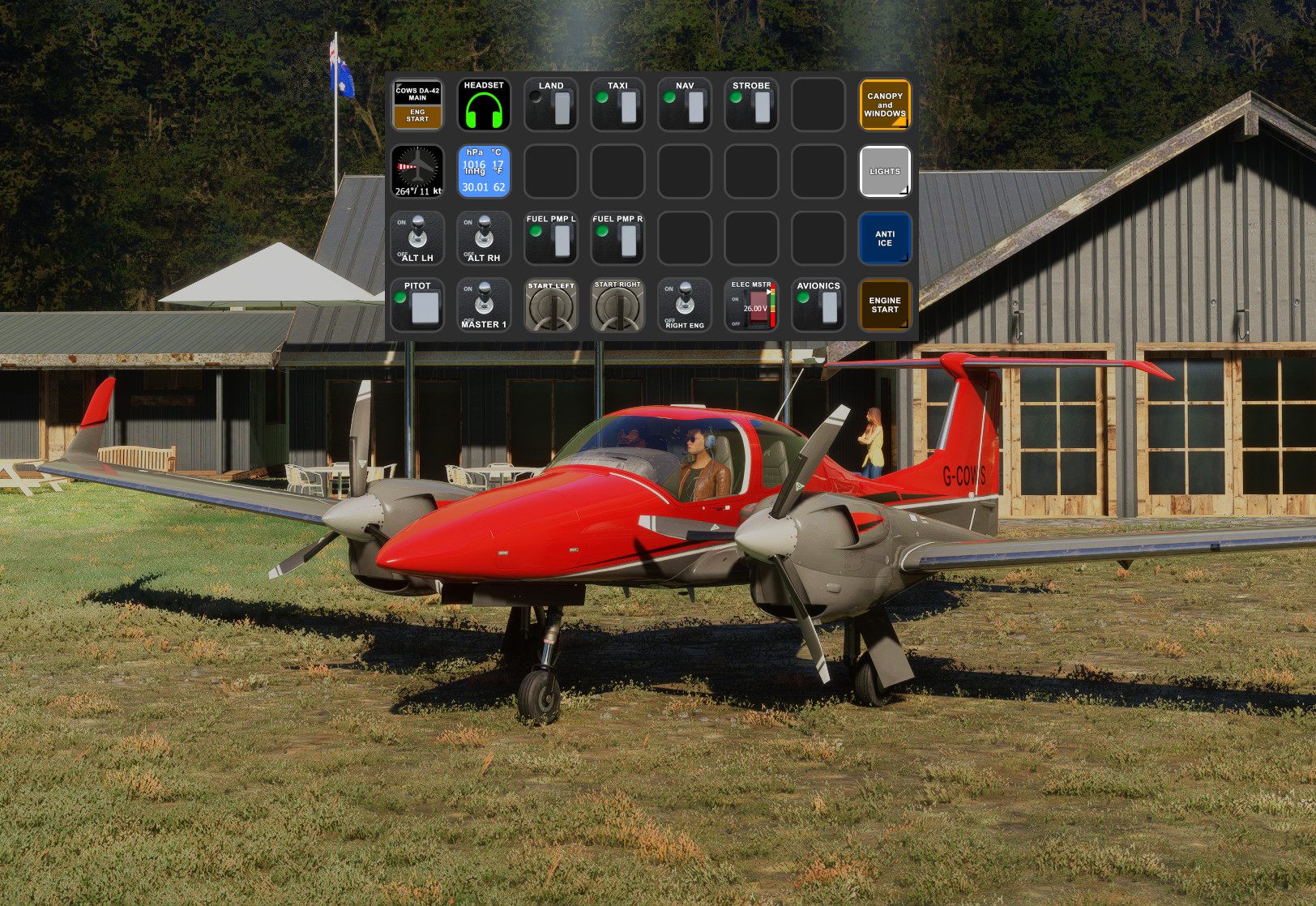
Description
I created this Streamdeck XL profile for the Cows DA-42 with basic functionality for now. I borrowed images and some script ideas from the outstanding work that have been created by Guenseli. This profile is released with his permission (THANKS Guenseli!)
https://flightsim.to/profile/Guenseli
You need LORBYs AAO and its StreamDeck Plugin to run this StreamDeck profile.
For FS2024 you need LorbyAxisAndOhs_MSFS2024 v4.50 or later and its StreamDeck Plugin to run this StreamDeck profile.
ATTENTION!
PLEASE READ CAREFULLY!
- When you import SD profiles, make sure to delete the old ones, otherwise you'll get profile copies.
- Make sure to always have the latest AAO and AAO StreamDeck plugin versions!
- Please ask myself and Guenseli if you want to use parts of this SD profile or images in your own SD profile.
- Install the SD XL profile by double clicking the file "DA42.streamDeckProfile"
- Install the SD+ profile by double clicking the file "PLUS DA42.streamDeckProfile"
- Import the AAO script "DA42.AxisAndOhsScripts.xml" according to the AAO manual
- Import the AAO script "DropTop_Views-AxisAndOhsScripts.xml" according to the AAO manual. This is for the Views page on the SD+
Long pressing the Instrument Lights dial (increase or decrease) will turn the lights full off or full on rather than having to slowly adjust the brightness.
Same is true for the Glarescreen Flood Lights dial.
Known issues:I couldn't find an elegant way to "hold" the starter on in order to start the left and right engines. The solution I came up with basically 'spams' the start event several times in order to act like you're holding the start key in the on position. Seems to work for me but it's wonky.
This profile is a work in progress. Please toss me any issues you find or requests in the comments section. Thanks!
Cows Diamond DA-42 AAO Scripts, StreamDeck XL Profile and StreamDeck+ Profile
Enhance your flight simulation experience with the Cows Diamond DA-42 AAO Scripts & StreamDeck XL and + Profile. This Streamdeck XL profile offers basic functionality for the DA-42 aircraft, with images and script ideas from Guenseli. Ensure you have LORBYs AAO and its StreamDeck Plugin for compatibility. Discover a user-friendly installation process and note features like easy control of instrument and glarescreen lights. Continuous updates and feedback are welcomed for an evolving experience.


User Reviews
2 reviews
Version History
Added StreamDeck+ profile with dial / button support for: Interior Lighting Autopilot NAV/COM Views (allows you to spin through Pilot, Cockpit, External and Showcase views with the dials).
Related
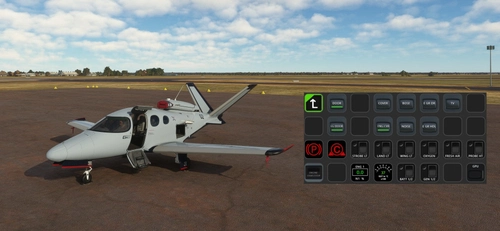
FlightFX Cirrus SF50 Vision AAO Scripts & StreamDeck XL Profile & StreamDeck + Profile
Enhance your Cirrus SF50 Vision experience with this FlightFX add-on, including AAO Scripts and StreamDeck profiles. This package requires LORBYs AAO and its StreamDeck Plugin. Please note the installation instructions and known issues before use.
by 02DropTopM3
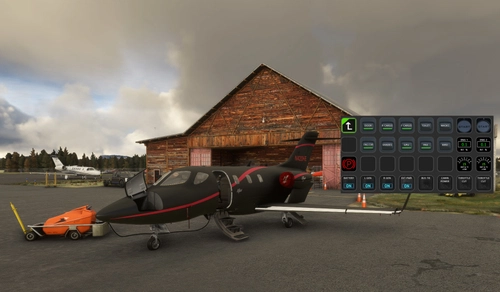
MG HJET HA420 StreamDeck XL Profile, AAO Scripts, StreamDeck+ Profile
Enhance your HJet HA420 experience with this StreamDeck XL Profile, AAO Scripts, and StreamDeck+ Profile. Designed for the new G2 version of the HJet with Auto-throttle and VNAV functionality, this release is a collaboration with Guenseli. Ensure to follow installation instructions for a seamless integration.
by 02DropTopM3
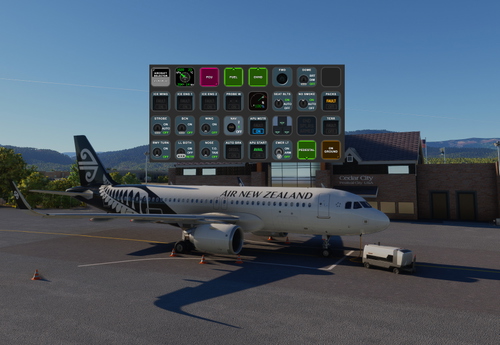
iniBuilds Airbus A320neo v2 AAO Scripts, StreamDeck XL Profile and Stream Deck + profile
Enhance your iniBuilds Airbus A320neo v2 experience with this StreamDeck XL profile and StreamDeck + profile, complete with AAO Scripts for a seamless integration. Created with permission by Guenseli, this profile maintains a familiar layout while optimizing it for the iniBuilds A320. Follow the installation instructions for a smoother flight simulation session. See the description for important details and updates.
by 02DropTopM3
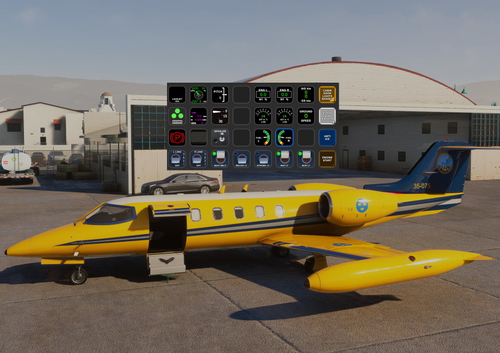
Flysimware Learjet 35A AAO Scripts & StreamDeck XL Profile & StreamDeck+ Profile
Customize your Flysimware Learjet 35A experience with this AAO Scripts, StreamDeck XL Profile and StreamDeck+ Profile. Enhance your simulator setup with basic functionality and imagery from the talented Guenseli, all with proper permissions. Make sure to have LORBYs AAO and its StreamDeck Plugin to utilize this profile effectively.
by 02DropTopM3
Log in to join the discussion
Log InComments(8)
2 months ago
6 months ago
over 1 year ago
Could you please make a separate profile for the COWS DA40 as well? Most of the buttons of this DA42 profile luckily already work for the 40.
over 1 year ago
over 1 year ago
over 1 year ago
over 1 year ago
over 1 year ago