
Description
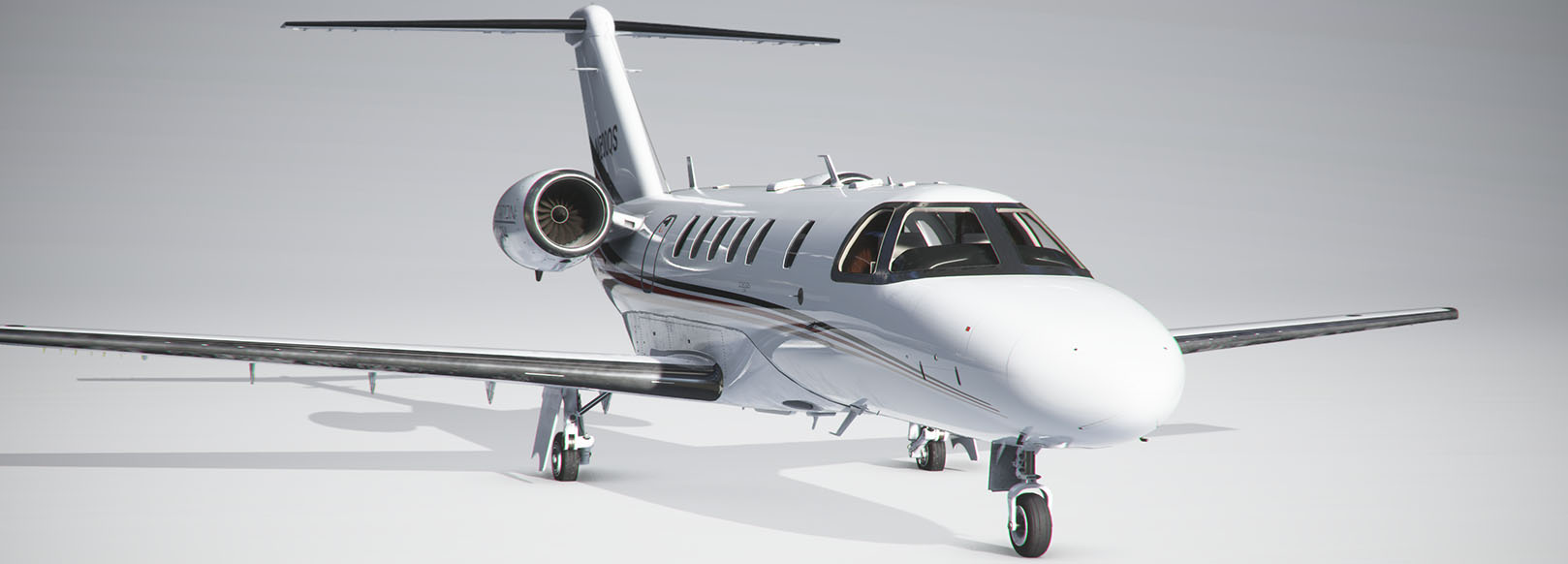
Fictional Repaint of a NetJets paint scheme on a Cessna CJ4.
Cessna CJ4 NetJets
Explore a fictional repaint of a NetJets paint scheme on a Cessna CJ4 with this add-on.

User Reviews
4 reviews
Version History
Updated panel folder to correct issues with the MFD not working correctly.
Related
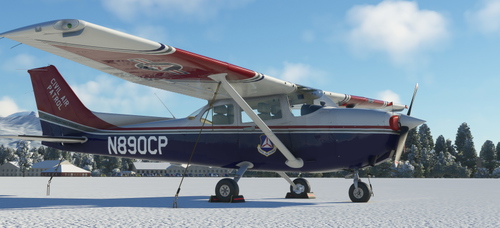
Civil Air Patrol C172 (G1000)
Customize your MSFS experience with the Civil Air Patrol C172 (G1000) repaint, featuring corrected paint scheme issues and a distinct Alaska Wing CAP tail number. Compatible with Baglou Cessna mod and default C172 G1000.
by USAFNukem
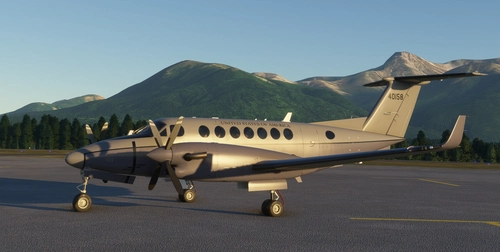
US Army MC-12V Super King Air
Explore a fictional repaint of the US Army MC-12V Super King Air #40158 in Microsoft Flight Simulator, utilizing the King Air 350i model for a unique flying experience.
by USAFNukem
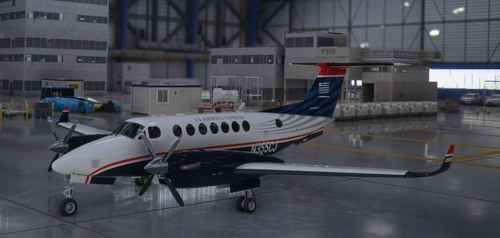
Beechcraft King Air 350i US Airways Express
Explore the skies with this fictional repaint of a Beechcraft King Air 350i, featuring the iconic colors of US Airways Express.
by USAFNukem

Baron G58 50th Anniversary Edition
Celebrate the 50th Anniversary of the Beechcraft Baron G58 with this add-on, featuring repaints in four unique paint schemes. Additionally, enjoy model updates addressing decal placement and UV mapping issues for an enhanced visual experience.
by USAFNukem
Log in to join the discussion
Log InComments(14)
over 1 year ago
about 2 years ago
about 2 years ago
Thank you for letting me know it was having a problem.
over 3 years ago
Hi,
great livery but it seems it does not work anymore with AAU1. Any workaround available?
over 3 years ago
Thank you for letting me know. I will see what I can do about it.
over 3 years ago
Thank you so much for the update - it's working fine again. :-)
almost 5 years ago
this does not work with working title v0.12.8
over 5 years ago
For now i have a message saying liverie incompatible with current workingtitle mod.
Thanks.
over 5 years ago
[FLTSIM.0]
title = "Cessna CJ4 Citation Netjets" ; Variation name
model = "" ; model folder
panel = "" ; panel folder
sound = "" ; sound folder
now, open the layout.json and replace the text above the first texture entry with this: line up the text at the bottom with the text in the layout.json
{
"content": [
{
"path": "manifest.json",
"size": 301,
"date": 132437052000000000
},
{
"path": "SimObjects/Airplanes/Asobo_CJ4_Netjets/aircraft.cfg",
"size": 1992,
"date": 1611445618456
},
{
"path": "SimObjects/Airplanes/Asobo_CJ4_Netjets/TEXTURE.Netjets/CESSNA_CJ4_AIRFRAME_FRONTGEAR_ALBD.PNG.DDS",
over 5 years ago
over 5 years ago
over 5 years ago
over 5 years ago
over 5 years ago