
Description
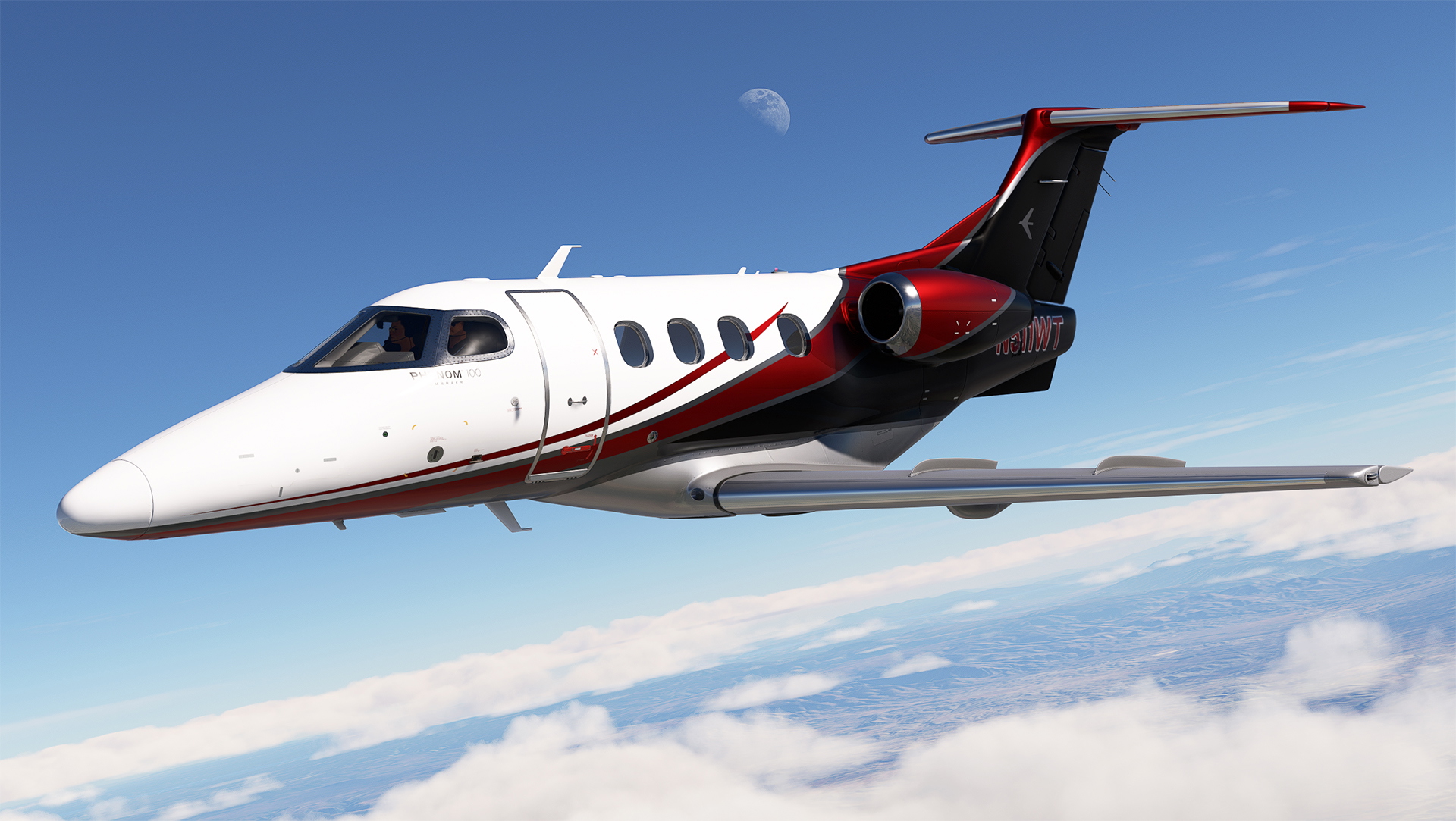
N511WT for Cockspur Phenom 100 MSFS.
By ryanbatc. Featuring multiple metallic properties crafted in Adobe Photoshop and Substance Painter.
Textual logos used with permission from ZachB (thank you!).
Extract folder livery-ph100-N511WT to your Community folder location.
***Note once I get the dynamic registration version working I'll update the paint.
N511WT for Cockspur PH100
Customize your Cockspur Phenom 100 in Microsoft Flight Simulator with the N511WT livery, meticulously designed with multiple metallic properties for a realistic look. Simply extract the livery folder to your Community folder and enjoy this detailed enhancement by ryanbatc.
User Reviews
7 reviews
Version History
Fixed the interior of the window walls from showing the base design
Related
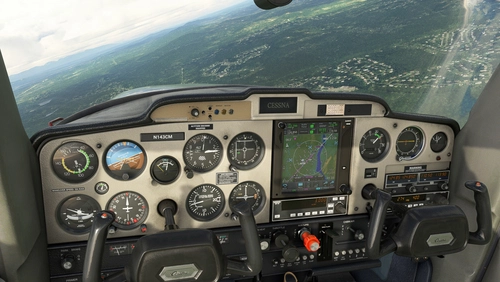
TDS GTN 750Xi Cockpit Integration / WBSim C152
Enhance your Cessna 152 experience with TDS GTN 750Xi Cockpit Integration, allowing you to use the tablet to access and select the GTN 750 option seamlessly. Requires C152 mod by JPLogistics and TDS GTNXi.
by ryanbatc

N108JN for FSW Learjet 35
Enhance your Learjet 35 experience with the N108JN add-on by ryanbatc, featuring stunning metallic properties and a beautiful interior by Archer. Updates continuously improve textures and fix minor issues for a more realistic flight sim experience. Simply extract the folder to your Community folder for seamless integration.
by ryanbatc
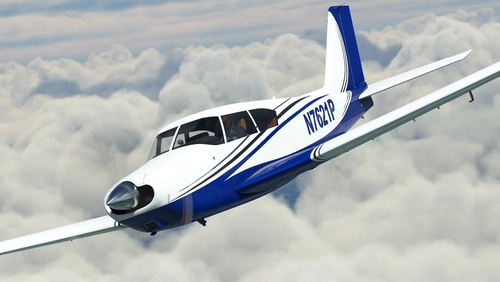
N7621P + Dynamic Livery + Interior for A2A Comanche
Experience a stunning rendition of N7621P PA24-250 Comanche for A2A in MSFS, including dynamic livery and custom interior. Updates include metallic shine, dynamic registration, and cockpit placard, enhancing your flight simulation experience. Special thanks to ryanbatc and Waffler11 for their contributions to this mod.
by ryanbatc
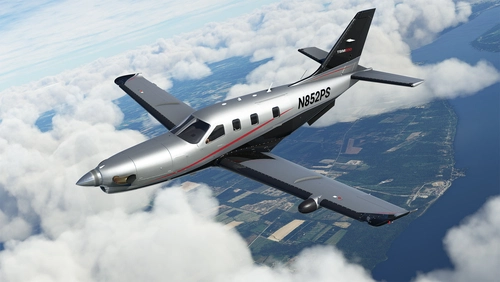
N852PS + Dynamic Registration and Interior for Black Square TBM 850
Enhance your Black Square TBM 850 with the N852PS livery featuring dynamic registration options and meticulously designed interior details. This livery, crafted with Adobe Photoshop and Substance Painter, replicates the real design and allows for easy customization of the tail number via in-sim changes or aircraft.cfg modifications. Add a touch of realism to your flights by placing the TBM_xxx files in your Community folder.
by ryanbatc
Log in to join the discussion
Log InComments(18)
about 1 month ago
I don't know what am I doing wrong. I tried this livery on every option and it does not work.
The PH100 was purchased inside 2020. I recently updated from 2020 to 2024.
I tried:
Community 2024
Community
Official2020/Steam/cockspur,,,/simobjects/airplanes/cockspur...
Any tips? Thanks
9 months ago
about 1 year ago
Thank you
over 1 year ago
about 2 years ago
over 2 years ago
over 2 years ago
over 2 years ago
over 2 years ago
over 2 years ago
over 2 years ago
over 2 years ago
over 2 years ago
over 2 years ago
over 2 years ago
over 2 years ago
over 2 years ago
over 2 years ago