
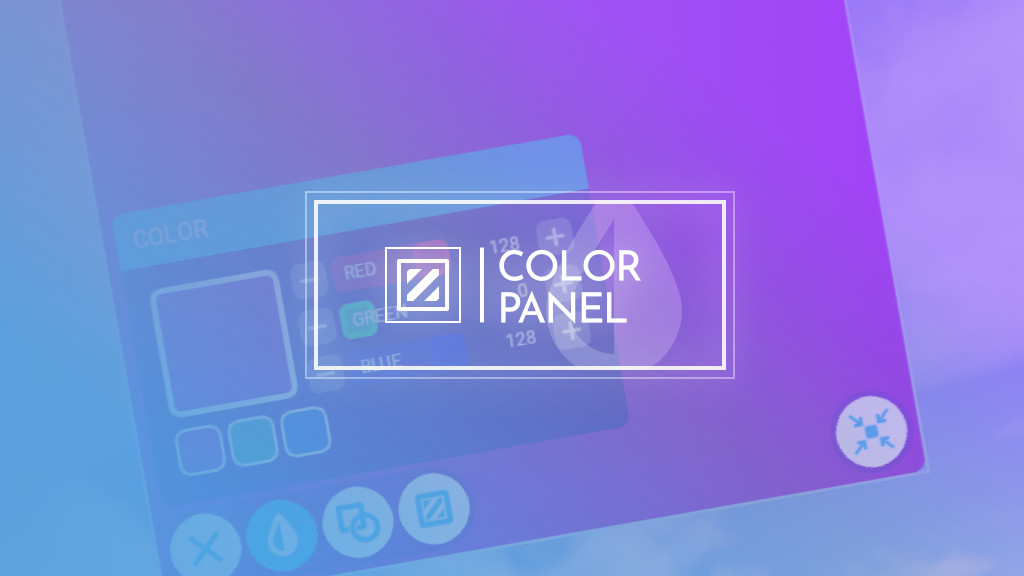
Description
A simple color panel tool for VR simmers.
In conjunction with the VR passthrough functionality (implemented in Virtual Desktop), you can put a passthrough window anywhere in your virtual cockpit.
Have you invested your money in expensive flight controllers to build your own simpit but you are also a VR simmer? Now you can see your controllers anytime during VR flight thanks to the chromakey VR passthrough.
Installation
Copy `spitice-color-panel` folder to the community package folder.
To uninstall, simply remove `spitice-color-panel` from the community package folder.
Usage
Press the button located in the in-game toolbar.
If you want to use the panel as a passthrough window, you also need to configure the color values to match the panel color and chromakey in Virtual Desktop.
Recommended Virtual Desktop settingsOpen Virtual Desktop setting on your HMD, then tap on "Streaming" tab.
You can enable and customize VR passthrough settings here.
- Smoothness: 10
- Similarity: 0-2
- RGB: 128, 0, 128 (Purple)
(Tested on Quest2)
If you feel difficulty in tweaking RGB values on Virtual Desktop setting, set them approximately then copy the exact RGB values to Color Panel since it's much easier to precisely set sliders on Color Panel.
Minimize and Quick Hide/Reveal
The minimize button is located at the bottom right corner.
- Click: Minimizes the panel.
- Hold: Temporarily hides the color panel so you can see the behind of the panel.
While the panel is minimized, you can still control the panel via the small circle.
- Click: Restores the panel.
- Hold and move: Temporarily restores the size of the panel so you can use it like a flashlight to see around you via passthrough.
Customization
Position and SizeDrag the color panel (or passthrough panel) to move your panel.
You can also resize the panel by dragging the border of the panel.
NOTE: In VR mode, you cannot save the position and the size of the panel due to the limitation of the sim.
ColorChange the color to match with desired RGB values.
You can also set the color to the following presets:
- Purple (Recommended)
- Virtual Desktop Green
- Virtual Desktop Blue
You can change the shape of the panel to an ellipse if you want.
FillYou can set a hole in the panel.
This feature might be useful when you want to use MFD controllers (e.g., Thrustmaster Couger MFD, Winwing MIP).
In that case, try to set around 25-30% and see if it fits in your simpit layout.
Coming soon™
Q&A
The borderline around the panel is always shown
In order to indicate that the panel is always resizable even if it is minimized, the borderline is set visible regardless of the panel state.
Changelog
v1.0.0 (Nov. 28, 2023)Initial release.
Color Panel for VR Passthrough
A handy color panel tool designed for VR simmers, allowing you to place a passthrough window within your virtual cockpit. Customize panel color and chromakey settings to seamlessly integrate with Virtual Desktop. Enhance your VR flight experience by easily viewing your flight controllers while immersed in virtual reality.


User Reviews
18 reviews
Version History
No version history available.
Related
Input Viewer
Enhance your flight simulation experience with Input Viewer, a handy addon for Microsoft Flight Simulator. This tool adds an in-game panel displaying various input axes, including aileron, elevator, rudder, wheel brakes, throttle, and more. Easily customize the panels settings and configuration to suit your preferences, offering a convenient way to monitor and showcase your aircraft control inputs. Dont miss out on this useful addition to your virtual cockpit!
by Spitice

FBW Toggle
FBW Toggle adds a toolbar button that activates/deactivates the fly-by-wire system on the fly. Compatible with any airplanes that leverage MSFS's built-in FBW functionality. Press the button located in the in-game toolbar. It will disable all FBW computers (i.e., ELAC/FAC/SEC) when at least one of them is active.
by Spitice
Log in to join the discussion
Log InComments(39)
over 1 year ago
How Can I add several panels?
almost 2 years ago
almost 2 years ago
about 2 years ago
I have provided a link that explains reading key presses from a toolbar panel;
https://devsupport.flightsimulator.com/t/intercept-key-press-in-a-toolbar-addon/3261
It would also be great to be able to run multiple passthrough windows.
about 2 years ago
about 2 years ago
over 2 years ago
over 2 years ago
over 2 years ago
over 2 years ago
over 2 years ago
over 2 years ago
For another possible use, I might have missed the option and/or i might be trying to use this for a purpose that it wasn't intended for, but is it possible to say look straight ahead, for example, at an app window on your monitor, but then position that view say over your VR legs, whilst still retaining a view of the app? Whenever I reposition the "reality window", it always seems to change what I'm looking at in the real world. This would make sense for mixed reality type uses, but like I said, I'm perhaps trying to do something that it wasn't designed for?
over 2 years ago
over 2 years ago
over 2 years ago
over 2 years ago
over 2 years ago
over 2 years ago
over 2 years ago
over 2 years ago