
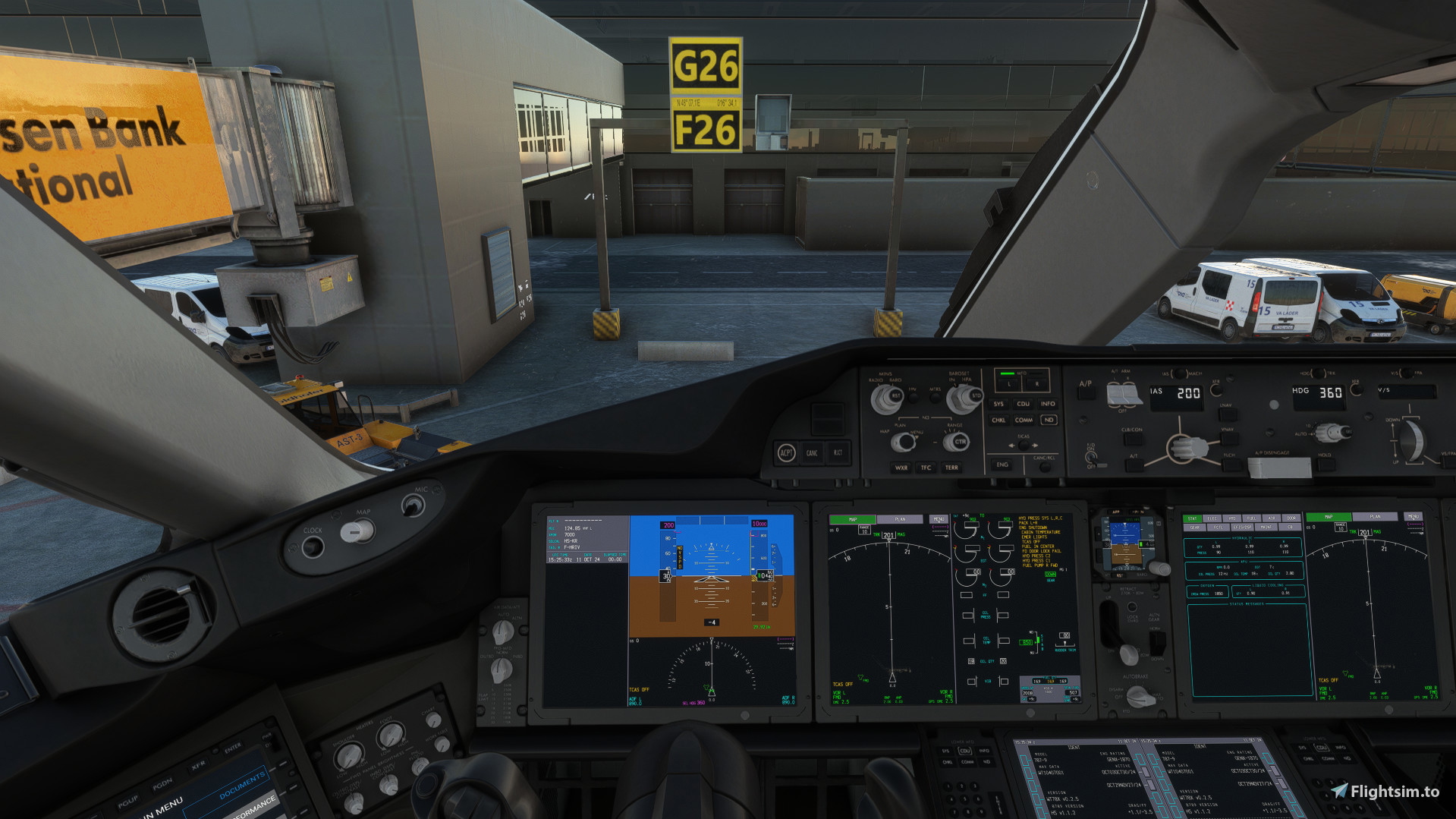
Description
Custom camera for the Boeing 787-9 of Horison Simulation
You juste need to drop off the camera.cfg insid the aircfraft file
For the GENX Engine :
Microsoft Store installation:
C:\Users\(UserName)\AppData\Local\Packages\
Microsoft.FlightSimulator_8wekyb3d8bbwe\LocalCache\SimObjects\Airplanes\HorizonSim_B787_9_GENX
Steam installations:
C:\Users\(Username)\AppData\Roaming\
Microsoft Flight Simulator\SimObjects\Airplanes\HorizonSim_B787_9_GENX
For the TRENT Engine :
Microsoft Store installation:
C:\Users\(UserName)\AppData\Local\Packages\
Microsoft.FlightSimulator_8wekyb3d8bbwe\LocalCache\SimObjects\Airplanes\HorizonSim_B787_9_TRENT
Steam installations:
C:\Users\(Username)\AppData\Roaming\
Microsoft Flight Simulator\SimObjects\Airplanes\HorizonSim_B787_9_TRENT
If you want to adjust the view just moove a bit with the mousse and set the new views with CTRL+ALT+Number
Left Cockpit views : Alt+1
Over Head panel : Alt+2
Engin L : Alt+3
Engin R :Alt+4
Left Wing : Alt+5
Right Wing : Alt+6
Front right cockpit : Alt+7
Right Cockpit : Alt+8
Front left cockpit : Alt+9
EFB : Alt+0
Custom Camera Boeing 787-9 Horison Simulation
Benefit from a custom camera setup for the Boeing 787-9 by Horison Simulation. Easily adjust various views using simple keyboard shortcuts, enhancing your in-flight experience. Perfect for fine-tuning your cockpit, engine, and exterior views with ease. Simply drop the camera.cfg file into the designated aircraft folder and start exploring new perspectives.

User Reviews
2 reviews
Version History
Related
Inibuild A350-900 Custom Camera
This add-on provides a custom camera setup for the Inibuild A350-900 in Microsoft Flight Simulator. Users can enhance their flight experience by simply adding a provided camera configuration file to the aircraft directory. The installation instructions are specified for both Microsoft Store and Steam users. Predefined camera views allow for easy navigation between different cockpit and external perspectives using keyboard shortcuts.
by Exaricot
Inibuild A350-1000 Custom Camera
This add-on enhances the Inibuild A350-1000 with a custom camera configuration, providing various viewpoints for an improved flight experience. Users can easily install the camera settings by placing the provided camera.cfg file in the appropriate aircraft directory. The add-on offers multiple camera angles, such as interior cockpit views and exterior perspectives, that can be accessed using keyboard shortcuts. Additionally, users can further customize their camera views using simple key combinations.
by Exaricot
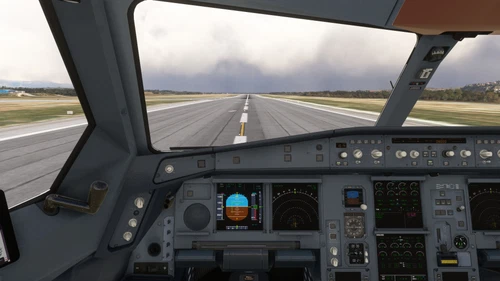
Custom View LFVR A340-300
This add-on provides a custom camera configuration for the Airbus A340-300 model by Latin VFR. Users can easily install the additional views by placing the provided camera.cfg file in the designated aircraft folder. The package includes specific key bindings for various cockpit and exterior views, allowing for enhanced situational awareness and cockpit personalization during flights. Instructions for installation are succinctly outlined for both Microsoft Store and Steam versions of Microsoft Flight Simulator.
by Exaricot
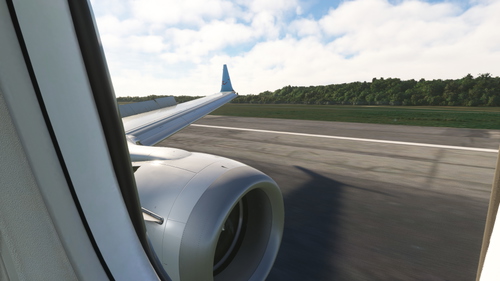
Custom View IFly Boeing 737-8 Max
This add-on provides a custom camera configuration for the iFly Boeing 737-8 Max in Microsoft Flight Simulator. Users can easily install the camera settings by placing the included camera.cfg file into the aircrafts directory. The add-on includes a variety of predefined views for different cockpit and external perspectives, which can be accessed with specified key combinations. Additionally, users can modify and save their views as needed.
by Exaricot
Log in to join the discussion
Log InComments13
But none of the custom views are working.
Did u upload the camera.cfg from the following directory?
C:\Users\User\AppData\Roaming\Microsoft Flight Simulator\SimObjects\Airplanes\HorizonSim_B787_9_GENX
I suspect the correct custom views are in this folder not the community folder.
Nice work!