
Description
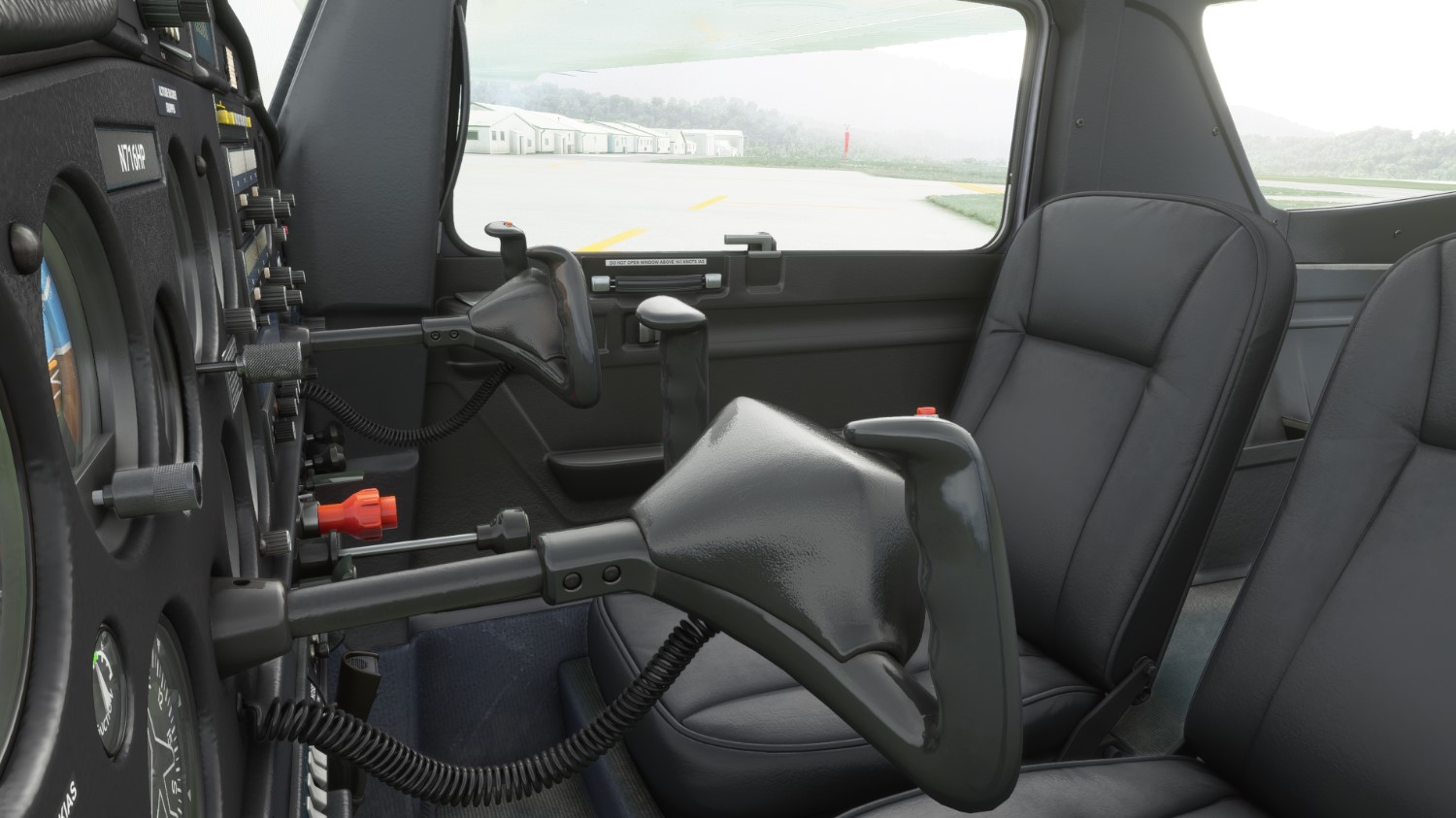
By request, this is a group of DDS files to change the C152 interior colors to black, unfortunately right now, this is not a community drop in, you must overwrite the files in the C152 Texture folder, so ALL your C152 interiors will change to this, unless overwritten by a livery with an interior. I did test this also with the C152 Community Mod and found no interference whatsoever; there is always a chance I missed something, so let me know if you run into any issues.
Installation:
1. Make a backup of your C152 texture folder: Microsoft.flightsimulator_8wekyb3d8bbwe/LocalCache/Packages/Official/OneStore/asobo-aircraft-c152/SimObjects/Airplanes/Asobo_C152/texture
******without a backup you will not be able to go back to the original interior! I cannot stress this enough******
2. Download the zip folder and extract DDS files. Copy those files into the texture folder shown above, overwriting the existing ones (AFTER YOU MADE A BACKUP ;) ) when prompted.
To go back to the stock interior, just simply copy your backup files back into the texture file.
NOTE: If you would want the panel only, simply use the MAIN_PANEL, COCKPIT_DETAILS, and COCKPIT_DECALS files, and leave the rest out to leave the remainder of the interior stock.
I hope that I can find a way to make these interiors a drop in, but as of right now, I haven't been able to make it happen without attaching it to a livery. If and when I do, I will update.
If any livery creators want to use this in a livery of their own, feel free. I'd appreciate a mention. Thanks!
Also there is a free custom emblazed Telex included with every download. Find it in the plane after you install.
Enjoy!
C152 - Black interior
Transform the interior of your C152 with this addon, featuring a sleek black color scheme. Overwrite texture files in the C152 folder to apply the new look. Instructions provided for easy installation and restoration to the original interior. Compatible with the C152 Community Mod and includes a custom emblazed Telex for added flair.

Supporters

User Reviews
3 reviews
Version History
No version history available.
Related
WHISKYTANGO'S C700 LONGITUDE CHECKLIST
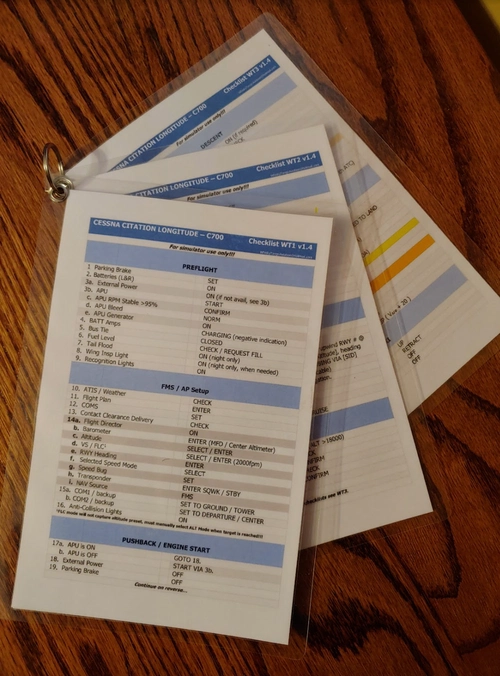
Enhance your flight preparation with WhiskyTangos C700 Longitude Checklist, a meticulously crafted resource for Microsoft Flight Simulator. This comprehensive checklist, revised multiple times, focuses on functionality to ensure a smooth flight experience in the simulator. Featuring different formats for printing and tablet use, this addon includes radio calls structured for US flying. Get ready for a successful flight with this user-friendly checklist.
by whiskytango208
Longitude Blue and White Pixelated
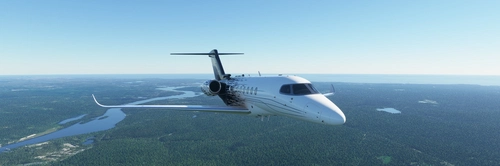
Replicate the iconic blue and white pixelated design of the Legacy 500 with this add-on, inspired by a real aircraft. Simply drag and drop to enhance your flight simulator experience. Check out the original Legacy 500 for comparison at the provided link. Share your feedback with the community!
by whiskytango208
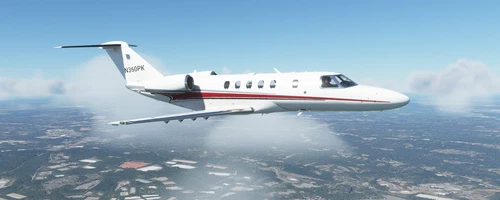
Citation CJ4 - N360PK
Enhance your Microsoft Flight Simulator experience with the Citation CJ4 add-on featuring real-life N360PK livery. This updated version is compatible with the Working Title Mod and allows users to customize the registration number. Please note the pink interior issue when viewing externally and feel free to provide feedback for any issues. Enjoy your flights with this detailed and customizable CJ4 aircraft!
by whiskytango208
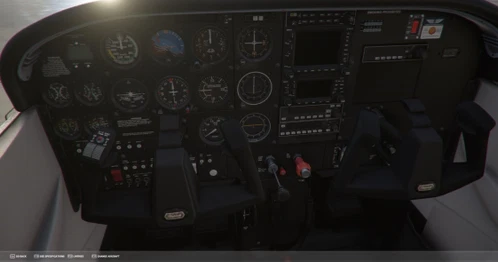
C172 Classic - White Interior w/black panel.
Customize your C172 Classic with a new interior look! This add-on includes DDS files to change the interior colors to white and the panel to black. Follow the simple installation instructions to update your aircrafts textures and easily revert back to the original design if desired. Personalize your flying experience with this easy-to-use modification.
by whiskytango208
Log in to join the discussion
Log InComments(9)
over 3 years ago
Try this:
https://flightsim.to/file/28054/asobo-jpl-cessna-c152-dark-cockpit-panel
about 4 years ago
i just downloded and send it to comunity folder but dont see any change need helpe please i am new ?
over 5 years ago
They managed to make a cockpit recolor work as a community addon. I think the key may be to have the proper loading order, i.e. "ZZZZ" prefix.
over 5 years ago
https://flightsim.to/request/livery/1644/icon-a5-black-interior-mod
over 5 years ago
over 5 years ago
over 5 years ago
over 5 years ago
I'm still working on it, and once I figure it out, I will definitely update.
over 5 years ago