
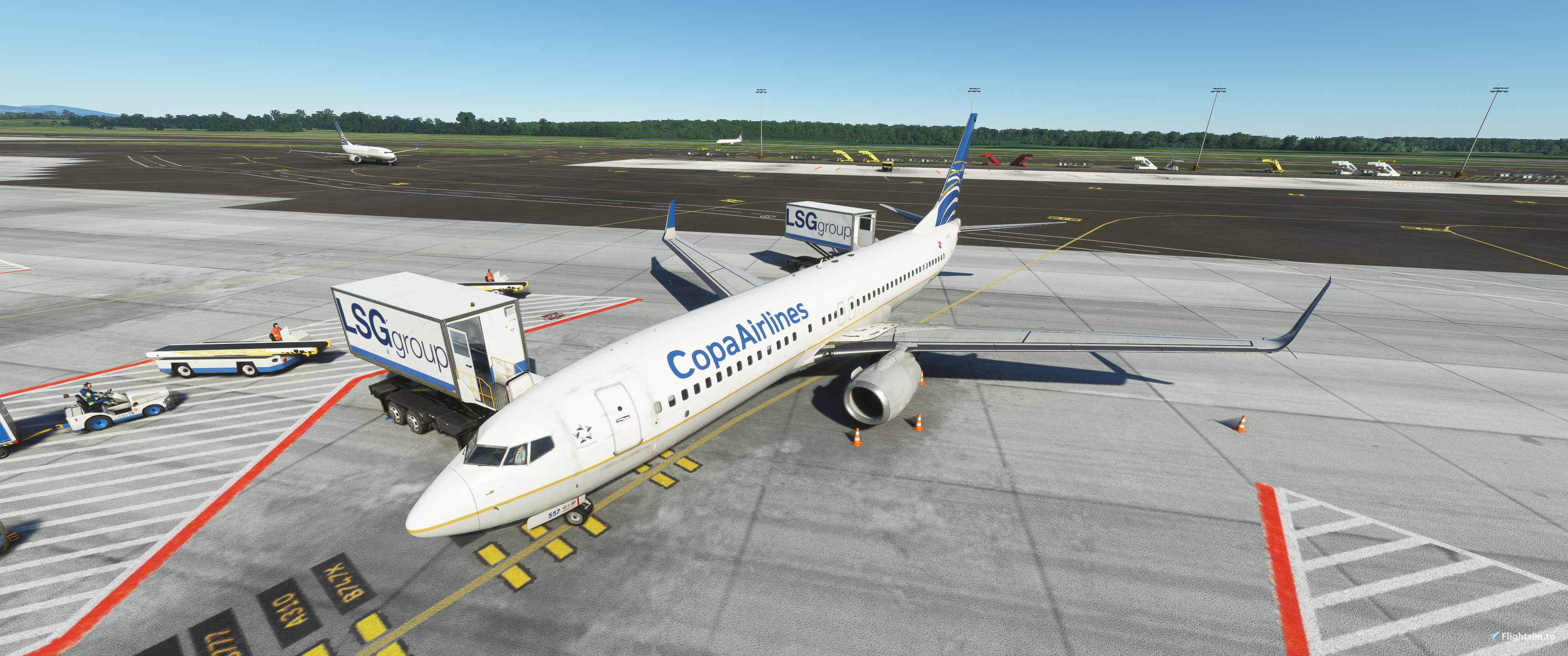
Description
All gates and cargo positions with custom parking, vehicle positions, pushbacks, etc
Installation:
Extract the .zip file and move the .ini file to:
%APPDATA%\Virtuali\GSX\MSFS
Please note that the scenery AFCAD needs a lot of work. Just use GSX feature "Reposition aircraft" to the gate you want, and you should be lined up perfectly. Most of the medium gates are sized for the 737 parking position. I noticed that some gates weren't long enough to reach the 737 parking position, so I moved them forward so the gate would attach. Also gate 222 through 225, the ramp space isn't large enough, so taxiing aircraft will look like they crash into parked aircraft, this is an issue with the scenery. Out of scale compared to the actual airport. I have no idea who the catering companies are for MPTO to just googled it and found LSG. If you have more insight into this, let me know, and I can update.
1.2 updated for cargo with customized pushback.
!!Important!!!
Make sure you disable MPTO gates in GSX settings. Best practice is to disable gates for all payware airports so only the gates designed by the scenery developer are used. On default scenery airports you can use the fancy GSX gates.
MPTO Panama City Tocumen GSX Profile V Pilot Designs
Enhance your airport experience at MPTO Panama City Tocumen with this GSX Profile V Pilot Designs add-on. Offering custom parking, vehicle positions, and pushbacks for all gates, this profile ensures a realistic and detailed simulation environment. Please note that some adjustments may be required due to AFCAD limitations, but with the provided instructions, you can easily tailor your experience to your preferences.


Version History
Updated Cargo area for MPTO Cargo Ramp 703,704,705,706,708,709,710,711,712 Customized ground object locations and pushbacks for each position. Using FSS 727-200F as reference. Just place it in your GSX folder C:\Users\YOUR USER NAME\AppData\Roaming\virtuali\GSX\MSFS
Featured in Collections(1)

Related
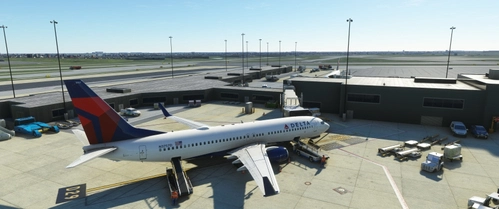
KBWI Baltimore (LatinVFR)
Enhance your airport experience at KBWI Baltimore with this LatinVFR add-on, offering custom parking, pushbacks, and more at all terminals. Note that the AFCAD scenery may have inaccuracies with gate parking positions, but utilizing the GSX feature "Reposition aircraft" can help align your aircraft correctly. Discover improved gate connectivity and parking options with this detailed airport scenery.
by juanchopancho
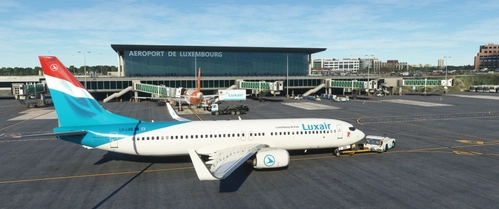
ELLX Luxembourg (JustSim)
Experience an enhanced ELLX Luxembourg Airport with all gates A, B, V, Z, customer parking, and custom walkways for Dash-8 aircraft. Install with ease by extracting the .zip file and moving the .ini file to %APPDATA%VirtualiGSXMSFS. Unlock the potential for future compatibility with the Majestic Dash-8-400 in MSFS.
by juanchopancho
Log in to join the discussion
Log InComments(9)
5 months ago
over 2 years ago
over 2 years ago
about 2 years ago
MPTO should be in the exclusion list in GSX gates settings.
I would only use GSX gates for default scenery not payware scenery.
over 2 years ago
over 2 years ago
about 3 years ago
almost 3 years ago
about 3 years ago