
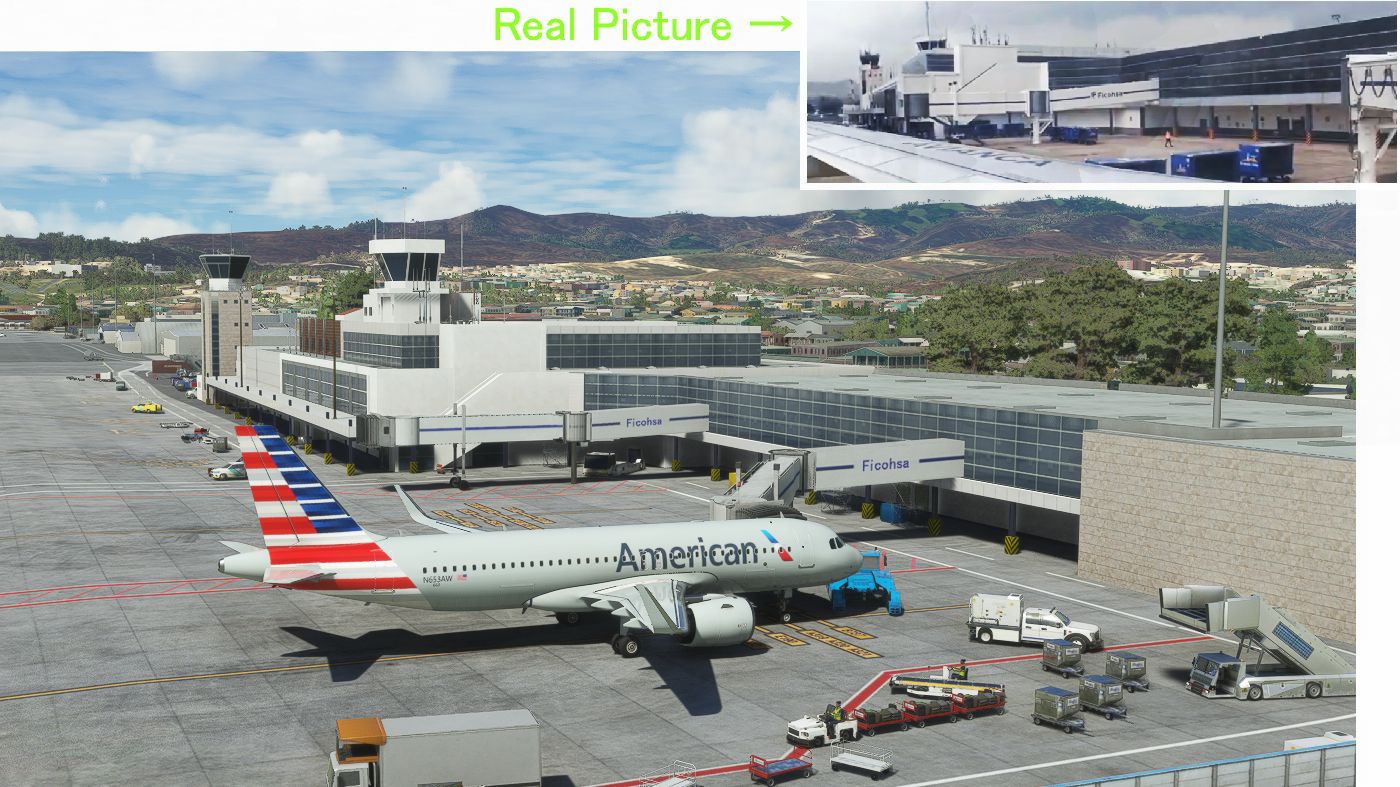
Description
Ver1.4
1. I changed PAPI from MSFS default to real life.
RWY02 PAPI 3.0→5.3degrees
RWY20 PAPI 3.6→5.0Degrees
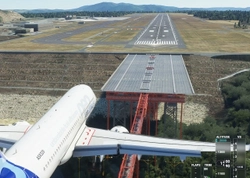
2 I built a house just before landing.
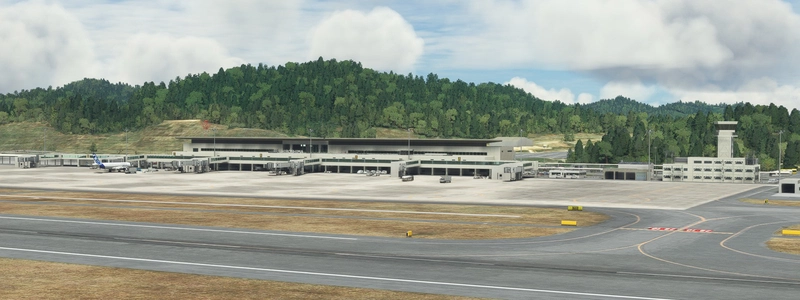
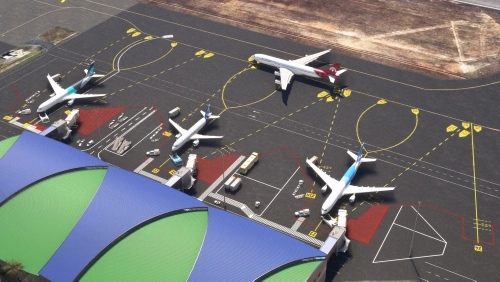
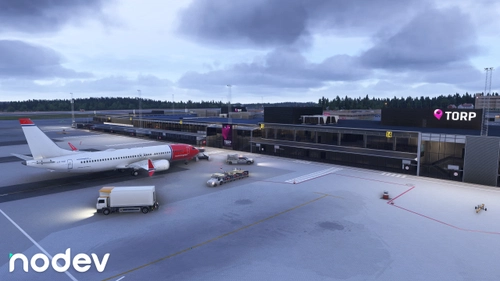
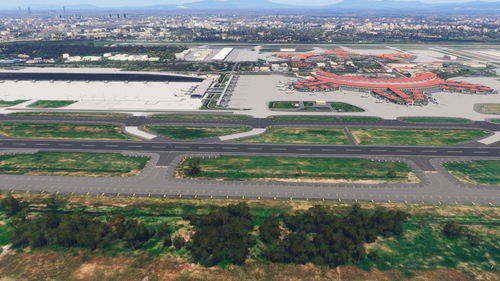
(I added the 2 3 4 th photo of Ver1.4.)
I had a question.
Q I'm not sure if this is a replacement or an enhancement.?
A This scenery must be used with the ASOBO version.
Q Is this compatible with the Asobo Version, or is it to install it instead of the Asobo version?
A Compatible with ASOBO version. I'm just modifying the asobo version.
I (KAZE) am a foreigner and do not understand English, so I am using translation software.
Toncontin is the most difficult airport in the world for landing jet planes.
It is difficult because the hill just before landing is high and it is necessary to fly just above the ground.
The default Toncontin had some strange parts, so I fixed it and made it realistic.
The runway has a slope of 20M, just like in reality. RWY 02 is 1005M, RWY 20 is 985M.
In 2006, a video of Toncontin's landing with a woman's voice saying, "Don't be surprised" was posted on YouTube, and I was very moved by it.↓
https://www.youtube.com/watch?v=v_z5HtME9n8&ab_channel=RoySchachter
At that time, the runway at Toncontin was RWY01, not RWY02, and the runway was 300M shorter than it is now. Due to an accident in which the tire of an airplane came into contact with the roof of a car running on the road before landing.
There were traffic lights on the road, and it was impressive to see the road turn red when a plane landing, and cars waiting at the traffic lights.
That road is currently under RYW02.
Also, around 2008, there was an accident in which a jet plane overran, and there was a period when dangerous jet planes were prohibited from entering the area.
The main attraction of Toncontin is that it is the most difficult flight in the world to land on RWY02 on an A320.. However, if the scenery is flat , We will be very boring.
The ground needs to have undulations similar to reality. In fact, from the final flight to landing, airplanes fly for long periods of time, very close to the ground.
When you look out the window of an airplane, it looks like you're on a high-speed train as it flies on the ground.
It is only when this is recreated that Toncontin's landing becomes attractive.
Toncontin Airport is recorded as a handmade airport by default in MSFS, but undulations are not accurate.
Therefore I wanted to fix this.
This is a video taken from inside the plane of the landing that I used as a reference. ↓
https://www.youtube.com/watch?v=5WoSZFnBMPk&ab_channel=ShadiaMej%C3%ADa
Location
(MHTG) Toncontin Intl Airport enhancement
Enhance your experience with the MHTG Toncontin International Airport add-on version 1.4 for Microsoft Flight Simulator. This scenery modification includes realistic PAPI adjustments, a recreated surrounding environment, and accurate runway details, reflecting the challenging nature of landing at this iconic airport known for its steep approach. Discover the thrill of navigating the difficult terrain just before landing at one of the worlds toughest airports for jet planes.
User Reviews
21 reviews
Version History
Ver1.4 1. I changed PAPI from MSFS default to real life. 02 PAPI 3.0→5.3 20 PAPI 3.6→5.0 2 I built a house just before landing. I added the 2 3 4 5th photo of Ver1.4.
Featured in Collections(1)
Related
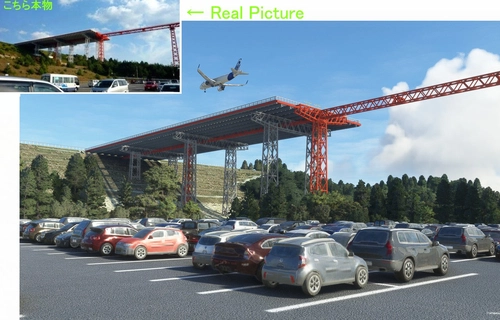
(RJOA) Hiroshima Intl Airport
Experience Hiroshima International Airport in Microsoft Flight Simulator with this detailed add-on created over seven months. Version 1.6 includes updated jetways, custom center lines, and added realism with dirt effects. Take note of recent issues regarding unauthorized copying and selling of this scenery, with the creator providing it for free to the community. Explore the changes made in this update for an enhanced flying experience.
by KAZE
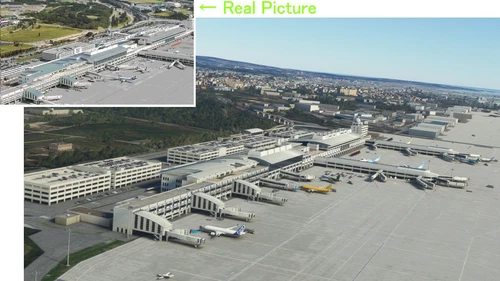
(ROAH) NAHA Airport 2022
Enhance your Flight Simulator experience with the ROAH Naha Airport 2022 add-on, a collaborative creation by KAZE and Mr. Kuro. This scenery features a second runway with NAV data provided separately, including ILS frequencies for precision approaches. Version updates bring improvements such as pushback lines, gate adjustments, and realistic runway details. Discover the detailed enhancements and updates in this immersive airport scenery for Microsoft Flight Simulator.
by Kuro+KAZE
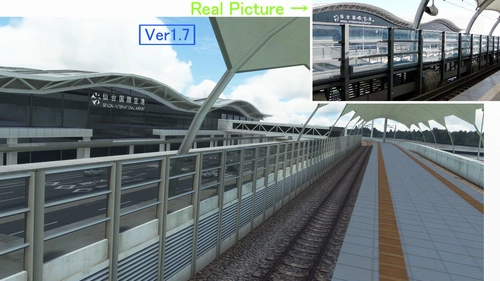
(RJSS) Sendai Intl Airport
Experience the transformation of Sendai Airport in this MSFS add-on, depicting the airport before the 2011 tsunami. Version 1.7 brings enhanced textures, realistic markings, and various corrections to improve the overall depiction of Sendai Intl Airport. A detailed update for aviation enthusiasts seeking a more authentic flight experience.
by KAZE
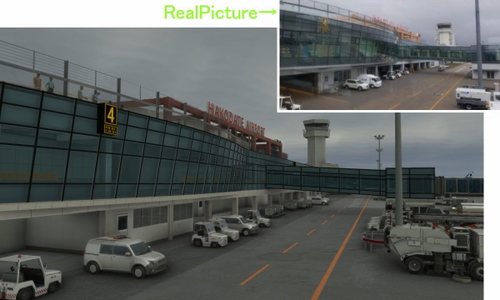
(RJCH) Hakodate Intl Airport
Enhanced version of Hakodate Intl Airport for Microsoft Flight Simulator, offering improved visuals and details such as remade jetways and updated runway markings. The add-on provides a more realistic airport environment, including dirty runways and added buildings, enhancing the overall flying experience over Hakodate city. Make sure to remove old files as the file name has been changed for this update.
by KAZE
Log in to join the discussion
Log InComments(67)
2 months ago
4 months ago
10 months ago
about 1 year ago
about 1 year ago
about 1 year ago
almost 2 years ago
almost 2 years ago
almost 2 years ago
almost 2 years ago
almost 2 years ago
almost 2 years ago
about 2 years ago
over 2 years ago
Thank you.
over 2 years ago
I do really like your works ,
much appreciated
over 2 years ago
over 2 years ago
over 2 years ago
over 2 years ago