
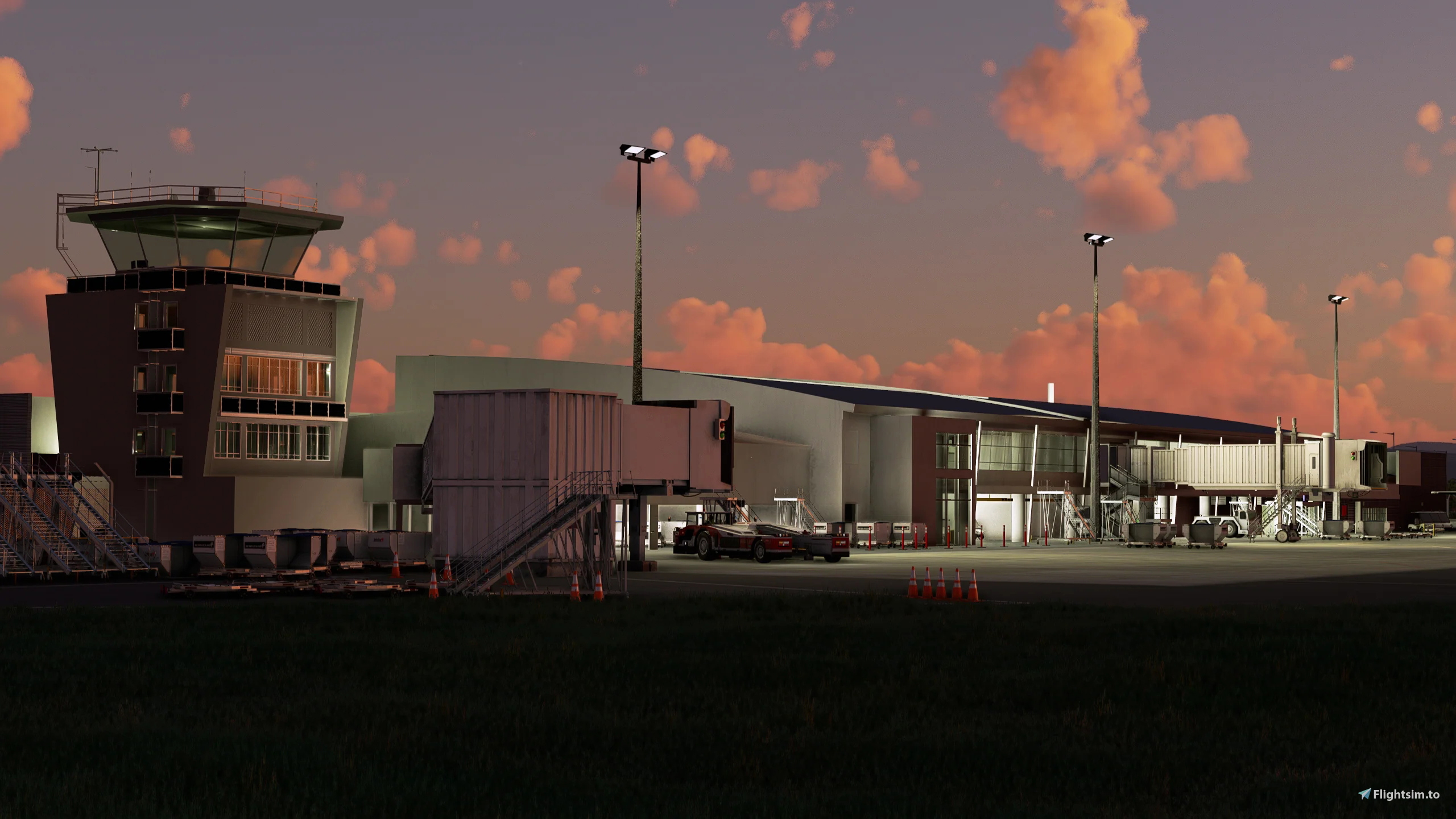
Description
Hi there,
this is a GSX-Profile for X Wind Studios NZDN Dunedin airport.
- all gates and positions for bigger planes (A320, B737) are customized
- positions 2, 4 and 5 with passenger walk-ins
- positions 1 and 3 with passenger walk paths inside the terminal
- ATR positions are untouched (since I don't own the ATR)
If you spawn at one of the positions, use GSX to reposition your aircraft first ('reposition at current gate').
Happy flying.
NZDN Dunedin (X Wind Studios) - GSX Profile
Enhance your NZDN Dunedin airport experience with this GSX Profile by X Wind Studios, featuring customized gates for larger planes and passenger walk-ins. Walkers inside the terminal add to the realism, while ATR positions remain untouched. Make sure to reposition your aircraft using GSX for the best experience. Happy flying!


User Reviews
2 reviews
Version History
- removed wingwalkers on all customized positions - added engine start distance on pushback for all customized positions
Related
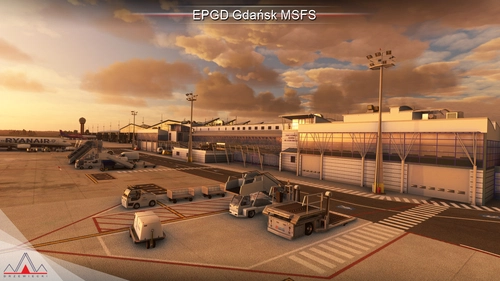
EPGD Gdansk (Drzewiecki) - GSX Profile
Enhance the ground handling experience at EPGD Gdańsk Lech Wałęsa Airport with this modified GSX profile for Microsoft Flight Simulator by Drzewiecki Design. This profile replaces stairs with jetways at gates, while maintaining passenger walkways within the scenerys building limits. Easily differentiate it with full yellow ground handling on gates. Happy flying!
by Watsi
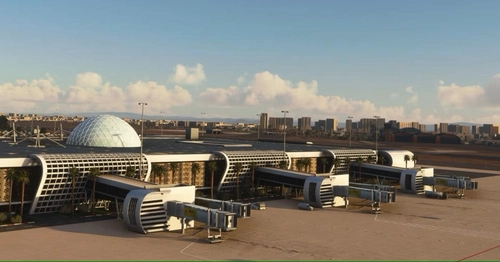
GMMX Marrakesh (Perfectsoft) - GSX Profile
This is a GSX profile for Perfectsofts GMMX Marrakesh Menara airport. Use this profile with the latest version (1.2) of this airport. Else GSX isn't working. If you spawn at one of the positions, use GSX to reposition your aircraft first ('reposition at current gate').
by Watsi
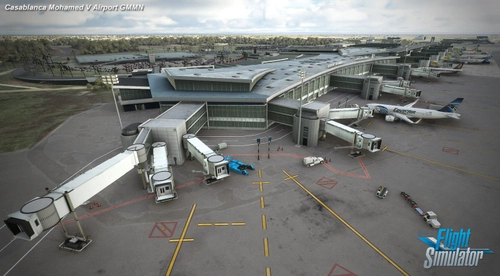
GMMN Casablanca (Prealsoft) - GSX Profile
This is a GSX profile for Prealsofts GMMN Casablanca airport. Short notice: the original scenery from Prealsoft does not provide all positions/stands of the real airport. All available gates and positions for bigger aircraft (B, C, E and J) are customized VDGS included at all gates. Some of the VDGS are not very well positioned. But I had to go with the addon scenery's positioning, since I didn't want to add another VDGS pole. All E positions (and some J) are without pushback (roll out). Cargo spots (D) are untouched.
by Watsi
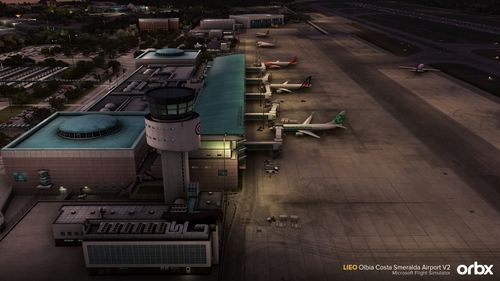
LIEO Olbia-Costa Smeralda (OrbX V2) - GSX profile
Custom GSX profile for OrbX LIEO Olbia Costa Smeralda V2 airport, featuring customized stands for larger aircraft, pushback at all gates, and realistic parking positions. Expect heavy ground clutter at the gates and utilize GSX for aircraft repositioning. Happy flying!
by Watsi
Log in to join the discussion
Log InComments(11)
8 months ago
8 months ago
8 months ago
about 1 year ago
8 months ago
over 2 years ago
over 2 years ago
over 2 years ago
over 2 years ago
Has nothing to do with the pax leaving the aircraft. If this doesn't work for you, there's something else wrong.
Is the latest version of GSX Pro installed on your system? And is it running?
over 2 years ago
over 2 years ago