
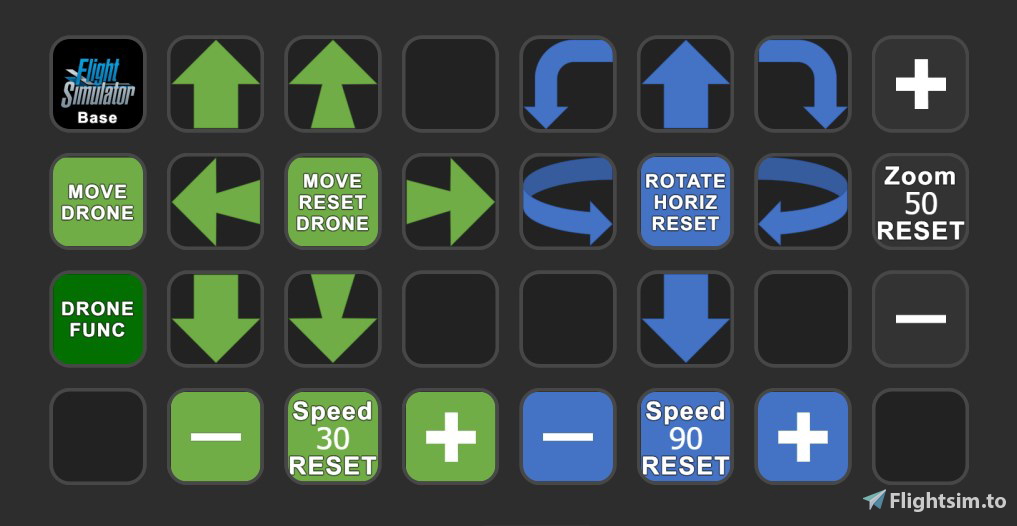
Description
Control the drone and the drone camera with the streamdeck (SD)
Works well, even if it doesn't win any beauty contests.
Requirements (make sure that you have the newest version):
Lorbys Axis and Ohs for MSFS
Lorbys Stream Deck Plugin
Make sure, that your SD-Software, AAO and that the AAO-StreamDeck-Plugin are up2date.
Install - please read carefully:
- Unzip the file
- Lorby AAO: Import the scripts
- Install the SD profile (doubleclick on the profile)
- You may must change the internel links (f.e. to the profiles, or if you renamed something)
- Attention: In the sim, the button assignments for controlling the drone must be set to Standard. This must be the case because some actions cannot be controlled via variables. Therefore I had to use virtual key-events for those Standards.
Please be so kind and don't leave a bad review if something doesn't work. Please comment, I will be happy to help. :-)
Drone control and drone camera - AAO Scripts & StreamDeck XL profile
Control your drone and drone camera with ease using AAO Scripts & StreamDeck XL profile. Requires Lorbys Axis and Ohs for MSFS, and Lorbys Stream Deck Plugin. Installation instructions included, ensuring a smooth setup process for optimal performance. Remember to set button assignments to Standard in the simulator for full functionality.

User Reviews
6 reviews
Version History
Just added exposure for drone-view (brighness). Nice for Astrophotography, lunar and eclipse. --- Belichtung für die Drohnenansicht hinzugefügt (Helligkeit). Praktisch für Astrofotografie, Mond- und Sonnenfinsternis.
Related
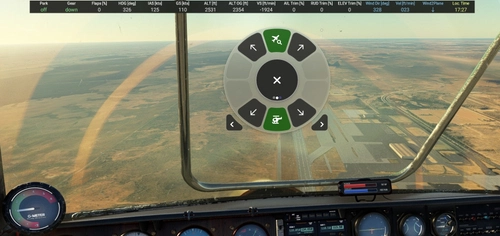
Info Bar for Flow
A simple info bar add-on designed for displaying flight parameters with Flow Pro. Customize layout easily with options for size, color, transparency, and placement in the CSS section. Currently in development, feedback and constructive hints are welcomed by the developer. Installation and update instructions provided for user convenience.
by plerzelwupp
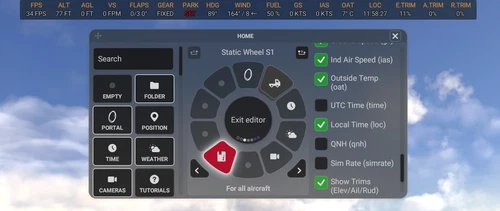
Flow Infobar Adjustments
This add-on adds a few visual tweaks to the original p42 Info Bar, with options like stacked or uppercase labels, centered alignment, and a dark background with adjustable transparency. It also includes small fixes and refinements, such as updated vertical speed labels and a corrected UTC time display. Feedback is welcome while I continue to improve it.
by plerzelwupp
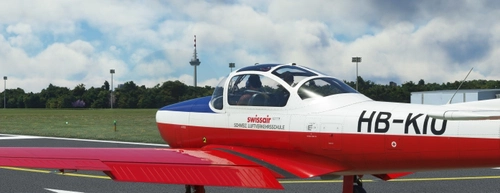
Piaggio P.149 Mod: Fix for invisible Pilot and adds simple AP-Function
Mod for the Focke-Wulf Piaggio P.149 (ATSimulations): Fix for invisible pilot in external view. It also adds simple and propiatary AP-functions to the Focke-Wulf P.149. Please read the description for installation and for a short guide how to use it.
by plerzelwupp
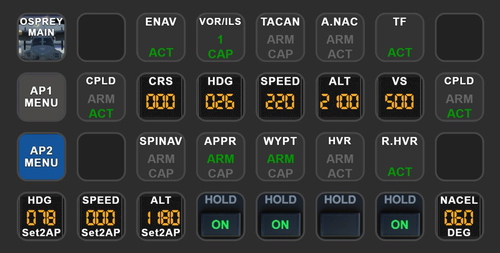
MV-22B Osprey Autopilot - AAO Scripts & StreamDeck XL profile
MV-22B Osprey Autopilot - AAO Scripts & StreamDeck XL profile. This works only with the MV-22B Osprey (Payware, Miltech Simulations). Packages includes only AP-Functions. You may use the scripts for other hardware also (f.e. the Behringer X-Touch mini)
by plerzelwupp
Log in to join the discussion
Log InComments(23)
7 months ago
about 2 years ago
about 2 years ago
over 2 years ago
Great mod, makes moving the drone actually doable (who would ever try to remember all these keyboard shortcuts...).
However, there seems to be one button that doesnt do what it's supposed to.
When I press the green "move drone backwards" button, that loads the "Showcase - Fixed Camera - External 1" view preset. Only when I press the green back arrow again does the view return to drone view and move backwards... Any ideas what's going on here?
Viele Grüße
over 2 years ago
the problem was self made, I had key "S" bound to "switch cockpit/external views", and "S" is also the key that the back arrow uses to "Translate drone view backwards", so there was a dual function bound to the same key.
over 2 years ago
over 2 years ago
over 2 years ago
over 2 years ago
over 2 years ago
almost 3 years ago
almost 3 years ago
almost 3 years ago
👌👍👍
almost 3 years ago
almost 3 years ago
almost 3 years ago
about 3 years ago
There is a file 'AxisAndOhsScripts.xml', where should I place it?
Sri, I havn't use AAO for a while so I forgot a lot!
Regards Jonny
about 3 years ago