
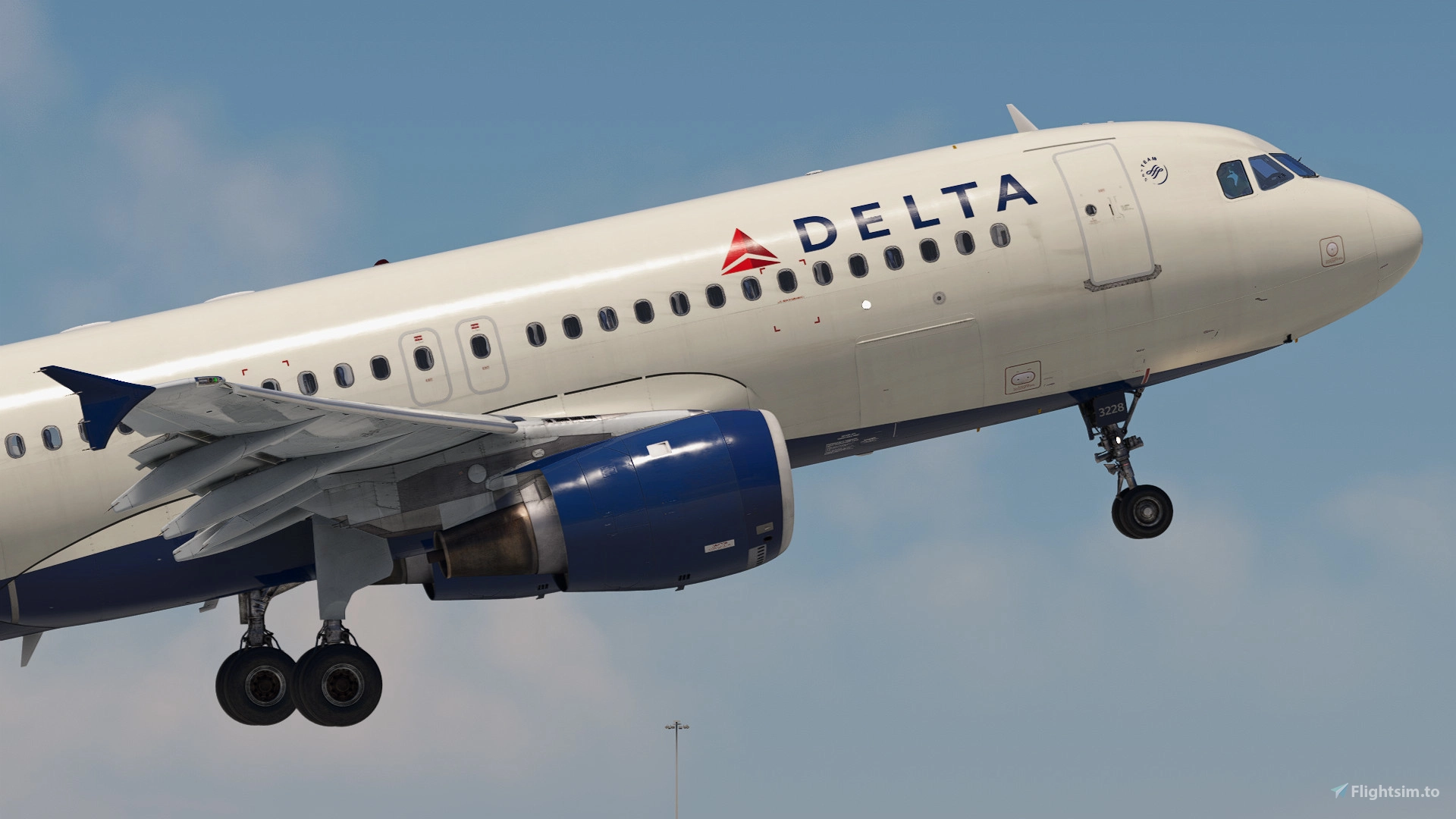
Description
Delta Air Lines 3-Pack for the Fenix A320 (V2)
Features:
- Accurate airline-specific coloring, logos, and stencils.
- Realistic airline equipment configuration pre-installed.
- Delta Air Lines cabin and cockpit textures.
- 8K and 4K texture option.
Includes:
- N328NW - Weathered Engines and Tail
- N342NW - Mismatched Radome
- N378NW - Standard
Note: N328NW has "CUT HERE IN EMERGENCY" markings in the screenshots above. The real aircraft doesn't have this. The actual livery within the download has these markings removed.
Installation:
1. Unzip and select liveries you would like to install
2. Drag and drop liveries into your community folder
DISCLAIMER:
- This livery is nearly the exact same as the livery featured in the Fenix Livery Manager. I've uploaded the livery to both platforms for the sake of convenience and accessibility. Please only install the livery once. You do not need to download the same livery from Flightsim.to and the livery manager. Liveries uploaded to Flightsim.to may be updated slightly faster than those in the livery manager.
- The only difference between liveries hosted in the Fenix Livery Manager and on Flightsim.to are cabin seats. I've provided a document outlining specifically what is different, why so, and provided images. Whichever version you choose to install, ensure you only install that version and do not install the same livery from Flightsim.to and the Fenix Livery Manager. Click here to view the document.
Feel free to join the Canvas Corner discord server where you can download other liveries from myself and good friends of mine: https://discord.gg/W2gFugg2ka
If you like my work and would like to support me, you can donate via this link: My PayPal
Please do not modify, redistribute, or reupload this livery or contents of this livery without permission.
Delta Air Lines | Pack | w/Cabin | Fenixsim A320 V2 (8K + 4K)
Enhance your Fenix A320 experience with the Delta Air Lines 3-Pack, featuring accurate airline-specific coloring, logos, and cabin textures in 8K and 4K options. Choose from N328NW with weathered engines, N342NW with a mismatched radome, and N378NW in standard livery. Simply unzip, select, and install your desired liveries to enjoy a realistic Delta Air Lines experience in Microsoft Flight Simulator.

Supporters


User Reviews
20 reviews
Version History
- Cabin lights fix
Related
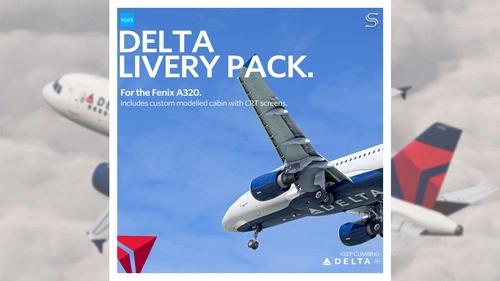
Delta Air Lines Livery Pack | Fenix A320 V2 | 8K & 4K
Enhance your fleet with the Delta Air Lines livery pack for the Fenix A320 V2 (CFM). Featuring accurate details, custom cabin, EIS1 cockpit, and custom exterior weathering. Choose between 8K & 4K versions with or without the EIS1 mod for a realistic flying experience. Created by SilkySmooth and Max (REM13), with the option to request custom liveries via the official Hues discord.
by SilkySmooth
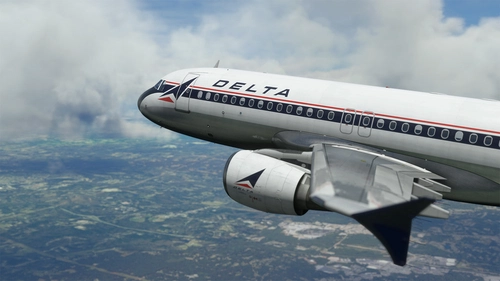
Fenix A320 | Delta Airlines (RETRO) 8K
Delta Air Lines, Inc., typically referred to as Delta, is one of the major airlines of the United States and a legacy carrier. One of the world's oldest airlines in operation, Delta is headquartered in Atlanta, Georgia.[1] The airline, along with its subsidiaries and regional affiliates, including Delta Connection, operates over 5,400 flights daily and serves 325 destinations in 52 countries on six continents. Delta is a founding member of the SkyTeam airline alliance.
by SkySim
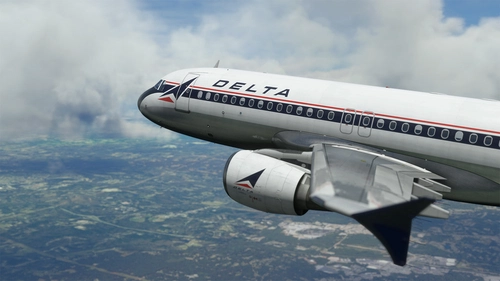
Fenix A320 | Delta Airlines (RETRO) 4K
Delta Air Lines, Inc., typically referred to as Delta, is one of the major airlines of the United States and a legacy carrier. One of the world's oldest airlines in operation, Delta is headquartered in Atlanta, Georgia.[1] The airline, along with its subsidiaries and regional affiliates, including Delta Connection, operates over 5,400 flights daily and serves 325 destinations in 52 countries on six continents. Delta is a founding member of the SkyTeam airline alliance.
by SkySim
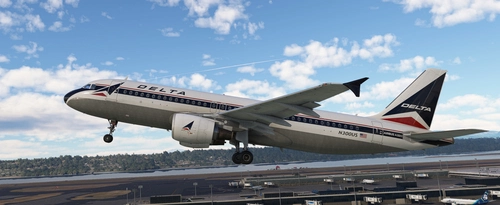
Delta Airlines (Retro Livery) | Fictional | Requested
This add-on features a fictional retro livery for Delta Airlines in 8K resolution. It is designed to enhance the visual experience of the simulator by adding a unique aircraft skin. Installation is straightforward; simply unzip the file and place it into the Community folder.
by normandyq8
Log in to join the discussion
Log InComments(97)
11 months ago
about 1 year ago
about 1 year ago
over 1 year ago
over 1 year ago
almost 2 years ago
almost 2 years ago
almost 2 years ago
almost 2 years ago
about 2 years ago
about 2 years ago
about 2 years ago
over 2 years ago
over 2 years ago
over 2 years ago
over 2 years ago
over 2 years ago
over 2 years ago
over 2 years ago