
Description
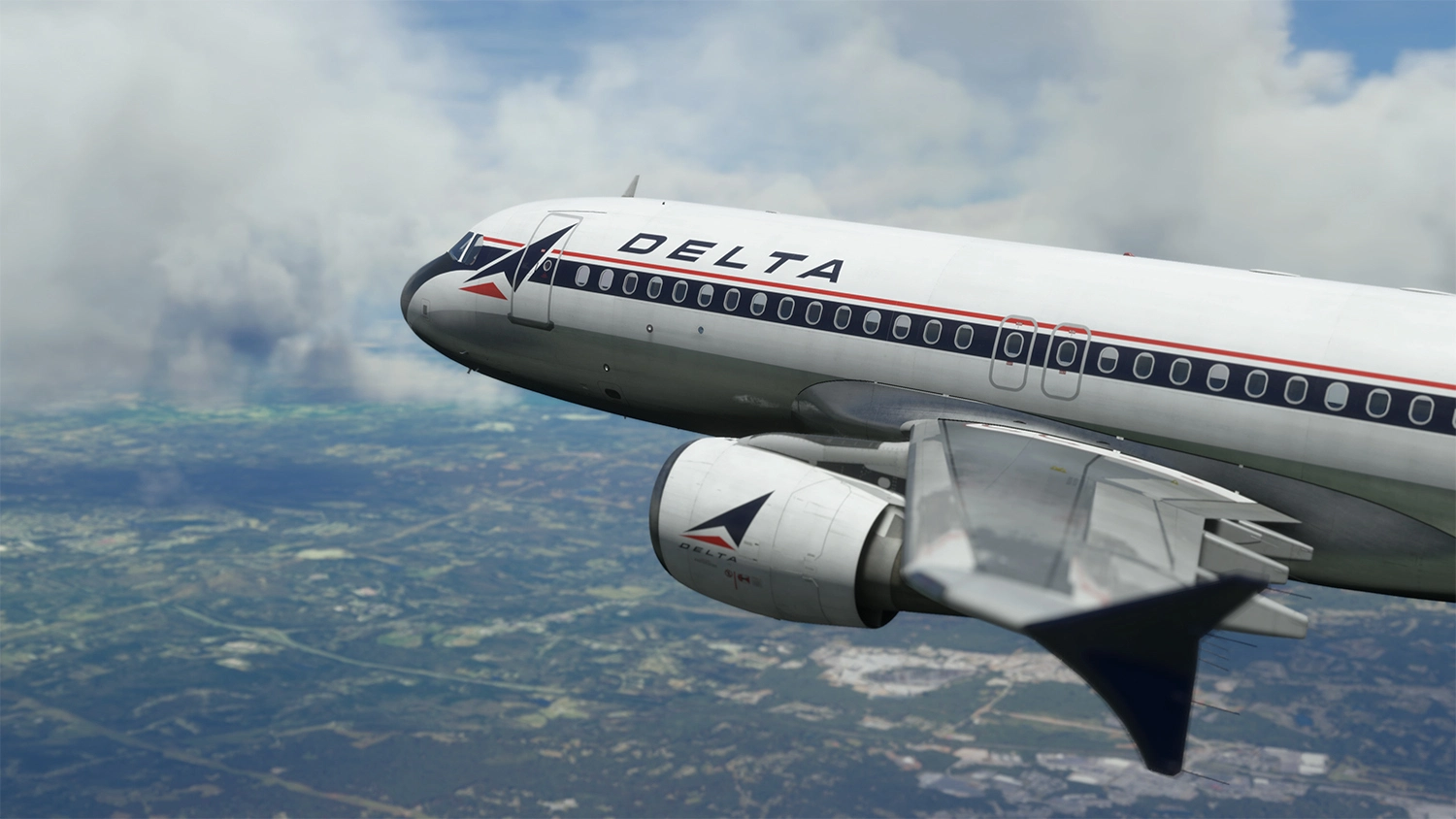
Fenix A320 Delta Airlines (RETRO) N300US 4K
V1.0
Installation:
1. DRAG, DROP in Community Folder.
...........
Livery features:
1. 8K resolution.
2. Custom weathering textures added from Fenix paintkit
3. Overall paint changed to less glossy finish to show aging.
4. Jet intake chrome metal lip enhanced to look more aged aluminum.
5. Chrome effects on lower belly.
...........
If you want more details and your system can handle it download 8K version below.
8K VERSION:
https://flightsim.to/file/33770/fenix-a320-delta-airlines-retro-8k
..........
Please do not modify, redistribute, or reupload this livery or contents of this livery without permission.
...........
If you like my work and would like to support, BUY ME A COFFEE. It would help me make more hi-end liveries for you to enjoy. Thank you.
Fenix A320 | Delta Airlines (RETRO) 4K
Delta Air Lines, Inc., typically referred to as Delta, is one of the major airlines of the United States and a legacy carrier. One of the world's oldest airlines in operation, Delta is headquartered in Atlanta, Georgia.[1] The airline, along with its subsidiaries and regional affiliates, including Delta Connection, operates over 5,400 flights daily and serves 325 destinations in 52 countries on six continents. Delta is a founding member of the SkyTeam airline alliance.
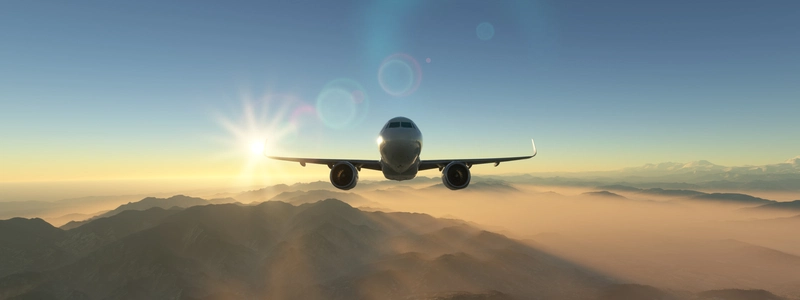
More Information
Version History
V2.0 - Delta logo on right side Tilted opposite as it should be. - Custom cockpit registration and SELCAL display. - Nosewheel and belly area painted part graphical improvement.
Related
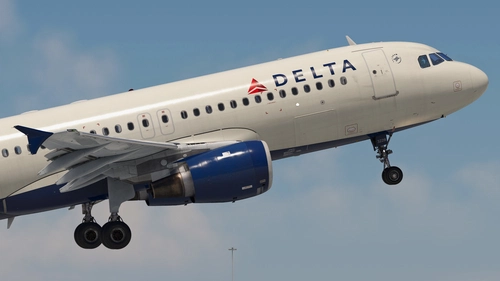
Delta Air Lines | Pack | w/Cabin | Fenixsim A320 V2 (8K + 4K)
Enhance your Fenix A320 experience with the Delta Air Lines 3-Pack, featuring accurate airline-specific coloring, logos, and cabin textures in 8K and 4K options. Choose from N328NW with weathered engines, N342NW with a mismatched radome, and N378NW in standard livery. Simply unzip, select, and install your desired liveries to enjoy a realistic Delta Air Lines experience in Microsoft Flight Simulator.
by Jviation
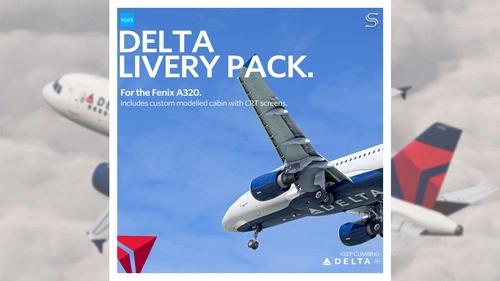
Delta Air Lines Livery Pack | Fenix A320 V2 | 8K & 4K
Enhance your fleet with the Delta Air Lines livery pack for the Fenix A320 V2 (CFM). Featuring accurate details, custom cabin, EIS1 cockpit, and custom exterior weathering. Choose between 8K & 4K versions with or without the EIS1 mod for a realistic flying experience. Created by SilkySmooth and Max (REM13), with the option to request custom liveries via the official Hues discord.
by SilkySmooth
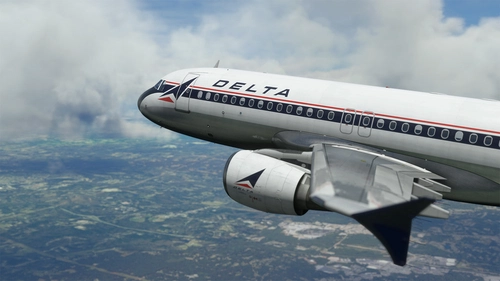
Fenix A320 | Delta Airlines (RETRO) 8K
Delta Air Lines, Inc., typically referred to as Delta, is one of the major airlines of the United States and a legacy carrier. One of the world's oldest airlines in operation, Delta is headquartered in Atlanta, Georgia.[1] The airline, along with its subsidiaries and regional affiliates, including Delta Connection, operates over 5,400 flights daily and serves 325 destinations in 52 countries on six continents. Delta is a founding member of the SkyTeam airline alliance.
by SkySim
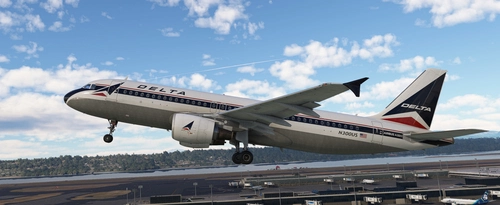
Delta Airlines (Retro Livery) | Fictional | Requested
This add-on features a fictional retro livery for Delta Airlines in 8K resolution. It is designed to enhance the visual experience of the simulator by adding a unique aircraft skin. Installation is straightforward; simply unzip the file and place it into the Community folder.
by normandyq8
almost 2 years ago