

Description
Summary
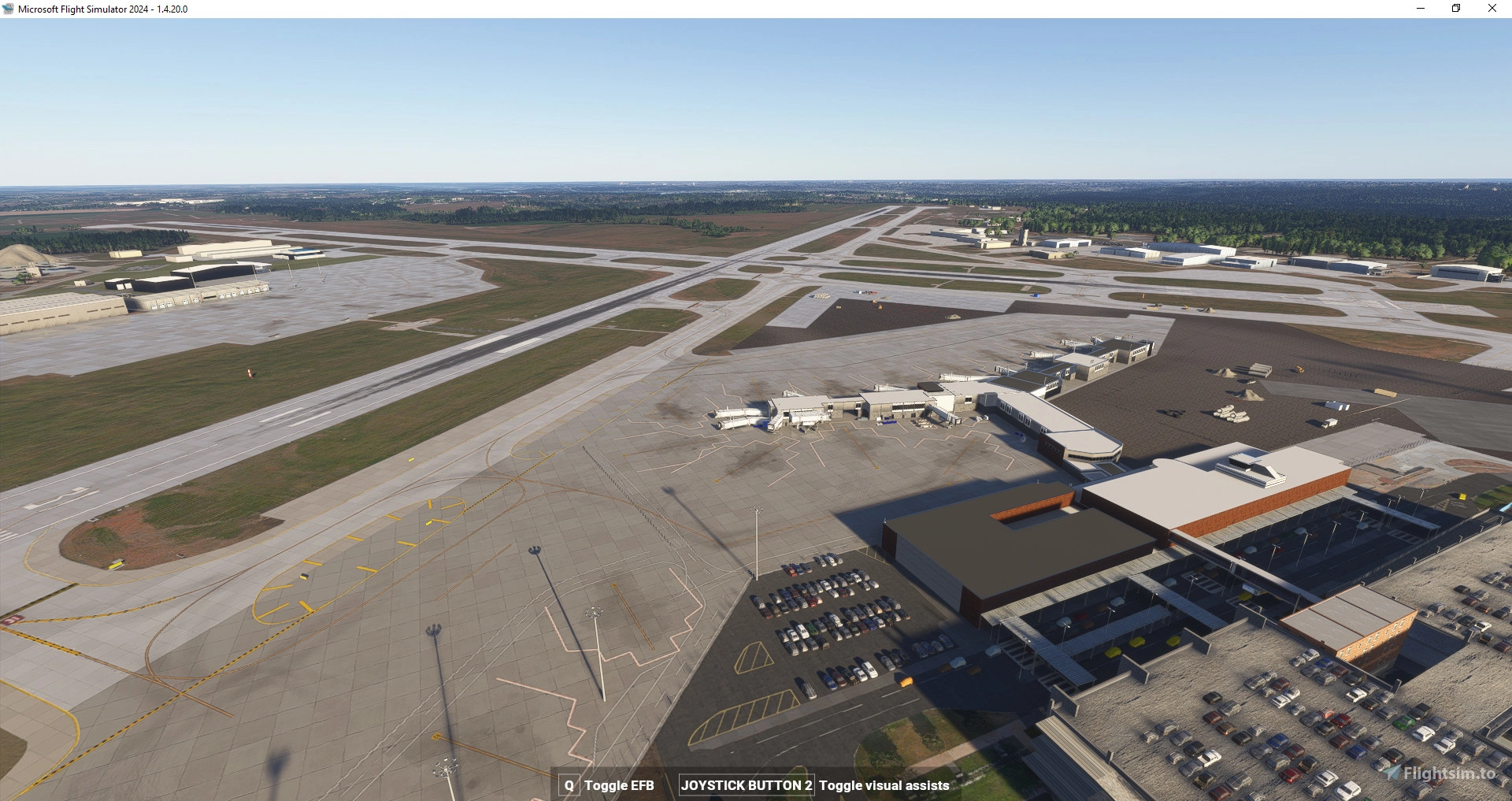
Des Moines International Airport is a small international airport in central Iowa, United States. It is served by all three US major airlines as well as Allegiant Air, Southwest Airlines and Frontier Airlines. First built in the 1930s as a small local airport, it has since expanded to become the a major player for commercial aviation in Iowa.
It is served by the Big Three major US airlines, as well as Allegiant, Southwest, and Frontier.
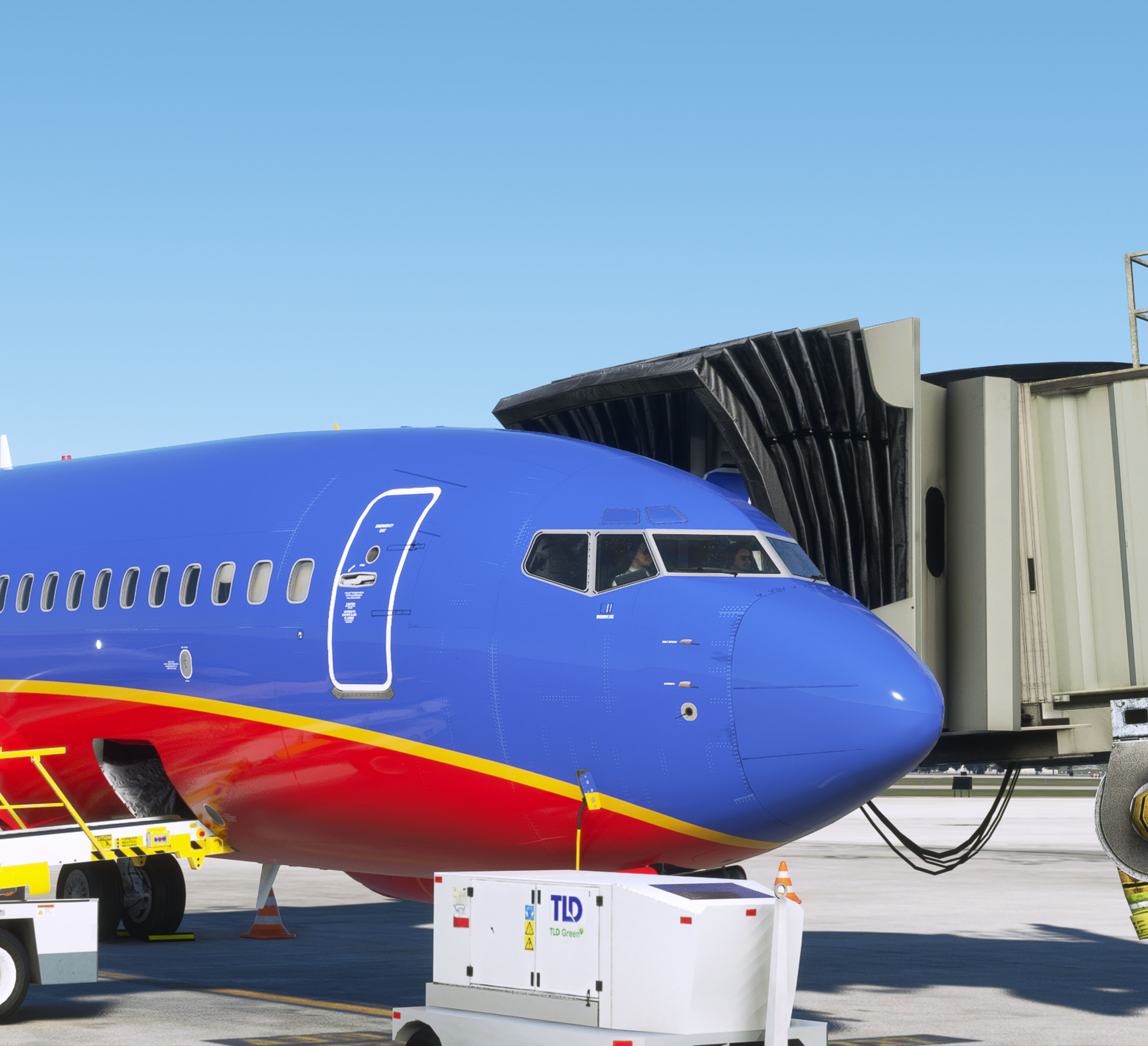
It has a midsize terminal with jetways as well as a large cargo apron, two FBOs, and a local flying school.
It serves most major US cities, such as New York, Chicago, Denver, Miami, Phoenix, and more.
Warning: I am aware of some optimization issues, but I'm unable to recreate these on my machine. I am also not an experienced developer, so it's unlikely I will be able to resolve these.
This scenery is no longer in active development, changes at the real-world airport have been significant enough I can no longer recreate them.
Feature list
This is a detailed representation of all taxiways, runways, and parkings at the airport based on 2022 Google Maps data, 2021 Bing Maps data, 2024 Apple Maps data, 2025 personal experience and 2025 FAA airport diagrams.
- Custom terminal model, parkings, lighting, jetway placement, jetways (optional, required Flightbeam KDEN)
- Custom Signature FBO with hangars and lounge modeled
- Custom Elliott Aviation GA and jet FBO with correct parking positions and lighting
- Custom Meredith Corp Hangar
- Custom FedEx building and cargo apron with correct markings and positions of parkings.
- Adjusted ground texture colors/tiles to match the correct direction and approximate size.
- Accurate runway position, lighting, markings, with black outlines on all markings.
- Accurate ILS and approach lighting on all equipped runways.
-----Important!-----
Read the included user guide before use.
A 2020 compatible version is included with the download, but is slightly outdated and may not match the pictures.
A GSX profile is included in the package (open folder "GSX") containing all passenger and cargo gates with custom pushbacks where required.
Installation Instructions: Press Win+R, type "%APPDATA%" and hit enter. Go to folder virtuali -> GSX -> MSFS and drag the file "kdsm-j747sim.ini" into the folder. Note: Disabling jetway replacement for this airport in the FSDT Installer is required.
An older version of the airport is included in the package if you prefer to use it.
Much time and effort was put into making this airport the best that it could be. Hope you enjoy it!
Known Issues
- Ground tile size/direction are not perfect
- Parking positions are not perfect
- Some generic hangars need replacement
- Runway guard lights may be glitchy when viewed from a distance
(c) 2023-2025 Jetlover747. Assets property of Asobo Studio, Jetlover747, Flightbeam Studios, and pilotmpl.
Dependencies
Location
KDSM Des Moines Intl
Explore Des Moines International Airport, a small but bustling hub in central Iowa served by major US airlines such as Allegiant, Southwest, and Frontier. This detailed add-on features custom models for the terminal, FBOs, cargo apron, and more, accurately reflecting the airports layout based on recent data. Immerse yourself in the authentic atmosphere of commercial aviation at KDSM with this meticulously crafted scenery.


Contributors

User Reviews
22 reviews
Version History
**Taxiways** - Fixed A1 alignment issue **Aprons** - Fixed parking A1 direction - Fixed A4B alternate parking lines **Misc** - Reopened 05/23 for 2020 version - Slight apron and construction area modifications for 2020 version - Uploaded non-Flightbeam jetway 2020 version
Featured in Collections(1)

Related
GSX Profile - Asobo KSFO (C, D, E, F, G Gates)
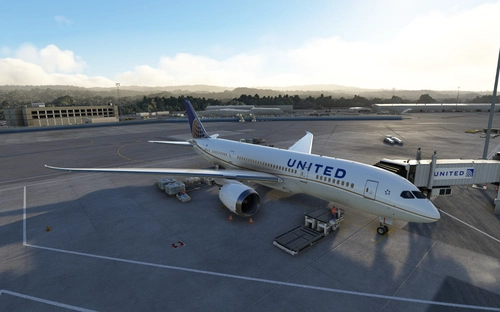
Enhance your GSX experience at the default Asobo KSFO premium-deluxe airport with this detailed profile. Replicating the busy international hub operations, it includes specific gate assignments for various aircraft types. Please note it is not compatible with certain other sceneries. Additional terminals and improvements are planned for future updates.
by Jetlover747
KSBN South Bend Airport
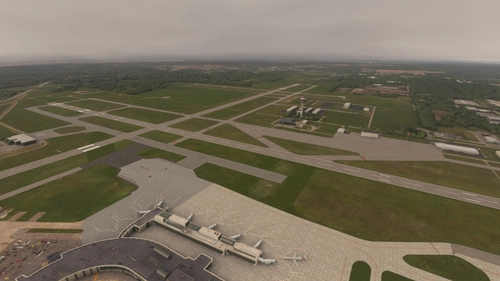
South Bend Airport (KSBN) add-on offers a detailed representation of the regional airport in South Bend, Indiana. With custom ground markings, terminal features, and accurate runway positions based on 2023 data, this mod enhances the airport experience for flight sim enthusiasts. Included are custom FBO aprons, cargo aprons, and GSX profiles for added realism in Microsoft Flight Simulator.
by Jetlover747
Log in to join the discussion
Log InComments(82)
11 days ago
about 10 hours ago
(An update with new ramp features is in the works).
about 1 month ago
about 1 month ago
about 1 month ago
about 1 month ago
about 1 month ago
about 2 months ago
3 months ago
3 months ago
3 months ago
5 months ago
6 months ago
Using Version 2.2.1 2024 version without the Flightbeam DEN gates. With SU4, performance is perfect on my system.
9800X3D, 64RAM, 2TB M.2
The GSX file is missing.
Thanks for doing this. The only other option is that horrible payware..
6 months ago
6 months ago
8 months ago
8 months ago
8 months ago
9 months ago
11 months ago