
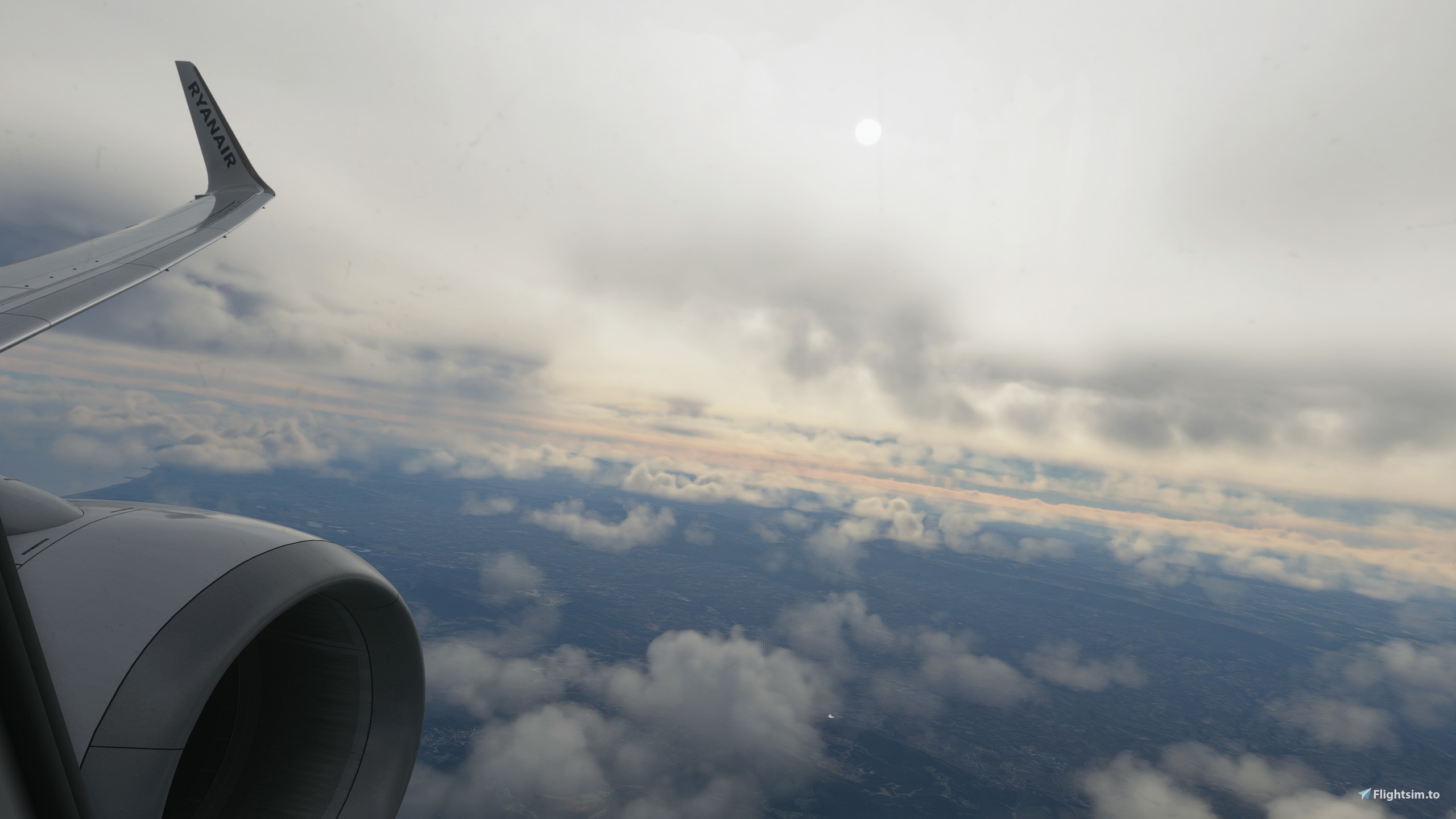
Description
This preset is designed for MSFS steam edition. I know that the installation process for the steam edition is much simpler than the miscrosoft store edition. This preset may work with the microsoft store version but i am not entirely sure. The installation process below is designed for the steam version.
Install Reshade here: https://reshade.me/
- Drag and drop the config file in your main MSFS folder (not community)
- Install reshade and run the .exe
- Follow the steps on the screen (select msfs.exe)
- The reshade installer should ask you to select a preset to install. Click on browse at the bottom right of the screen and navigate to
- where you dropped off the preset config then select.
- Click on next. On the 'select effects packages to install' screen you can either click on next or select any packages you would like to install.
- Finish and exit the program.
To open the menu in game press the 'HOME' key on your keyboard by default.
There are many tutorials on youtube if you are struggling to install. You do not need to search for MSFS specific tutorials too!
Note: The preset may look different depending on which monitor you are using, your monitor settings and your nvidia colour settings in the control panel etc. I am using windows night light! I have this setting constantly turned on at 33% intensity, please do keep that in mind.
Ves' Reshade Preset
Hello! This is a reshade preset which attempts to replicate real life scenarios/shading. Made for MSFS steam edition. Any suggestions in the comments would be much appreciated and of course reviewed! Follow the description below on how to install, do not hesitate to message if you are stuck!


User Reviews
4 reviews
Version History
-Possible FPS Improvements (disabled 2 shader settings that made very small visual impact) less resources. -Shadow Improvement. -Colour accuracy adjustments.
Log in to join the discussion
Log InComments(39)
7 months ago
8 months ago
10 months ago
about 1 year ago
over 1 year ago
about 2 years ago
Apologies for the lack of updates. I hope there are no compatibility issues currently.
If you would like more help you can dm me on Discord: @ves.21 or drop a comment and I will try to get back to you as soon as possible.
I will be back on the sim soon.
Thanks!
about 2 years ago
over 2 years ago
over 2 years ago
over 2 years ago
over 2 years ago
Make sure you select my one or any other preset you are willing to use and it will check all boxes required.
about 3 years ago
about 3 years ago
However, i am on steam so i'm not too sure if that is the case or not, let me know! Thanks
about 3 years ago
https://flightsim.to/file/57318/realshade-preset-reshade
about 3 years ago
about 3 years ago
about 3 years ago
about 3 years ago
I am using steam.
about 3 years ago
https://flightsim.to/file/57318/realshade-preset-reshade