
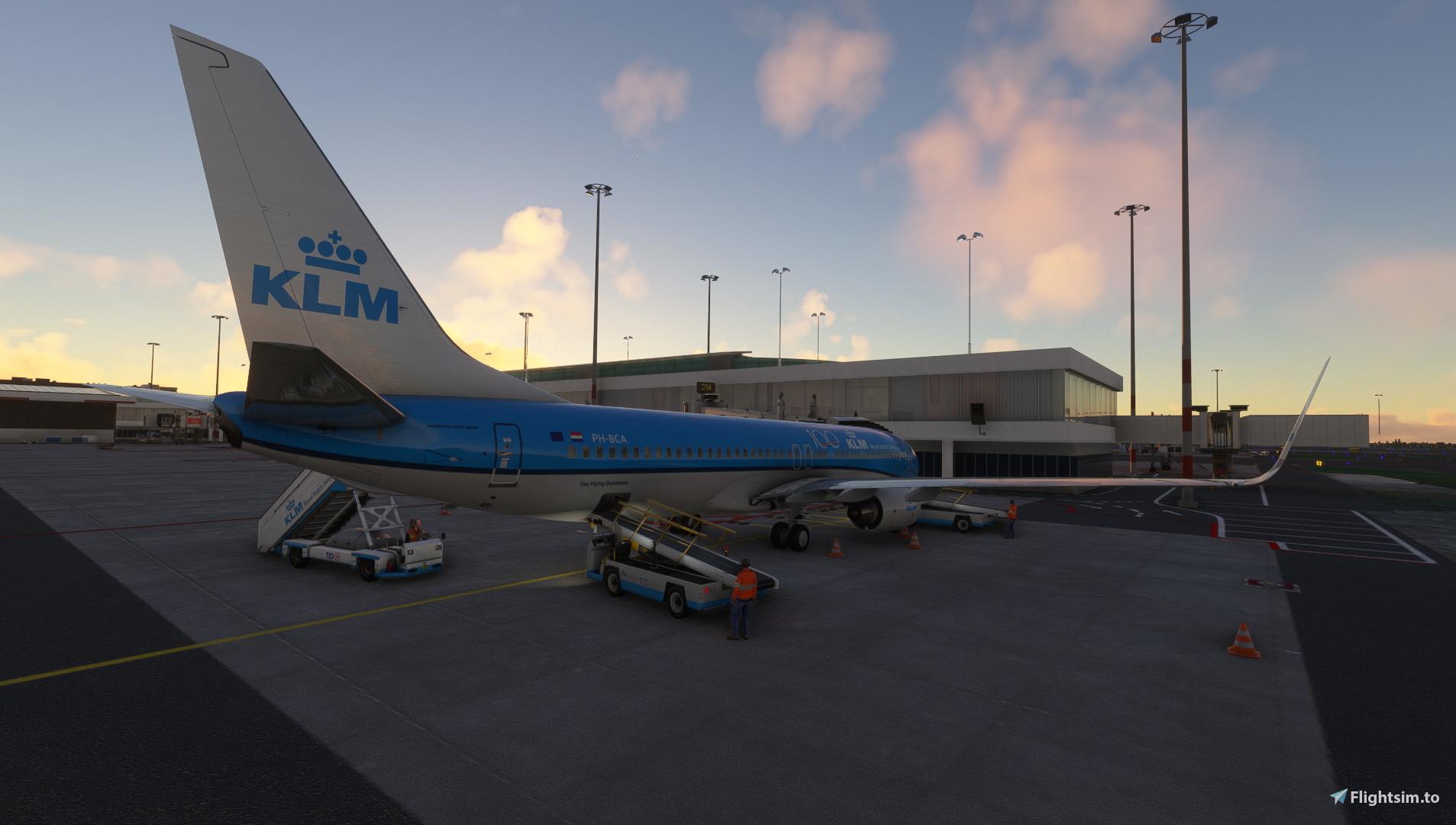
Description
I've used a lot of community-created stuff from flightsim.to myself so I'd thought I'll share this profile I'm working on with y'all. This GSX profile is created to be used with svendruijff's Mega Enhancement V4.0 (link below) for the Premium Deluxe EHAM scenery.
Current Features:
All stands on central Schiphol except the A-apron are included.
Cargo Stands S72-S92.
Passenger routes at walk-in gates on the B- and H-pier.
Custom (real-life) pushback routes, all standard pushbacks are included as well as some alternative routes.
All stands have docking systems installed except at self-docking stands at the B-pier and where marshallers are used.
At some stands, push pull routes are made. Although GSX doesn't support these, they are made so that they get you to the position where you should end up. Of course using normal pushbacks is always an option.
Installation: Drag or copy the .ini into your User/AppData/Roaming/Virtuali/GSX/MSFS folder
This is my first profile so be sure to leave feedback down below so I can improve the profile. I hope you enjoy!
Link to svendruijff's amazing scenery enhancement: https://flightsim.to/file/47912/new-schiphol-amsterdam-eham-enhancements-extensive-edition-gsx-profile-2023
GSX Profile for Enhanced EHAM Schiphol
Enhance your ground operations at EHAM Schiphol with this GSX profile created for svendruijffs Mega Enhancement V4.0. Features include custom pushback routes, passenger routes at walk-in gates, and docking systems at most stands. Simply drag the .ini file into your GSX folder for installation. Be sure to leave feedback to help improve this first-time profile!

User Reviews
1 reviews
More Information
Version History
-Added Piers E, F, G and H -Added remote stands D72-D95 -Added remote stands G73-G79 -Added cargo stands S72-S96
over 1 year ago
I have copied this ini.file to the designated map but I don't get the VDGS working. Can you help me how to get thisa working?
Many greets
Patrick