
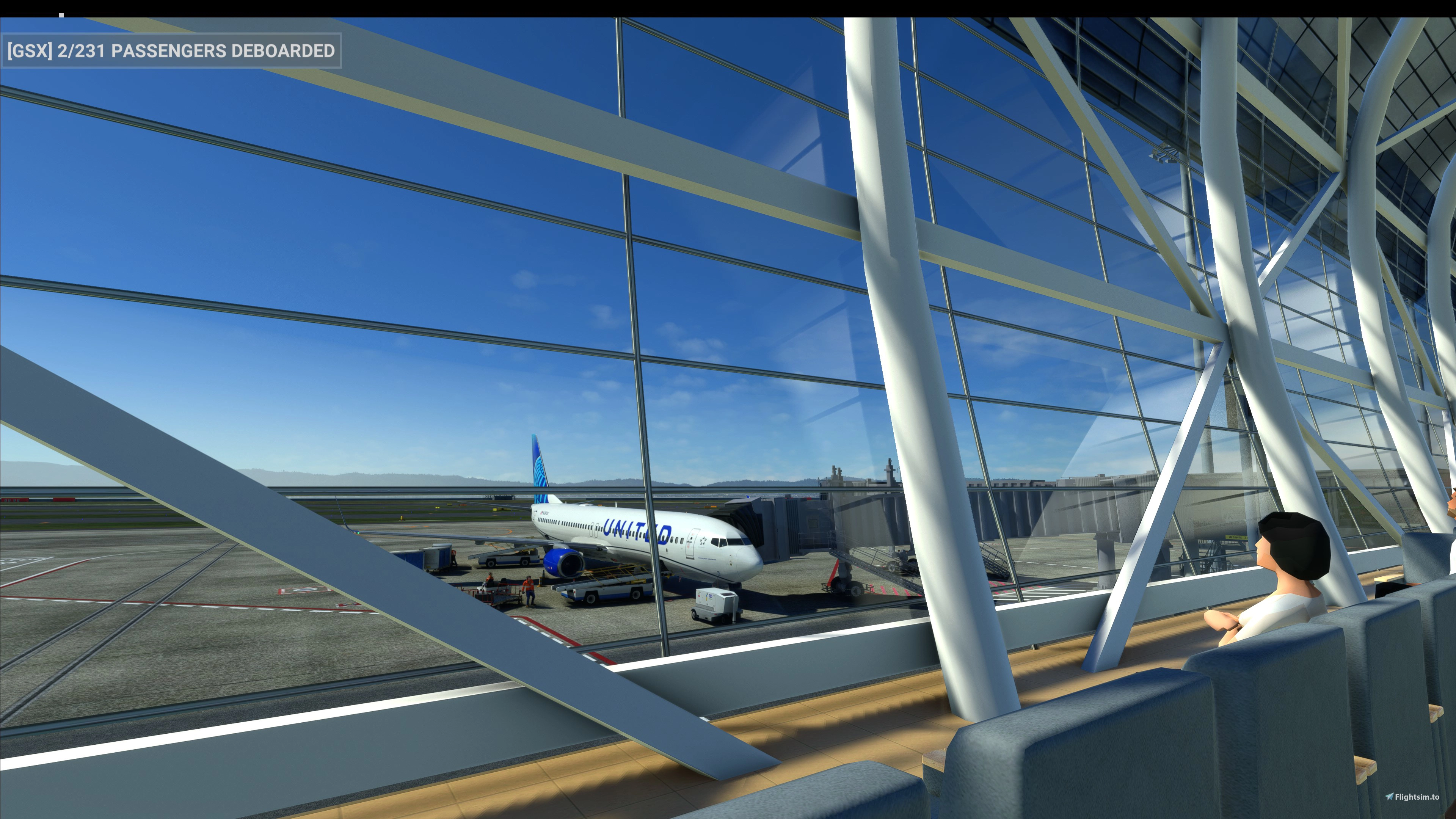
Description
This GSX Profile is for TECHNOBRAIN's RJBB Kansai International Airport 関空
I repositioned the service vehicles within the non-movement area.
All passenger pathways in Terminal 1 are pathed except off ramp parking for occasional JJP flights in parking 101,102,103,104,105,106,107,108,109,110,111 where passenger buses are used.
No buses are used in Terminal 2 so on-foot boarding and de-boarding passenger pathways are connected from gate entrances. Pushback tug from the parking is not needed simply request departure, no to pushback, startup engine on the spot and taxi off the apron.
Some service vehicles in tight areas are positioned further away from the aircraft in these following gates:
- Terminal 1: 7,8,9,33,34,35
- Terminal 2: 80,81,82,83,84,85,86,87,88,89,90,91,92,93,94,95,96,97,98,99
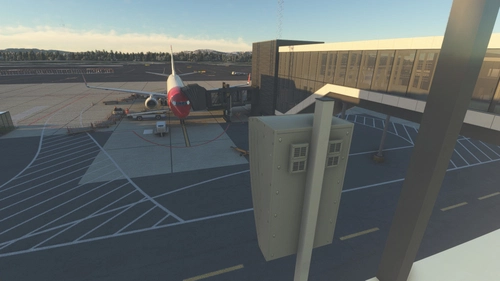
Airline codes in ramps, parking and cargo parking are for reference only, international departures are relatively unchanged or fairly close to historical records (with exception in Terminal 2: APJ [86-99], JJA [80-85]) while domestic flights (Terminal 1: ANA [24-27], SFJ [27], JAL [3,40-41], JTA [39,41], JJP [24,38,40-41,101-111]) (Terminal 2: APJ) are mostly unchanged, the data are gathered from flightradar24. Please see attached illustration to learn more.
To install, simply copy & paste the rjbb-rgsyig.ini to "%APPDATA%\virtuali\GSX\MSFS".
It is not perfect but if you find anything incorrect please do tell me, I'll try and fix it.
GSX Profile - RJBB - Kansai Int'l Airport
Enhance your airport experience at Kansai International with this GSX Profile add-on for RJBB. Repositioned service vehicles and improved passenger pathways for a more realistic airport operation. Easily install and enjoy a more immersive ground handling experience at Kansai Intl Airport.
User Reviews
2 reviews
Version History
No version history available.
Featured in Collections(1)

Related
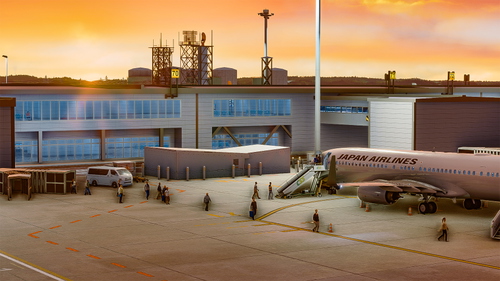
GSX Profile - RJGG - Chubu Centrair Int'l Airport
Enhance your ground handling experience at RJGG Chubu Centrair International Airport with this GSX Profile. Repositioned service vehicles, functional VDGS at Terminal 1 jetway gates, and detailed passenger pathways provide a realistic airport environment. Simply install the profile and enjoy a more immersive simulation experience.
by ttakashi
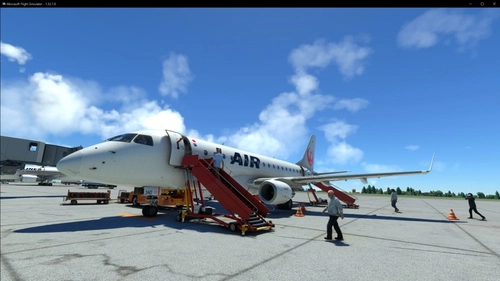
GSX Profile - FSS Embraer E170
Enhance your ground services experience with this fully functional GSX Aircraft Profile for the FSS Embraer E170. Enjoy animated doors, refined positions for better alignment, and seamless GSX actions without any glitches. Simply install by copying the E170 folder to "%APPDATA%virtualiAirplanes" and get ready for a realistic boarding and de-boarding simulation.
by Sweet
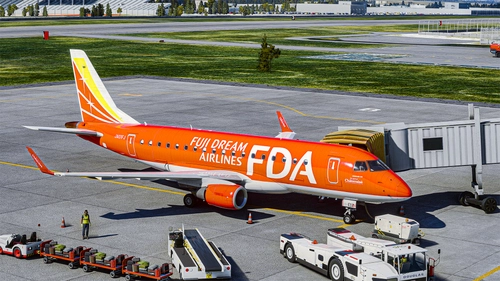
FDA Fuji Dream Airlines - JA01FJ Châteraisé - FSS Embraer E170
Experience the "Dream Red" Châteraisé livery for the Fuji Dream Airlines Embraer E170 with this non-fictional livery. Sponsored by Châteraisé Co., Ltd, this variant offers special paintworks and in-flight treats. Easily install it in your MSFS Addons folder and explore Matsumoto Airport in the background. Happy flying!
by ttakashi
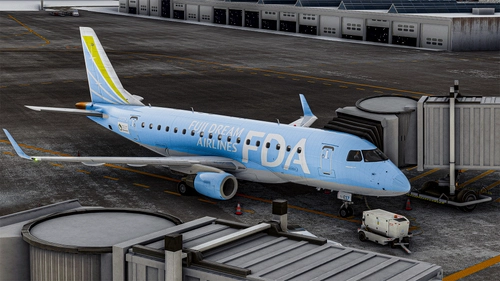
FDA Fuji Dream Airlines - JA02FJ Light Blue - FSS Embraer E170
Fly in style with this Fuji Dream Airlines livery for the Embraer E170 featuring the "Light Blue" JA02FJ variant with unique Suzuyo Cargo Net promotional markings, promoting green logistics. Simply drag and drop into your community folder for a fresh look while soaring through the skies.
by ttakashi
Log in to join the discussion
Log InComments(4)
3 months ago
over 1 year ago
12 months ago
almost 2 years ago