
Description
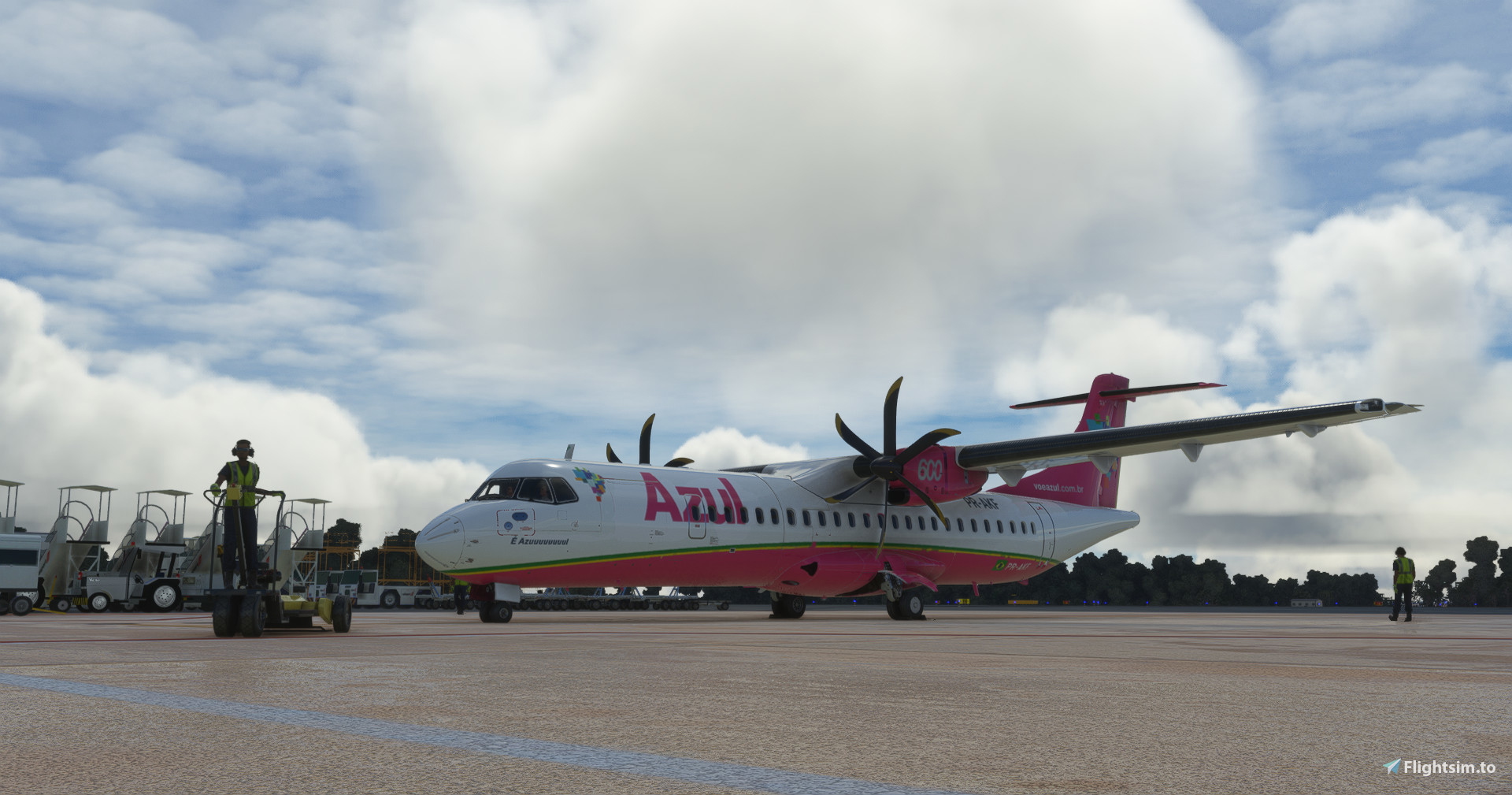
EN: The ATR-72-600 aircraft is a turboprop aircraft model manufactured by the Franco-Italian company ATR, and is used by the Brazilian airline Azul Linhas Aéreas. This aircraft is one of the most important for Azul, as it is used to serve regional and less demanding routes.
PT: A aeronave ATR-72-600 é um modelo de aeronave turboélice fabricado pela empresa franco-italiana ATR, e é utilizada pela companhia aérea brasileira Azul Linhas Aéreas. Esta aeronave é uma das mais importantes para a Azul, pois é utilizada para atender rotas regionais e de menor demanda.
Azul Linhas Aéreas PR-AKF | Microsoft ATR 72-600
The ATR-72-600 is a type of plane that the Azul airline uses for regional flights, that is, those that are not as long and do not have as much demand. It is smaller than other aircraft and therefore can land at smaller airports, which is good for those who want to travel to smaller cities or tourist destinations.

Version History
No version history available.
Related
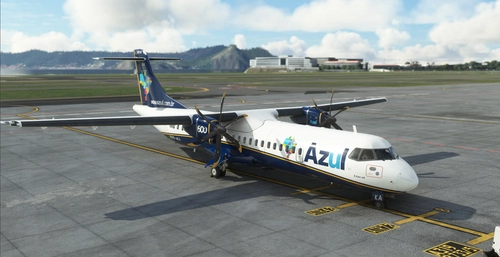
ASOBO ATR 72-600 AZUL | PR-AKA
Azul (PR-AKA) livery for ASOBO ATR 72-600 in 4K resolution, focusing on details and quality. Created using Substance Painter and MSFS SDK for perfect compatibility with the original aircraft. Note: Minor issues may be present due to ASOBOs 3D model.
by FSoares
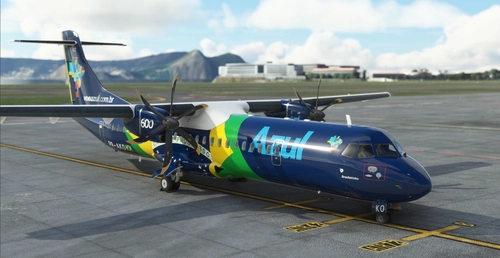
ASOBO ATR 72-600 AZUL (Brazilian Flag)| PR-AKO
Experience the meticulously detailed Azul Brazilian Flag livery for the ASOBO ATR 72-600 in stunning 4K resolution, crafted with attention to detail using Substance Painter. This livery is compiled with MSFS SDK for perfect compatibility, offering a high-quality visual enhancement for your flights in Microsoft Flight Simulator. Simply extract the provided folder to your Community folder to enjoy this immersive livery on your aircraft.
by FSoares
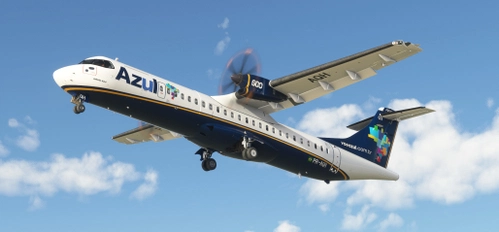
ATR 72-600 | AZUL | PR-AQH
Experience the ATR 72-600 in stunning 8K resolution with this work-in-progress showcase, featuring a custom interior based on Azuls real ATR aircraft. Please note some minor model updates are still pending, and donations are welcomed to support the projects development.
by IFR
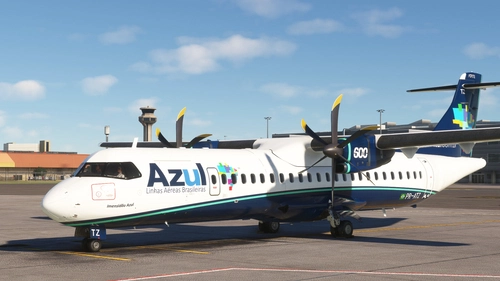
Azul Linhas Aéreas ATR 72-600 (PR-ATZ) + Halogen lights
Fly with the Azul Linhas Aéreas ATR 72-600 (PR-ATZ) featuring halogen lights. Customize your experience by adding or removing the halogen lights folder, enhancing your flight simulation visuals. Ensure a seamless installation by following the simple steps provided.
by DreamFlyes
Log in to join the discussion
Log InComments(2)
over 3 years ago
Crie a textura do "brasileirinho" (PR-AKO)!!!
over 3 years ago
Está 70% Pronto, Amanhã estará disponível!