
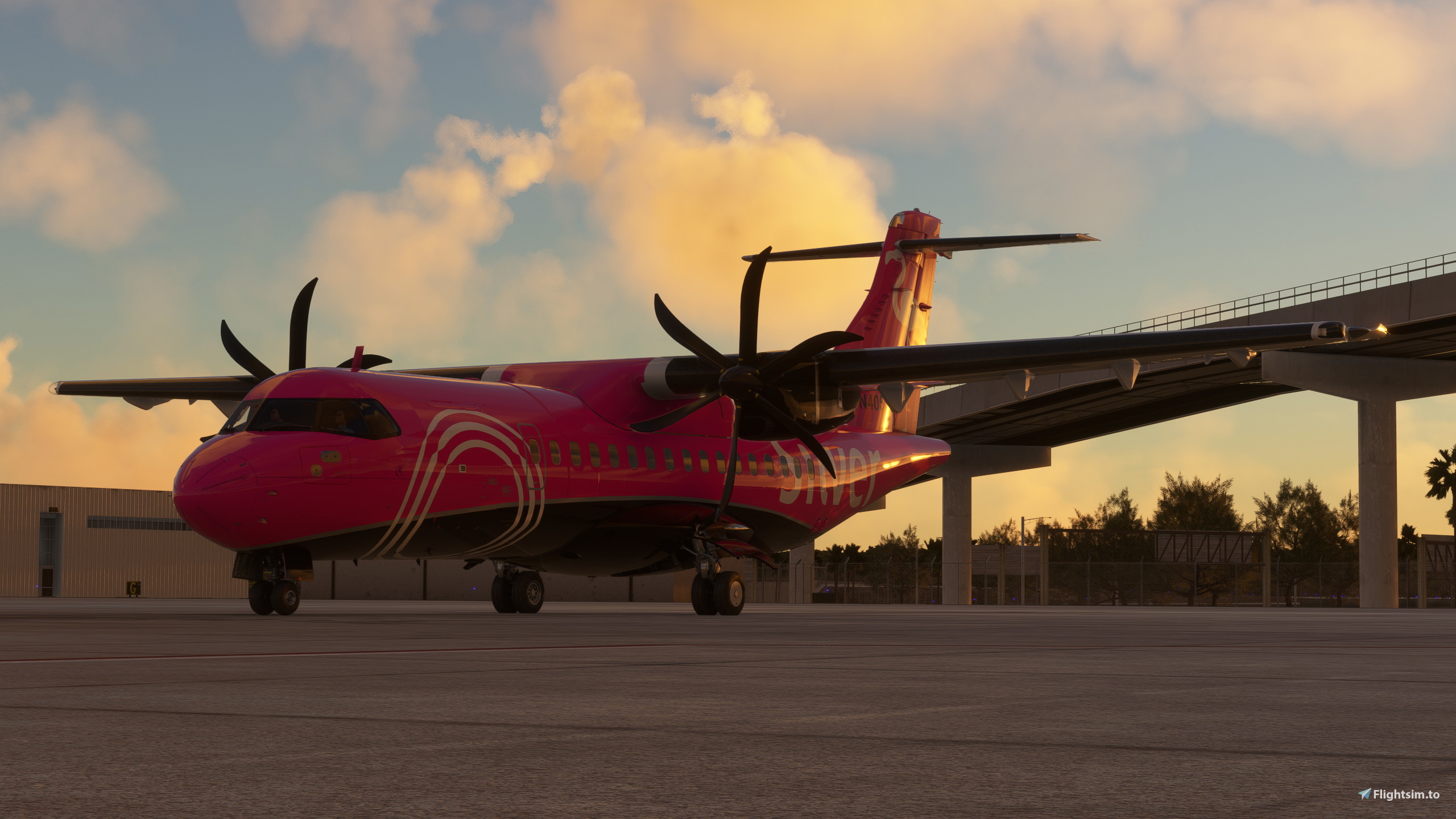
Description
To access these views, simply press "alt+number". This is for the Microsoft ATR 42-600. For the other variants, refer to my profile. Please let me know if there is anything I can do to improve this.
HOW TO INSTALL:
1. Download the file.
2. Extract the .zip file included in the download.
3. Locate:
Microsoft Store installation:
C:\Users\(Username)\AppData\Local\Packages\Microsoft.FlightSimulator_8wekyb3d8bbwe\LocalCache\SimObjects\Airplanes\Microsoft_ATR_42_600
Steam installation:
C:\Users\(Username)\AppData\Roaming\Microsoft Flight Simulator\SimObjects\Airplanes\Microsoft_ATR_42_600
4. Replace the cameras.cfg file with the one included in the download.
If you do not like my custom views, you can simply create your own by doing "alt+shift+number" (this may differ depending on your control settings). Happy flying! 🛫
Microsoft ATR 42-600 Custom Views/Camera Views
To access these views, simply press "alt+number". This is for the Microsoft ATR 42-600. For the other variants, refer to my profile. Please let me know if there is anything I can do to improve this. If you do not like my custom views, you can simply create your own by doing "alt+shift+number" (this may differ depending on your control settings). Happy flying! 🛫

User Reviews
1 reviews
Version History
No version history available.
Related
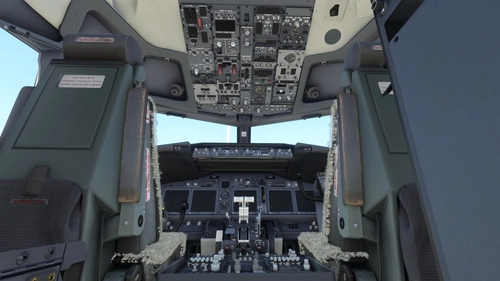
BETTER Cold & Dark for the PMDG 737NG Series
I found that the default cold and dark state featured in the PMDG 737NG series was a bit off, so I thought I'd make one myself. It is not wildly different from the default cold and dark state, I followed a few checklists used in real life to get it in a state it would be left in real life.
by torskenn
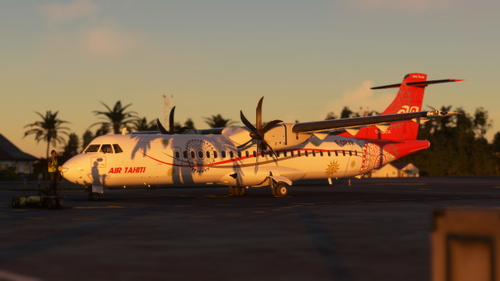
Microsoft ATR 72-600 Custom Views/Camera Views
To access these views, simply press "alt+number". This is for the Microsoft ATR 72-600. For the other variants, refer to my profile. Please let me know if there is anything I can do to improve this. If you do not like my custom views, you can simply create your own by doing "alt+shift+number" (this may differ depending on your control settings). Happy flying! 🛫
by torskenn
![[PAX] PMDG 737-700 Custom Views](https://cdn.flightsim.to/images/23/pax-pmdg-737-700-custom-views-7QyIk.jpg?width=500)
[PAX] PMDG 737-700 Custom Views
This is for the passenger version of the PMDG 737-700. It works on the other variants as well, however, since the window layouts are different, it is not recommended. For the other variants, refer to my profile. Please let me know if there is anything I can do to improve this.
by torskenn
![[PAX] PMDG 737-800 Custom Views](https://cdn.flightsim.to/images/24/pax-pmdg-737-800-custom-views-PvDeA.jpg?width=500)
[PAX] PMDG 737-800 Custom Views
This is for the passenger version of the PMDG 737-800. It works on the other variants as well, however, since the window layouts are different, it is not recommended. For the other variants, refer to my profile. Please let me know if there is anything I can do to improve this.
by torskenn
Log in to join the discussion
Log InComments(12)
12 months ago
over 2 years ago
over 3 years ago
Nice views!
I had a problem with the camera view setup (my mistake), so now i got it figured out. You only need to drop the camera.cfg file in the directory. next to state.cfg file. No need to overwrite.
Then in the sim you need to add a button on your flightstick or yoke to add CUSTOM view 1. and then also adds 2 more buttons to switch between next and previous custom views. But all work with keyboard using Alt + number keys ofcourse.
Anyway i,m pretty happy :-)
over 3 years ago
steam version only state.cfg file.
over 3 years ago
Sorry, I couldn't find any cameras CFG, I only see sate CFG, what shall I do?
over 3 years ago
did you make sure to locate the aircraft via localcache\simobjects\airplanes, and not the 'official' folder?
over 3 years ago
Yah, not there
over 3 years ago
where did you install msfs (ms store, steam, disc) and the aircraft? did you choose a custom install path?
over 3 years ago
Thanks Boss LEGEND!
over 3 years ago
Hey! Looks awesome! Any chance you could do new showcase wing views?
over 3 years ago
I am unsure how to do that, would have to do some digging. cannot promise anything
over 3 years ago
I appreciate it!