
Description
Hi there,
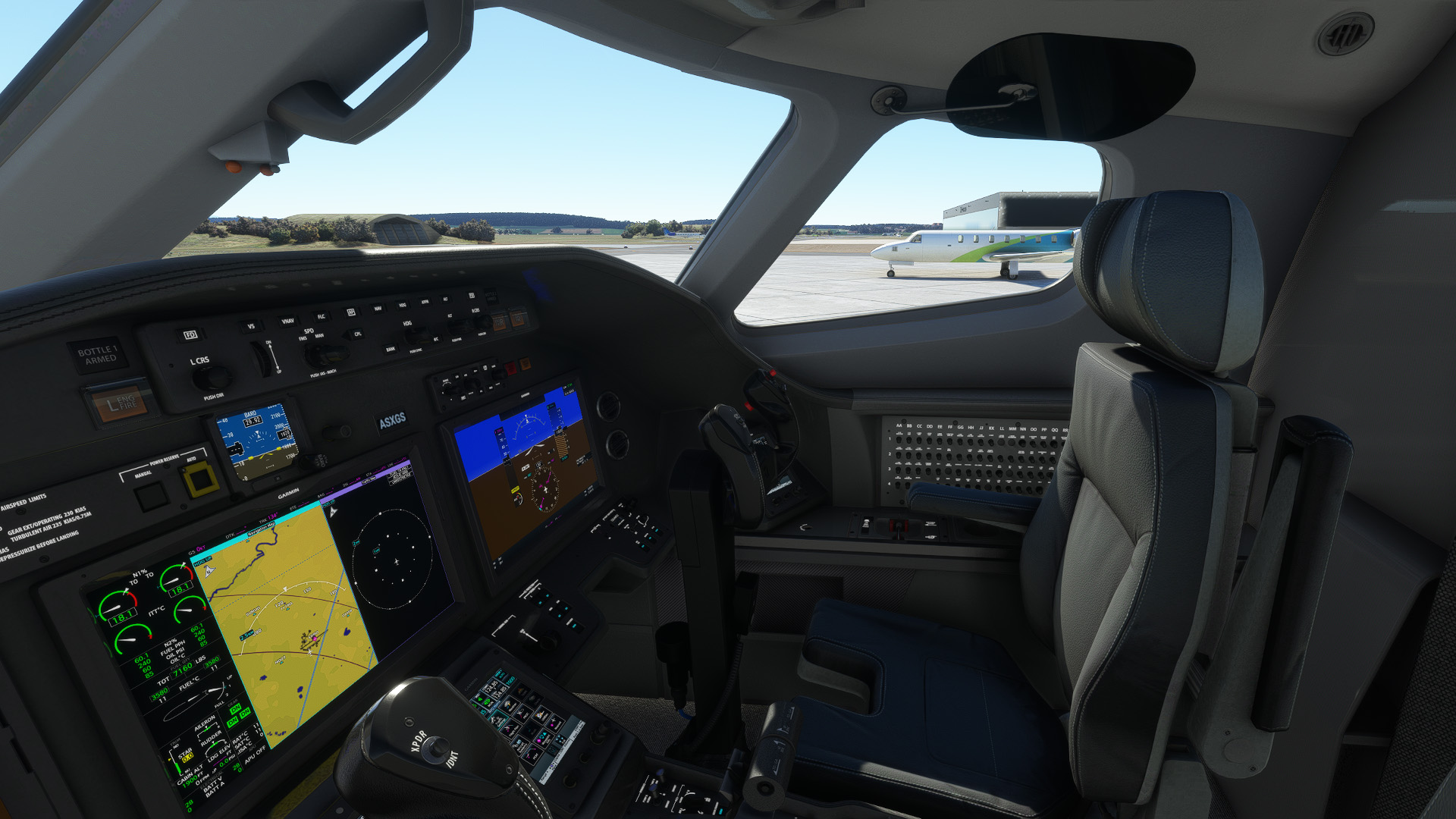
This is a special request by Skymaster777x. He pointed out to me that the cockpit of the Longitude is a rather gloomy place to work in, so I lightened it up a notch. It's still mostly dark grey, but no longer black. Note: the screenshots look a bit darker than it really is.
If this is still too dark for you, an even lighter grey version can be found here:
https://flightsim.to/file/62468/asobo-cessna-citation-longitude-light-grey-cockpit
Installation:
Just drag and drop into your Community folder
Have fun
Archer 374
Asobo Cessna Citation Longitude - Lighter Cockpit
Enhance your cockpit experience with this modification for the Asobo Cessna Citation Longitude, featuring a lighter color scheme to improve visibility and aesthetics. Simply drag and drop the files into your Community folder to enjoy the updated cockpit environment. Created by Archer374, this mod is a must-have for those seeking a brighter workspace in the cockpit.
User Reviews
8 reviews
Version History
reupload because some people still had problems.
Related
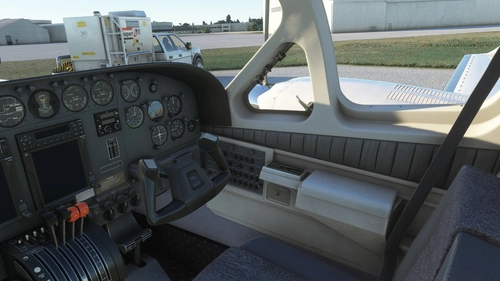
Flysimware Cessna C414 Chancellor - Grey Interior + Different Panels
Upgrade your Cessna C414 Chancellor with a sleek grey interior featuring darker seats. Customize your experience with three different panel options. Simply drag and drop the mods into your Community folder for easy installation. Experience a modern twist on your cockpit with Flysimwares latest mod.
by Archer374
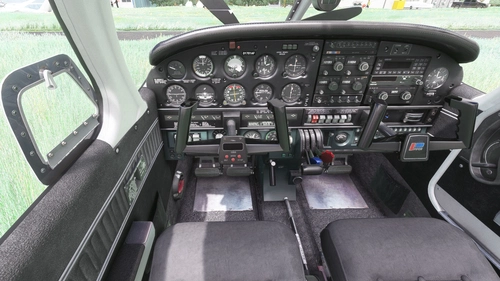
JustFlight Piper PA28R Arrow III - Clean Grey Interior
Enhance your Piper PA28R Arrow III experience with this mod offering a clean grey interior option. Customize your tablet color and instrument panel with ease to suit your preferences. Simple installation process by dropping the mod folder into your Community folder. Enjoy a fresh look for your virtual cockpit with this modification from Archer374.
by Archer374 - Idea for the panel: icemany
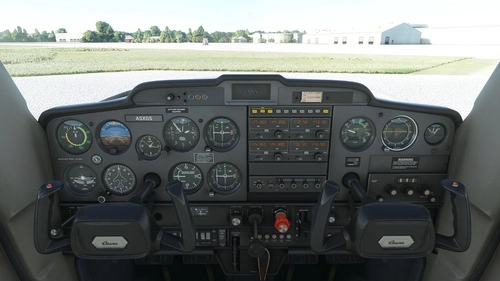
WBSim / Asobo Cessna C152 - Dark Cockpit Panel
Enhance your Cessna 152 experience with a dark cockpit panel modification created by Archer374. This add-on changes the cockpit panel to a sleek dark grey, along with minor tweaks to the seats for a more authentic feel. Compatible with both stock Asobo C152 and JP Logistics C152 mod. Simply drag and drop into your Community folder to install.
by Archer374
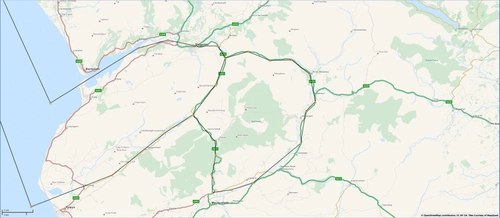
Mach Loop - Low Flying Area 7 (RAF/USAF), Wales, Snowdonia, UK (Flight Plans)
Experience the thrill of flying through the infamous Mach Loop in Wales with these meticulously crafted flight plans. Witness RAF Typhoons, Tornados, C130s, USAF F15s, and Ospreys as they soar through the valleys of Snowdonia below you. Choose between two routes, starting from RAF Valley, for an unforgettable low flying adventure.
by Dave Symanow
Log in to join the discussion
Log InComments(17)
almost 3 years ago
almost 3 years ago
https://flightsim.to/file/62468/asobo-cessna-citation-longitude-light-grey-cockpit
about 3 years ago
over 3 years ago
The default cockpit was making me depressed. Thank you so much for this!
over 3 years ago
Great improvement. Many thanks!!
over 3 years ago
Thanks for this, was looking for it long time!
over 3 years ago
Much appreciated! I didn't like the pitch black cockpit at all and it kept me from flying the Longitude.
over 3 years ago
Original version worked perfect except cockpit looked almost identical to default. Updated version (March 22) left me with some pink textures on side panels. Sorry, had to remove this add on.
over 3 years ago
thanks for notifying me. I'll have another look
over 3 years ago
Looks really nice, thanks for the effort!
over 3 years ago
over 3 years ago
Hi,
yes I know. Thanks.
fuzz1 already told me. (See other comments here)
I was away on business and couldn't repair it until now. Expect an update shortly. :-)
over 3 years ago
should work now.
over 3 years ago
Doesn't seem to be working for me. Placing the file in Community folder still results in the default textures. No lighter side panels and seats remain the stock cream colour. Any suggestions?
EDIT: I found the problem. One folder and the json entries refer to Logitude instead of Longitude. I manually fixed these and this beautiful cockpit now shows correctly. For those who may have difficulty doing this it might be a good idea to issue an update with the corrections.
Now that you have a nice template for this work, any chance you may be interested in releasing other themes? Personally I'd love a light beige or cream version and also a VERY light grey one. In any event, many thanks for your effort and sharing with us. Great work!
over 3 years ago
Yes this! I would love a lghter beige one.
over 3 years ago
Sorry about the misspelling. Thought I had fixed that in the final version. Will upload a new version on Thursday.
Also sorry: I‘m currently not planning on doing a beige version.
over 3 years ago
Thank you so much!!!