
Description
EN:
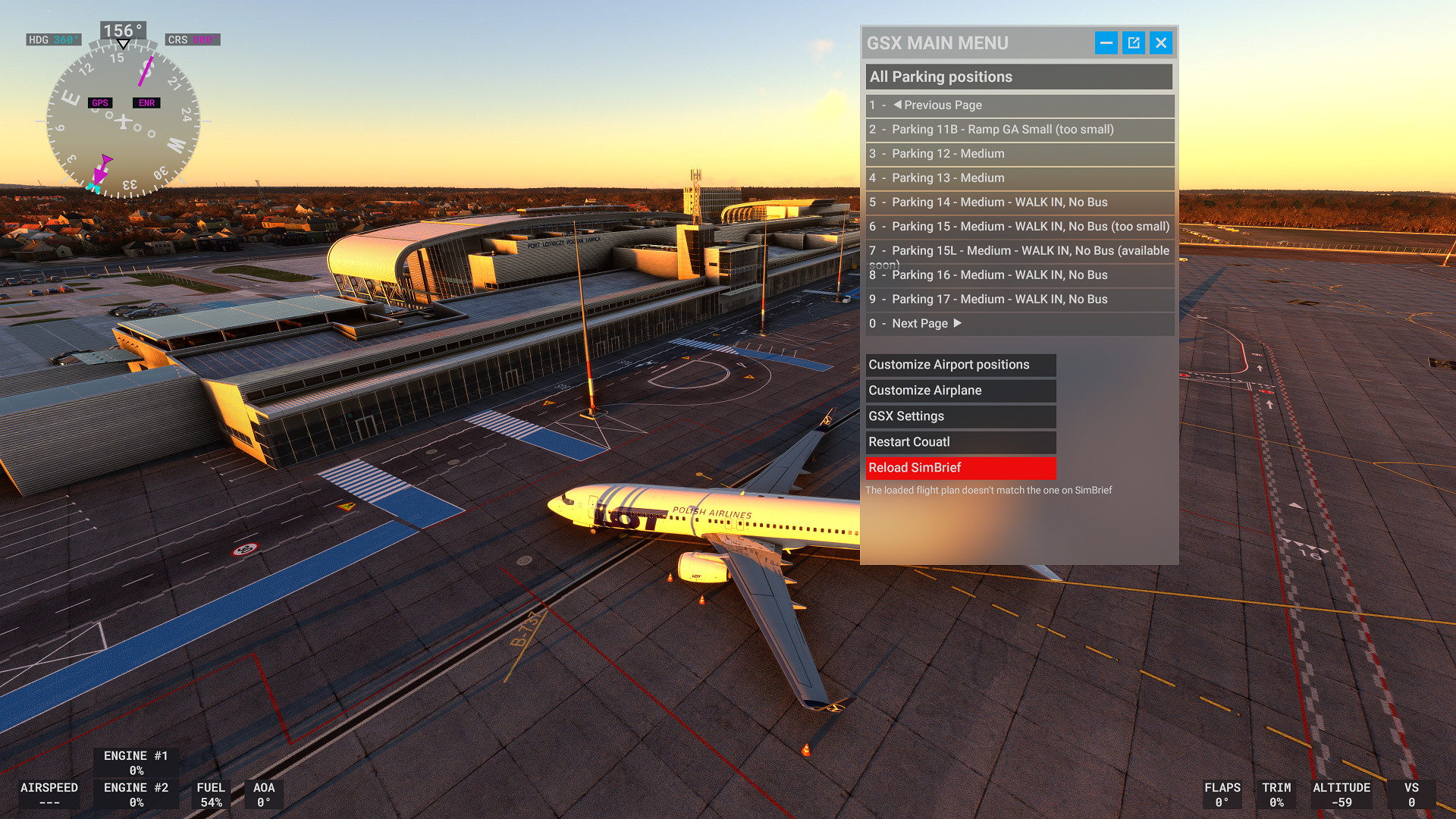
This profile is intended for Fly2High Poznań-Ławica (EPPO) airport, version 1.5.0. It's my first shot at creating a GSX Pro profile, so bear with me :)
Version 1.5 tested on GSX Pro version 3.5.9.
What's covered:
- Stands 6-20 and 40-42 fully customized (correct sizes, stop positions, vehicle and marshaller placements, custom pushbacks):
- 6-9 as medium cargo stands.
- 10-13 and 40-42 as bus-handled medium passenger stands.
- 14, 15L, 16, 17, 18, 19, 20 as walk-in medium passenger stands.
- 15 as a walk-in small/medium passenger stand (up to Code B aircraft).
- 17L as a walk-in heavy passenger stand (up to Code E aircraft).
- 18R, 20L as walk-in heavy passenger stands (up to Code F aircraft).
- Handling and catering operators set as in real life (Welcome Airport Services, Do&Co Catering, Ferier).
- Added de-icing pads in place of stands 1A and 1B (gate services are disabled for those).
- Pushbacks disabled on stands other than 2-20, as per real-life procedures.
- Duplicate stands present in the scenery (as of v1.5.0) disabled.
- Remaining GA stands are not finished yet, for now they have modified sizes (allowed wingspan is 25m for medium and 15 for small) and disabled pushbacks except for stands 2-5.
What's next:
- Bug fixing :)
- Python script with custom stop positions is coming.
Known issues:
- Some gate positions in the scenery are a little messed up at the moment. If GSX doesn't detect you at the correct gate after spawning, just select the desired gate from the GSX menu and choose "Just warp me there" option. Also, gate 18 is incorrectly named 18A.
- Stands 41A and 42A are giving me an error: "This parking is isolated, ground services are not available". Not sure what's causing it but I'm guessing it's something with the scenery. The gates are already fully customized so whenever it's fixed they will be ready to go.
- The scenery doesn't have proper paths defined for AI vehicles so the baggage trains and buses drive around the airport using taxiways.
Installation: unzip the .ini file to C:\Users\[username]\AppData\Roaming\virtuali\GSX\MSFS\
Tested on: PMDG 737 & Fenix A320 (for most of medium stands, including cargo), Aerosoft CRJ (for stand 15), Asobo 787 (for heavy stands).
PL:
Niniejszy profil przeznaczony jest dla lotniska Fly2High Poznań-Ławica (EPPO) w wersji 1.5.0. Zabieram się za profil GSX Pro pierwszy raz, więc wybaczcie potknięcia :)
Wersja 1.5 przetestowana na GSX Pro w wersji 3.5.9.
Zawartość:
- Stanowiska 6-20 i 40-42 w pełni customowe (prawidłowe rozmiary, punkty zatrzymań, logicznie porozmieszczane pojazdy obsługi i marshallerzy, customowe pushbacki):
- 6-9 jako średniej wielkości stanowiska cargo.
- 10-13 i 40-42 jako średniej wielkości stanowiska pasażerskie obslugiwane busem.
- 14, 15L, 16, 17, 18, 19, 20 jako średniej wielkości stanowiska pasażerskie z dojściem pieszym z terminala.
- 15 jako średniej wielkości stanowisko pasażerskie z dojściem pieszym z terminala (dla samolotów do kategorii B).
- 17L jako dużej wielkości stanowisko pasażerskie z dojściem pieszym z terminala (dla samolotów do kategorii E).
- 18R, 20L jako dużej wielkości stanowiska pasażerskie z dojściem pieszym z terminala (dla samolotów do kategorii F).
- Ustawieni realistyczni operatorzy lotniska (Welcome Airport Services, Do&Co Catering, Ferier).
- Dodane stanowiska do odladzania zamiast stanowisk 1A i 1B (obsługa płytowa dla tych stanowisk jest wyłączona).
- Pushbacki wyłączone dla stanowisk innych niż 2-20, zgodnie z prawdziwą procedurą.
- Zduplikowane stanowiska obecne w scenerii (stan na v1.5.0) wyłączone.
- Pozostałe stanowiska GA nie są jeszcze ukończone, ale na razie mają zmodyfikowane rozmiary (dozwolona rozpiętość skrzydeł to 25m dla średnich i 15 dla małych stanowisk) i wyłączone pushbacki, nie licząc stanowisk 2-5.
Co dalej:
- Poprawianie baboli :)
- Skrypt Python z customowymi pozycjami stopu jest w produkcji.
Znane problemy:
- Niektóre pozycje stanowisk w scenerii są w chwili obecnej lekko skopane. Jeśli po zespawnowaniu GSX nie wykryje właściwego stanowiska, należy je wybrać z menu GSX i przeteleportować się opcją "Just warp me there". Poza tym stanowisko 18 jest błędnie nazwane 18A.
- Stanowiska 41A i 42A wywalają błąd: "This parking is isolated, ground services are not available". Nie mam pojęcia, co to wywołuje, ale przy obecnym poziomie dopracowania scenerii zakładam, że to coś po jej stronie. Oba stanowiska są i tak w pełni zrobione, więc jak tylko błąd zostanie rozwiązany, powinny działać od razu.
- Sceneria nie ma zdefiniowanych ścieżek dla pojazdów AI, więc wózki bagażowe i autobusy śmigają bez sensu po drogach kołowania.
Instalacja: wypakuj plik .ini do folderu C:\Users\[nazwa_użytkownika]\AppData\Roaming\virtuali\GSX\MSFS\
Testowane na: PMDG 737 i Fenix A320 (na większości stanowisk medium, w tym cargo), Aerosoft CRJ (na stanowisku 15), Asobo 787 (na stanowiskach heavy).
GSX Profile for Poznań-Ławica (EPPO) by Fly2High
GSX Pro profile for Poznań-Ławica (EPPO) airport by Fly2High. All commercial (10-20, 40-42) and cargo (6-9) stands fully customized, de-icing pad included. The scenery has a lot of issues as of version 1.1.0 so I tried to work around them to the best of my ability :)


Version History
Fixed 2 walk-in stands having bus set to "deboarding only" instead of "never".
Related
SUMU Montevideo (by unTopo) Runway 07/25 fix
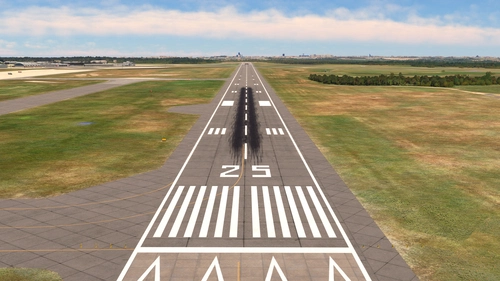
This add-on provides a patch for unTopos SUMU Montevideo Carrasco International Airport scenery, updating the runway designator from 06/24 to 07/25 to reflect real-world changes. The fix includes alterations to taxiway signs while maintaining all other elements of the original airport scenery. Compatibility with BeyondATC has been tested, and installation is straightforward via the Community folder. A known issue with apron textures at stands 5-8 is acknowledged.
by ironlemon
RKSS Seoul Gimpo ATC Tower fix
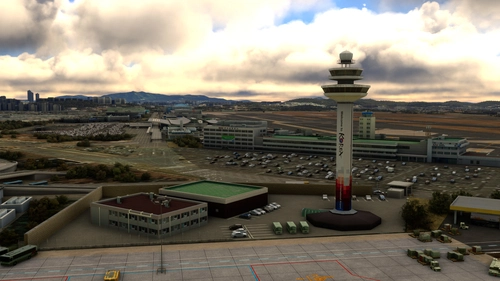
This add-on provides a fix for the control tower at Seoul Gimpo International Airport (RKSS), designed specifically for use with the payware scenery by Asian Airports. It adjusts the towers size to 2.2 times its original height and corrects its orientation to accurately reflect its real-world position. No other elements of the airport are affected by this modification. Installation is straightforward, requiring users to unzip the file into their Community folder.
by ironlemon
iFly Livery INI Fixer Tool for MSFS 2024
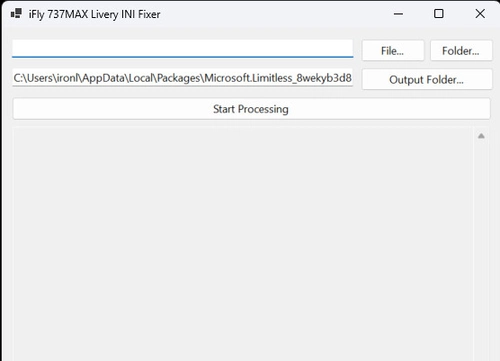
The iFly Livery INI Fixer Tool for MSFS 2024 is a .NET 8 application designed to streamline the conversion of custom livery configuration files for the iFly 737MAX from MSFS 2020 to the new format used in MSFS 2024. The tool automates the process of updating .ini files, handling the addition and removal of specific configuration fields, and sorting them according to the latest template. Users can process individual files or entire folders with ease, saving modified configurations in a specified output directory. The tool aims to simplify what would be a time-consuming task, maintaining compatibility with future updates.
by ironlemon
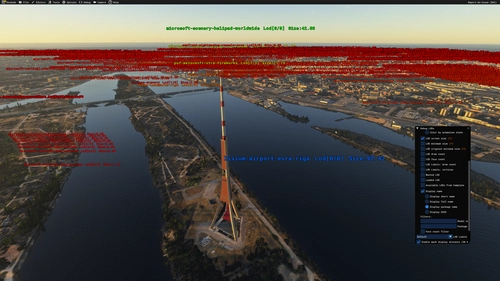
Lisium EVRA & Desmo Riga compatibility patch
This compatibility patch resolves duplicate Riga TV Tower models when using both Lisium Design EVRA airport scenery and Riga Landmarks by Desmo. It removes the extra model and retains only the version from Lisium. Installation requires placing the patch in the Community folder. Proper scenery load order may be needed for full effect.
by ironlemon
Log in to join the discussion
Log InComments(17)
about 1 year ago
about 1 year ago
about 1 year ago
over 1 year ago
over 1 year ago
over 1 year ago
almost 2 years ago
almost 2 years ago
over 1 year ago
over 1 year ago
about 2 years ago
about 2 years ago
about 2 years ago
about 2 years ago
about 2 years ago
over 2 years ago
over 2 years ago